Scheduling maintenance for one shop is a calendar problem. Scheduling across a network of shops is a matching problem — and it's a different animal entirely. Every truck coming due has to land at a shop that has the bay time, the right skills, the parts on the shelf, and hours that fit the truck's route. Get the match wrong and the truck deadheads to a backed-up shop while another sits half-empty. That's how distributed fleets end up averaging 54% PM compliance — not because any one shop is failing, but because each shop optimizes its own bay while nobody balances the network. This is the load-balancing method that fixes it: how to match trucks to shops, spot imbalance before it bites, and hold every location to the same number. Start a free trial and see PM demand across every shop in one view.
Distributed Fleet · Multi-Shop Scheduling
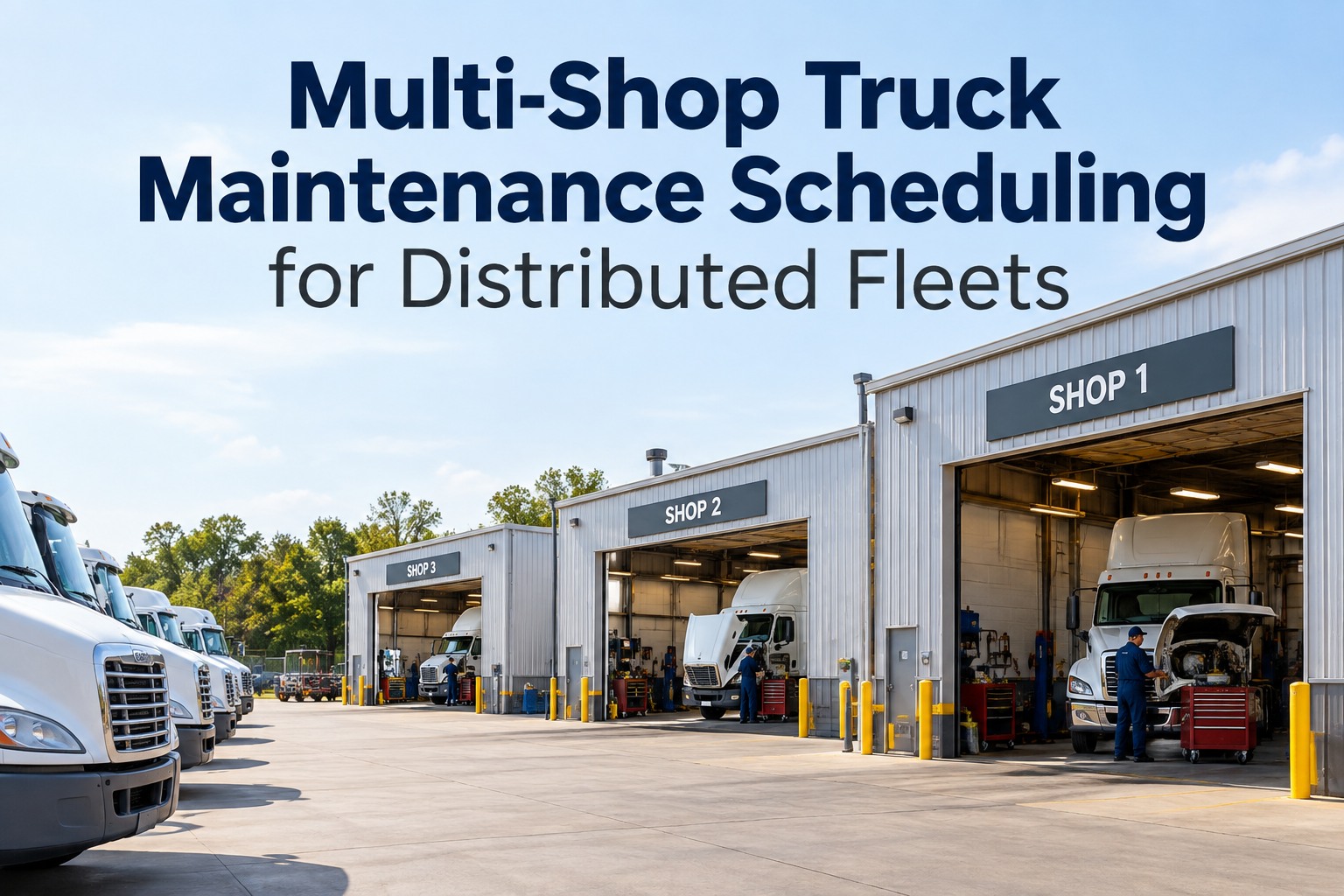
Multi-Shop Maintenance Scheduling for Distributed Fleets
Across a shop network, the hard part isn't when a truck is due — it's where it should go. This is the routing-and-load-balancing method that keeps every shop level and every truck on schedule.
54%avg multi-site PM compliance when shops run siloed
23–88%the spread between best and worst shop in one network
95%+the target a balanced network can actually hold
The Match: Four Things Must Line Up
A truck coming due isn't just "due" — it needs a shop where four things are true at once. Miss any one and the PM either gets deferred, done badly, or done somewhere that strands the truck off its route. Load balancing is the discipline of getting all four to line up.
Truck due for PM
1Bay capacity
Open bay-hours in the window the truck's available — not a shop already at peak load.
2Skills & certs
Techs who can do this work — an engine job doesn't go to a PM-and-tires-only shop.
3Parts on the shelf
The parts in stock here. Single-location inventory blindness adds 2–5 days per repair.
4Hours & location
Open when the truck can come in, and near enough to its route to avoid a deadhead.
The core problem Each shop foreman schedules to fill their
own bays. Nobody's job is to keep the
network level — so one terminal runs three weeks out while another has open bays, and trucks queue at the wrong door. Load balancing makes network-level fill someone's explicit job (or the software's).
Ask how network load balancing works.
Spotting Imbalance Before It Costs You
Imbalance is invisible when each shop reports its own numbers in isolation. Put the network side by side and it jumps out immediately — the same total workload, wildly uneven distribution.
Siloed: each shop for itself
Balanced: routed across the network
See PM Demand Across Every Shop in One View
Truck Inspection & Maintenance replaces per-shop spreadsheets and whiteboards with one real-time picture of the whole network — every truck's PM due date, each shop's open bay-hours, parts on hand by location, and where the overload is building. Route the overflow before it becomes a missed PM, generate the work order automatically at the receiving shop, and watch network-wide compliance climb past 95%. One system for drivers, mechanics, and every terminal.
The Routing Decision, Step by Step
When a truck comes due, this is the sequence that lands it at the right shop. It runs the same way every time — which is exactly why software runs it better than a dispatcher working the phones.
1Home shop first. Default to the truck's base shop — if it has capacity, the right skills, and the parts, that's the cheapest, simplest answer.
2Check the constraint that fails. No capacity? No cert for this job? Part not in stock? Whichever of the four match-factors fails is what forces a reroute.
3Find the nearest shop that clears all four. Among shops on or near the truck's route, pick the one with open bay-hours, the skills, and the parts — the true lowest-cost option, not just the closest.
4Weigh reroute cost vs. defer. Sometimes a short deadhead to a level shop beats waiting; sometimes nudging the date to keep it at home wins. The system should show the trade, not guess it.
5Generate the work order there. Once matched, the WO — tasks, parts, labor estimate — lands at the receiving shop automatically, with the truck's full history attached.
One Number, Every Shop
Load balancing only holds if every location is measured the same way. The moment shops report on different metrics, imbalance hides again. These are the KPIs that keep the network honest — terminal against terminal, same definition everywhere.
PM compliance %
The headline. Target 95%+ at every shop, not just the network average — an 88%/23% split averaging out to 54% is still two failing shops.
Bay utilization
Open vs. committed bay-hours per shop. The metric that exposes the overloaded/idle split load balancing exists to flatten.
Reroute rate
Share of PMs done away from home shop. A little is healthy balancing; a lot means a shop is chronically under-resourced for its trucks.
Parts-caused delay
Repairs waiting on parts not stocked locally. Rising numbers point at inventory blind spots adding 2–5 days per cycle.
The fleets that win multi-shop scheduling don't build more bays — they stop letting good bays sit idle while others overflow. One view of the network, the same KPI at every door, and overflow routed before it's a missed PM.
Start free and turn a network of siloed shops into one balanced system.
Frequently Asked Questions
Should we centralize scheduling or leave it to each shop?
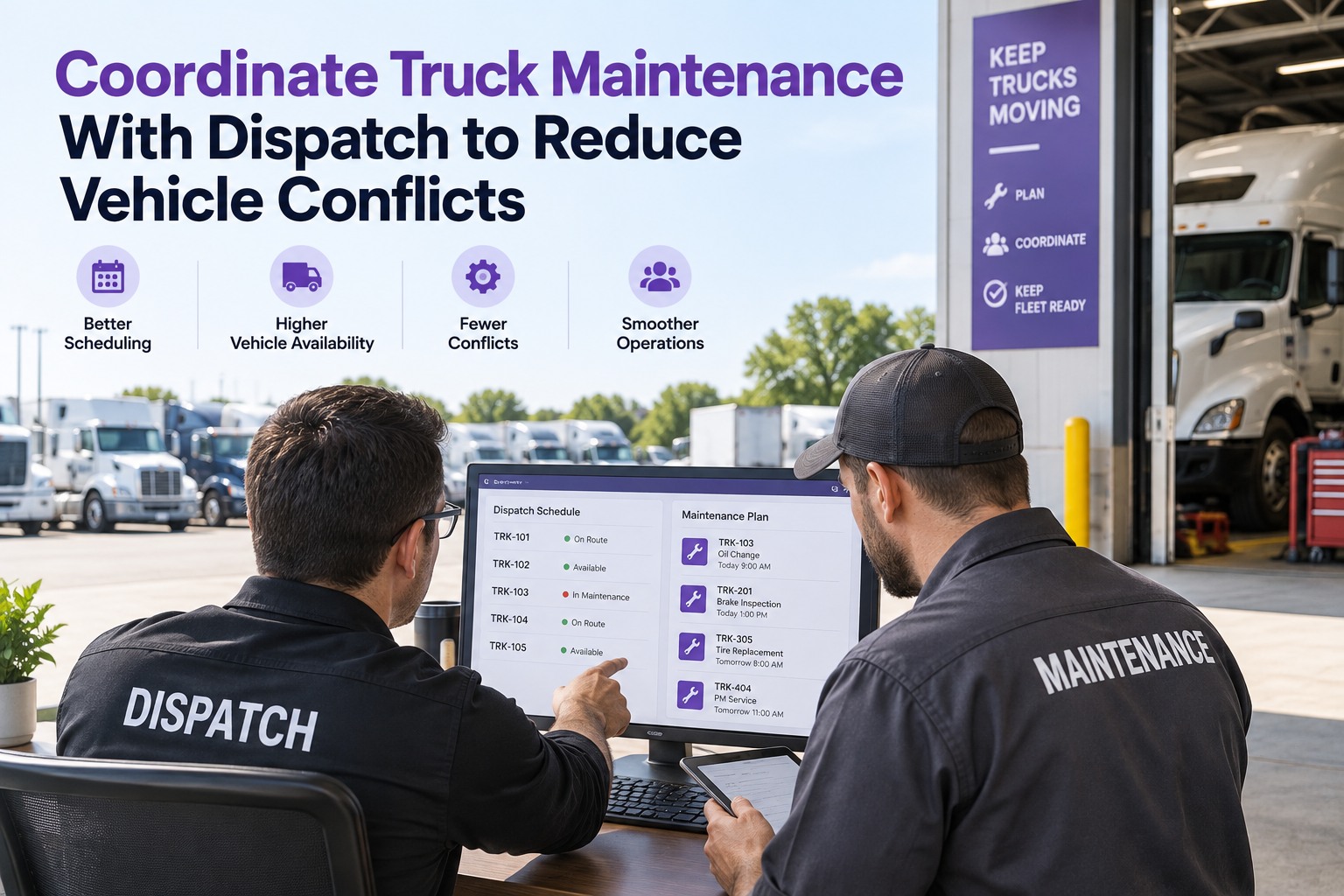
Neither extreme works — the answer is centralized visibility with local execution. Corporate and regional managers need to see the whole network to spot and route imbalance; terminal dispatchers still need authority over their own bays and trucks day to day. The winning model gives each role exactly the view it needs: the network planner sees where overload is building and routes overflow, while the local shop runs its floor. Fully centralized ignores local reality; fully local recreates the silos that cause 54% compliance in the first place.
Start free and set role-based views across the network.
How do we handle shops with different skills and equipment?
You make skills and capabilities part of the match, not an afterthought. Tag each shop with what it can actually do — PM and tires only, full mechanical, engine and transmission overhaul, hazmat-certified, and so on — and the routing logic won't send an engine job to a PM-only satellite. This is exactly why "nearest shop" is the wrong default: the nearest shop may not be able to do the work. The right target is the nearest shop that clears all four match-factors, capability included. Standardizing what you can across shops helps, but the routing has to respect real differences.
Isn't rerouting trucks between shops just adding deadhead miles?
Only if you reroute blindly. Good load balancing weighs the reroute cost against the alternative — a missed PM, a breakdown, or a truck sitting for days waiting on a part the home shop doesn't stock. Often the "reroute" is really just directing the truck to a shop already on its route, so there's little or no extra distance. The goal isn't to move trucks around; it's to stop them queuing at an overloaded shop when a capable, stocked shop with open bays sits nearby. When the software shows the trade-off explicitly, you route only when it genuinely pays.
We're at 54%-style compliance now — where do we even start?
Start with visibility, because you can't balance what you can't see. Get every shop's PM demand, bay capacity, and parts inventory into one shared view — that alone surfaces the overloaded/idle split that's been invisible in per-shop spreadsheets. From there, standardize on one PM-compliance definition measured the same way at every location, then begin routing overflow from your backed-up shops to your under-loaded ones. Fleets that move from manual, siloed scheduling to a unified system routinely climb from the 60–75% manual range toward the 95%+ target.
Talk to our team about mapping your network on Truck Inspection & Maintenance.
Match · Balance · Measure the same
Turn a Network of Shops Into One Balanced System
Truck Inspection & Maintenance replaces paper DVIRs and per-shop PM spreadsheets with mobile inspections, automated work orders, and one real-time compliance dashboard across every terminal — so PM demand, bay capacity, and parts are visible network-wide, overflow gets routed before it's a missed PM, and every shop is held to the same 95%+ standard. Stop losing uptime to imbalance you couldn't see.
No credit card required. Free for up to 3 trucks. Built for FMCSA-compliant fleets.