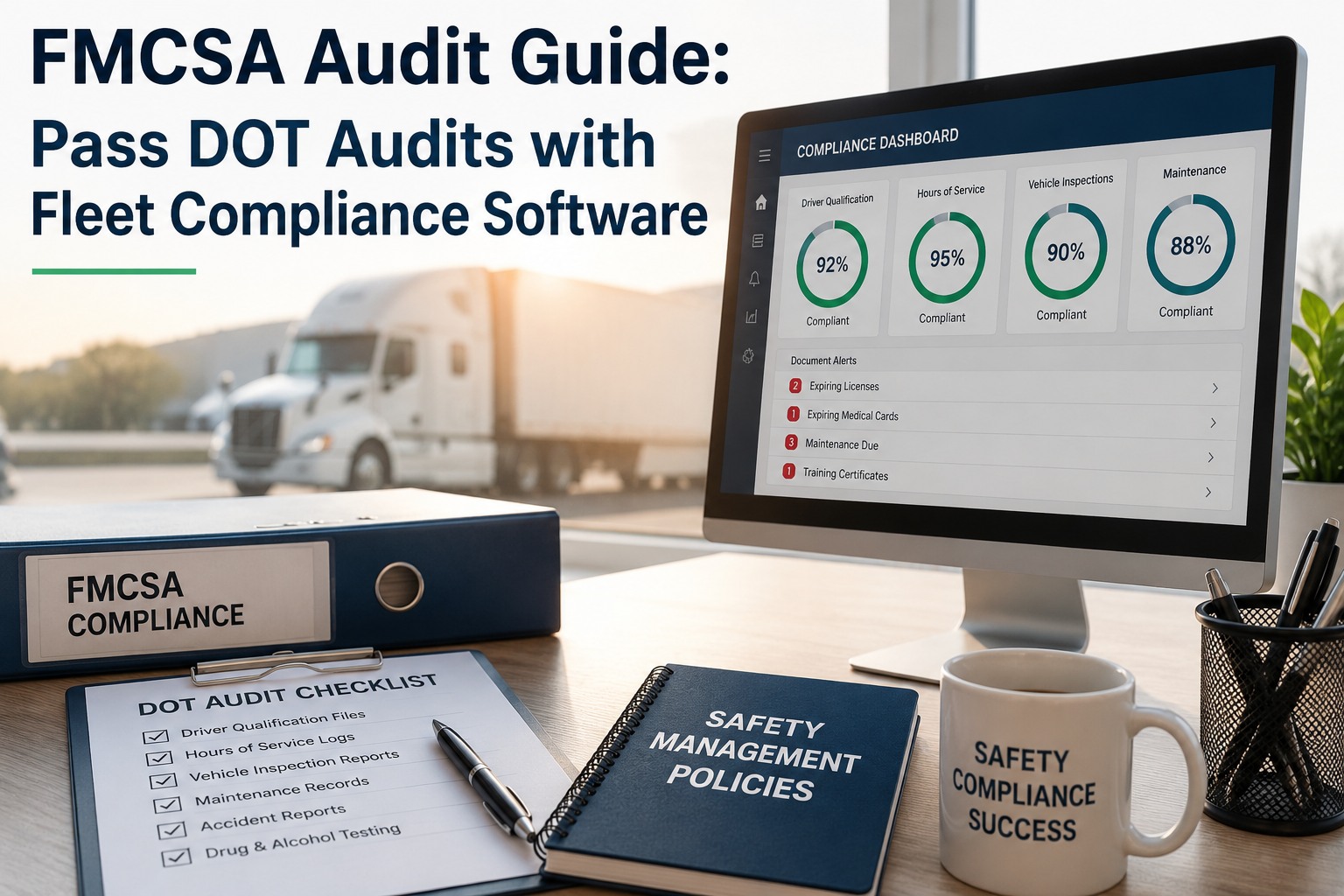
An FMCSA audit doesn't warn you. A compliance review letter lands, a Safety Investigator picks a sample window, and 48 hours later they want to see records for every truck, every driver, and every inspection touching that window. Fleets that pass produce the files inside the deadline; fleets that don't get downgraded from Satisfactory to Conditional, or worse — Unsatisfactory shuts the operating authority down. The gap between passing and failing is almost never the mechanics or the drivers. It's the records. Below is the complete field-ready checklist of the 47 record types FMCSA can demand across driver qualification, drug & alcohol, hours of service, vehicle maintenance, accidents, hazmat, insurance, and general operations — each with the exact CFR citation, retention window, and where auditors look first. Print it, wall-post it, or run it inside Truck Inspection & Maintenance where every record is timestamped and searchable in one archive. Sign up free or contact our team.
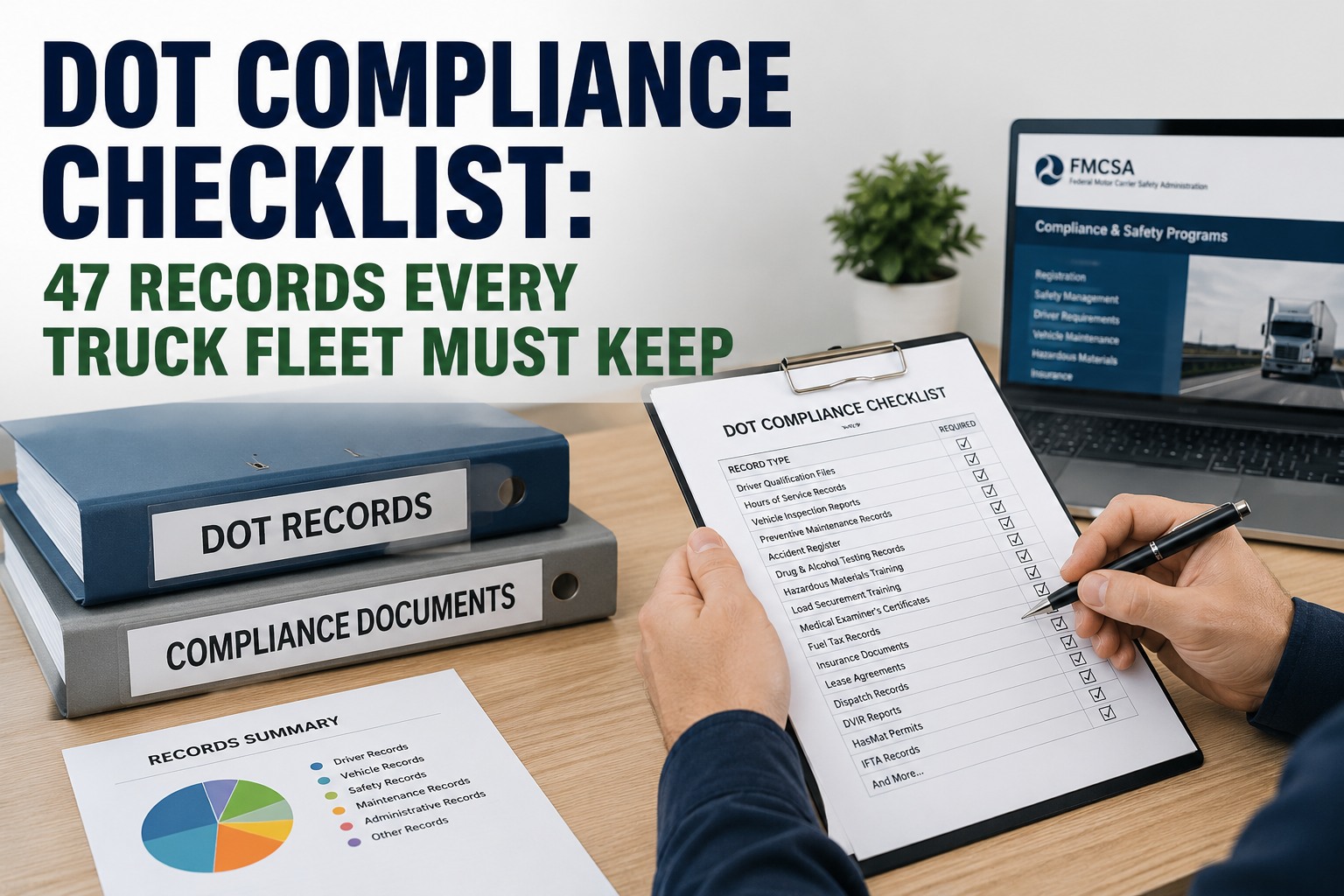
DOT Compliance Checklist — 47 Records Every Truck Fleet Must Keep
A missing document is a violation. A wrong retention window is a violation. This checklist stops both.
Why the 47 Matters — Not All Records Are Equal
Auditors don't check everything. They check specific records against specific windows. Getting the retention wrong is as bad as not having the record at all:
DOT violations for missing or incomplete driver files start around $1,000 per instance. A ten-driver gap in DQFs alone can trigger $10,000+ in fines before the audit even moves to vehicle records.
Once the compliance review letter arrives, most fleets have 48 hours to produce a complete records sample. Paper systems fail this test constantly; digital archives pass it in minutes.
Satisfactory → Conditional downgrade blocks government contracts, raises insurance premiums 20–40%, and starts a shot-clock to fix everything or lose operating authority.
Every record on the checklist below can be timestamped and auto-archived with the right retention window — start a free account and turn "audit anxiety" into "audit-ready."
Category 1 — Driver Qualification Records (7 records · 49 CFR Part 391)
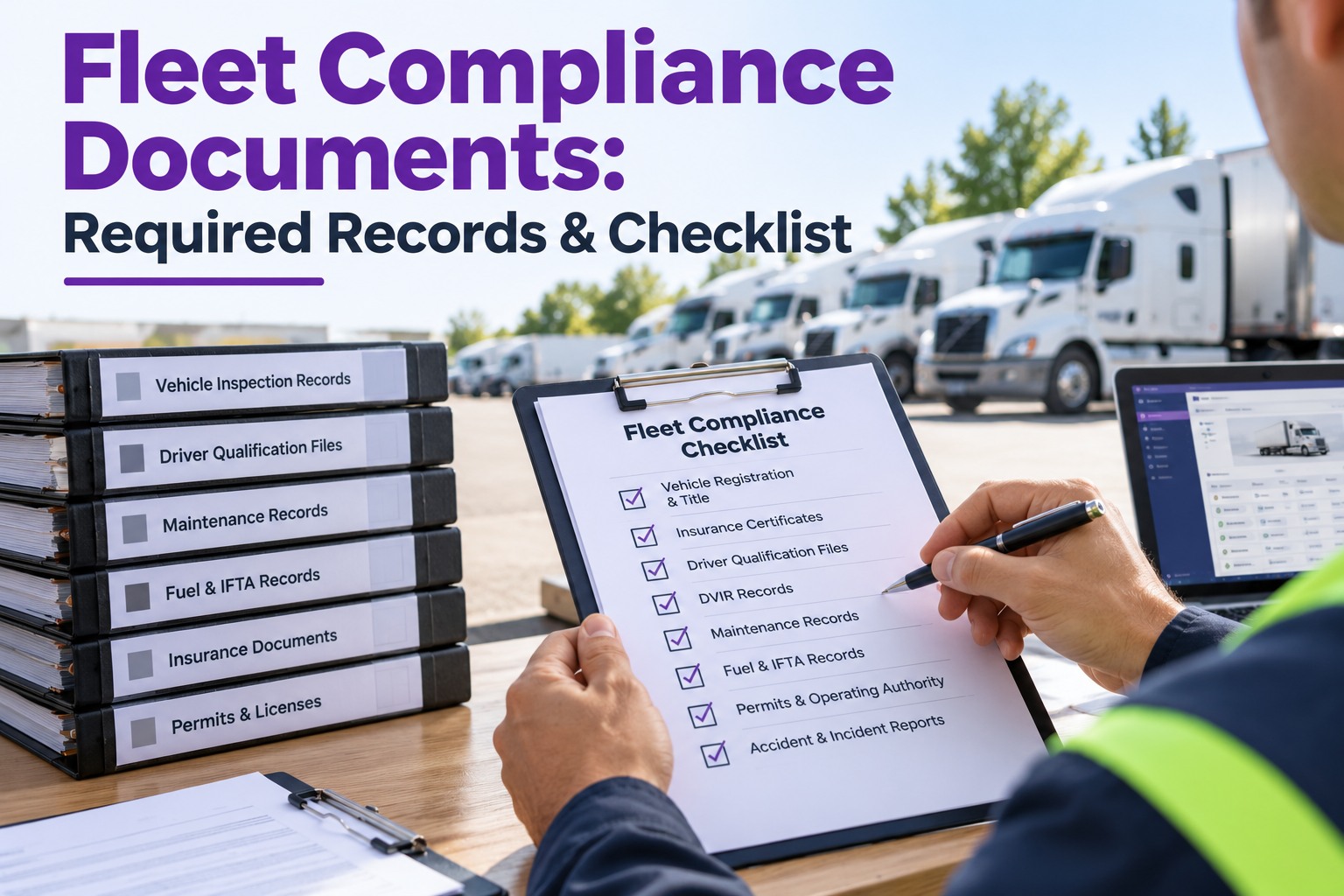
The DQF is the first thing auditors ask for. Each driver's file must contain every item below with the retention window shown:
Category 2 — Drug & Alcohol Testing (6 records · 49 CFR Part 382)
Drug & alcohol records follow their own retention rules — longer than DQF for positive tests. Confusing the two timelines is one of the most common audit failures:
Category 3 — Hours of Service Records (5 records · 49 CFR Part 395)
ELD records changed the HOS game in 2019, but retention rules stayed the same. Six-month window means an audit in July can request records back to January:
HOS records tie directly into DVIRs and vehicle records — want to see how the pieces connect for a fleet your size? Contact our team for a walkthrough.
Category 4 — Vehicle Maintenance (9 records · 49 CFR Part 396)
The largest single record category. Every truck, every inspection, every repair, every roadside — all traceable, all retention-windowed:
Category 5 — Accident Records (4 records · 49 CFR Part 390)
The accident register is one of the first records an auditor pulls. Small definition detail: FMCSA-recordable accidents include fatality, injury requiring transport, or vehicle towed from scene:
Accident records + post-accident testing must line up for an FMCSA audit — sign up free and keep both in one linked archive.
Category 6 — Hazmat Records (5 records · 49 CFR Parts 172, 173, 177)
Only required if your fleet transports hazardous materials — but audits are aggressive when they apply:
Category 7 — Insurance & Operating Authority (4 records · 49 CFR Part 387)
Financial responsibility records — the ones an FMCSA auditor pulls first to verify legal operation:
Category 8 — General Operations (7 records · Multiple CFR Parts)
The catch-all category — records that don't fit elsewhere but auditors still request. Often the most overlooked:
Running hazmat, IFTA, or a New Entrant audit within 18 months? Get in touch for a category-specific compliance walkthrough.
The One Rule That Passes Every Audit — Retention Window Trumps Convenience
The single biggest audit failure isn't a missing record — it's a discarded record. Fleets shred DQFs 30 days after a driver leaves because "he's gone, we don't need it." FMCSA needs it for three more years. Fleets purge DVIRs at 30 days to save server space. FMCSA needs 90 days. Every record on this list has a retention window that is not negotiable, and the safest posture is always to keep records slightly longer than the minimum. Set retention to the maximum plausible interpretation of each rule, and audit failures on "record not available" drop to zero. Start a free account and get automatic retention timers on every record type.
The Audit Response Playbook — 5 Steps When the Letter Arrives
When the FMCSA compliance review letter lands, here's what top-performing fleets do in the first 48 hours:
Confirm Scope in Writing
Reply to the auditor confirming the sample window, the drivers/vehicles in scope, and the specific record categories requested. Prevents mid-audit expansion.
Pull Records to a Single Folder
Collect every requested record into one physical or digital folder, organized by category (DQF, D&A, HOS, Maint, Accident). No hunting mid-audit.
Self-Audit Against the 47
Run the checklist above against the pulled records. Note any gaps before the auditor finds them — proactive disclosure often carries less weight than discovered violations.
Prepare One Point of Contact
Assign one compliance officer or fleet manager as the sole auditor liaison. Prevents contradictory answers from different staff and controls the narrative.
Document Every Response
Keep a running log of every auditor question and your response. Protects against later disputes and creates a self-audit playbook for the next review.
Step 2 of the playbook — "pull records to a single folder" — takes minutes instead of days when the archive is already digital. Create your free account in 10 minutes.
Every record type on this checklist has an automatic retention timer built in.
DVIRs, DQFs, PM history, roadside inspections, annual inspections — one archive, searchable per truck or per driver, audit-ready in minutes. Free forever for up to 3 vehicles — create your free account or talk to our compliance team.
Frequently Asked Questions
How long must I keep DOT records for a commercial fleet?
Retention varies by record type. Driver qualification files (DQFs) must be kept for the duration of employment plus 3 years under §391.51. Drug and alcohol testing records go 5 years for positive results, 1 year for negatives (§382.401). Hours of service records: 6 months (§395.8). DVIRs: 3 months (§396.11). Roadside inspection reports: 12 months (§396.9). Annual periodic inspections: 14 months on vehicle. Accident register: 3 years from accident date (§390.15). Never guess — use the CFR-cited windows in the checklist above.
What are the most common DOT audit failures?
Four failures dominate: (1) missing DQF components — usually the annual MVR review or medical certificate; (2) incomplete drug & alcohol testing records — most often the Clearinghouse annual query; (3) DVIR gaps — either missing days or missing photo evidence on defects; (4) annual periodic inspection expired — the 14-month window is easy to miss. All four are documentation failures, not operational failures. Automated retention timers and digital archives eliminate them entirely.
What is the penalty for missing DOT records?
Fines vary by violation type and severity. Missing or incomplete driver qualification files typically start around $1,000 per violation, and can compound quickly across a fleet — ten drivers with incomplete DQFs can trigger $10,000+ in fines. Beyond fines, the bigger consequence is a Satisfactory-to-Conditional safety rating downgrade, which raises insurance premiums 20–40%, disqualifies the carrier from government contracts, and starts a corrective action clock. Repeated failures can lead to loss of operating authority entirely.
How long does a DOT compliance audit take?
A New Entrant audit typically runs 1–2 days on-site. A full compliance review after a Satisfactory downgrade can run 3–5 days or longer depending on fleet size and issues found. Most audits begin with a letter giving the carrier 48 hours to produce initial records — the digital-archive fleets meet that window easily, the paper fleets scramble and often fail on documentation alone before the auditor examines a single truck.
Can DOT records be kept electronically?
Yes. FMCSA accepts electronic records provided they are readable, searchable, and reproducible in print form on demand. Digital DVIRs, electronic DQFs, and ELD data all qualify. The requirement is not paper vs digital — it is completeness, accuracy, and availability within the audit response window. Digital archives typically pass audits faster than paper because search and retrieval take seconds rather than hours.
How does Truck Inspection & Maintenance help with DOT compliance recordkeeping?
Truck Inspection & Maintenance keeps every DOT record type on this checklist in one digital archive with automatic retention timers per record type. DVIRs auto-archive with 3-month retention, DQFs with employment-plus-3-year retention, roadside inspection reports with 12-month retention, annual inspections with vehicle-life retention, and every category above. Search by truck, driver, date, or CFR reference in seconds. Audit-ready exports in one click. Free forever for up to 3 vehicles. Sign up in 10 minutes or contact our team for larger fleets.
An FMCSA audit isn't won by mechanics. It's won by records. Get the records right and the rating takes care of itself.
All 47 record types, automatic retention timers, one searchable archive — free forever for up to 3 vehicles. No hardware, no contract, no credit card.