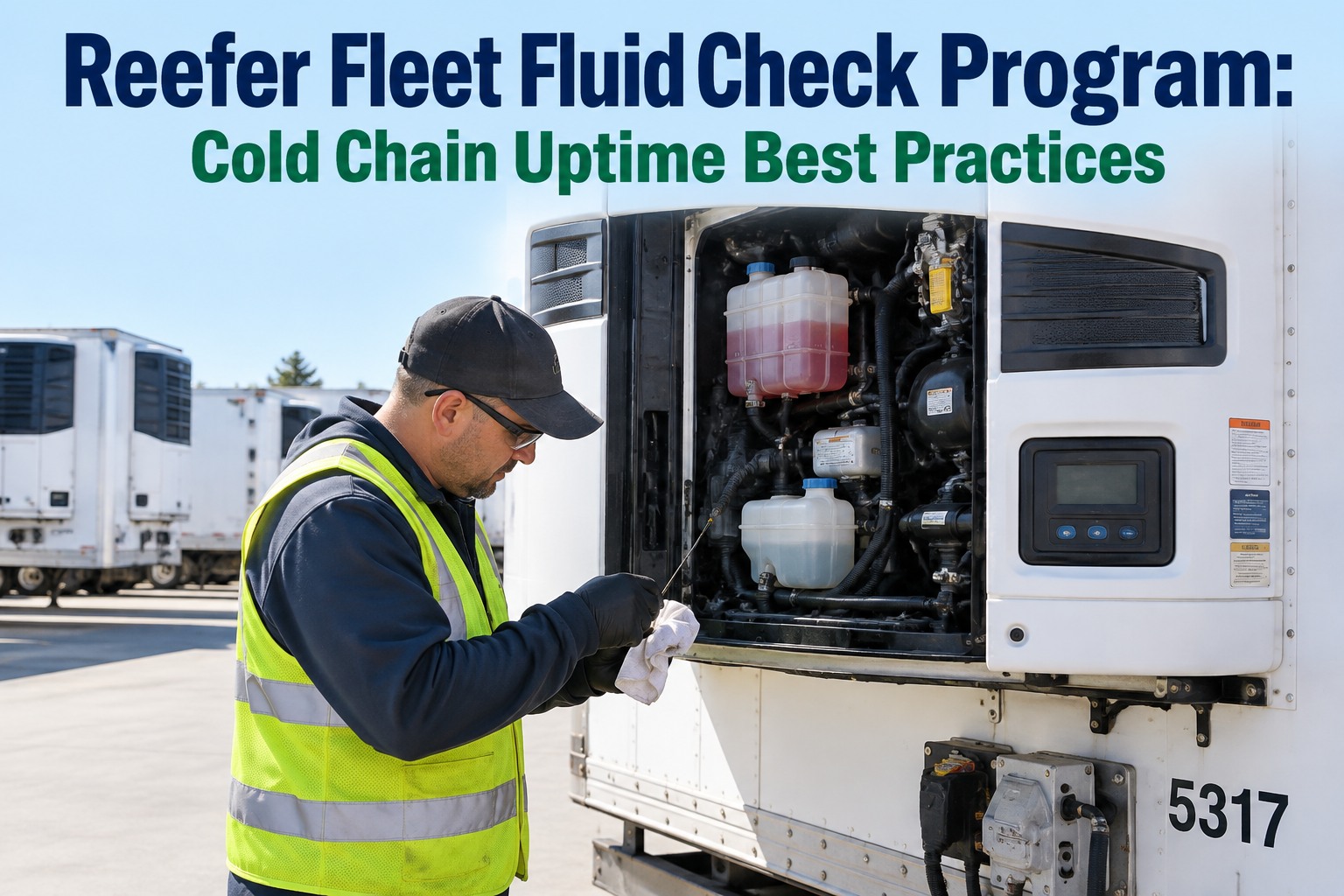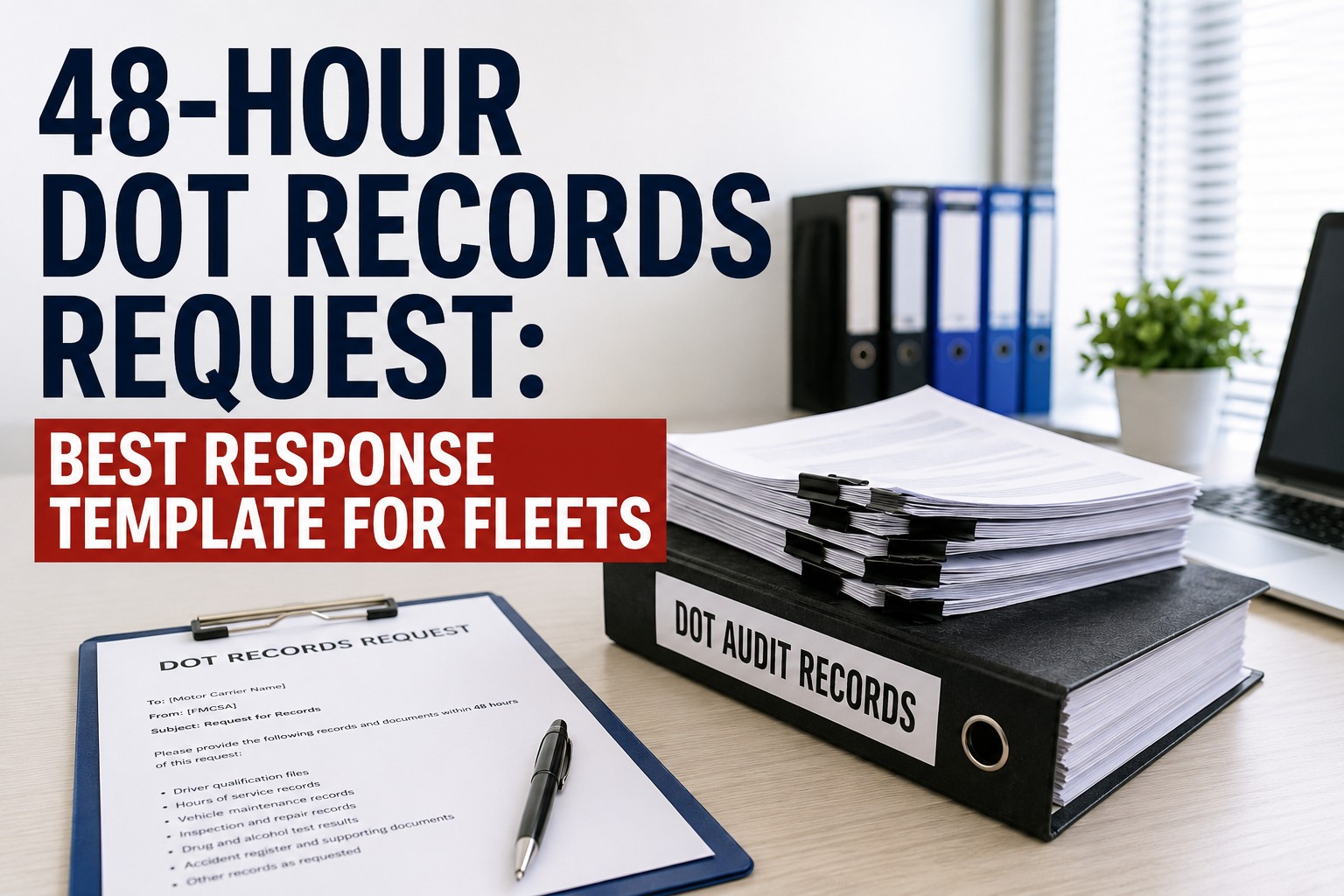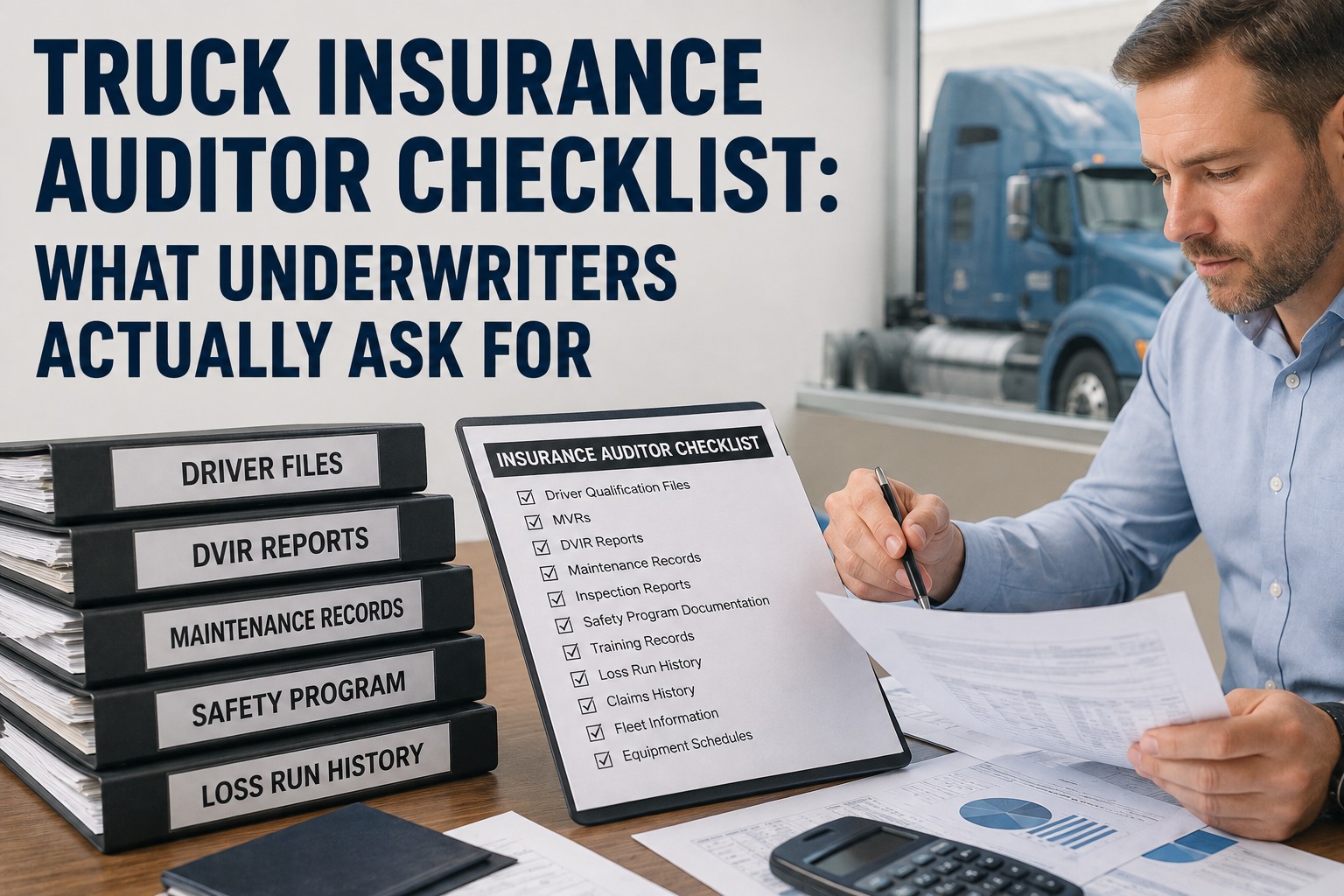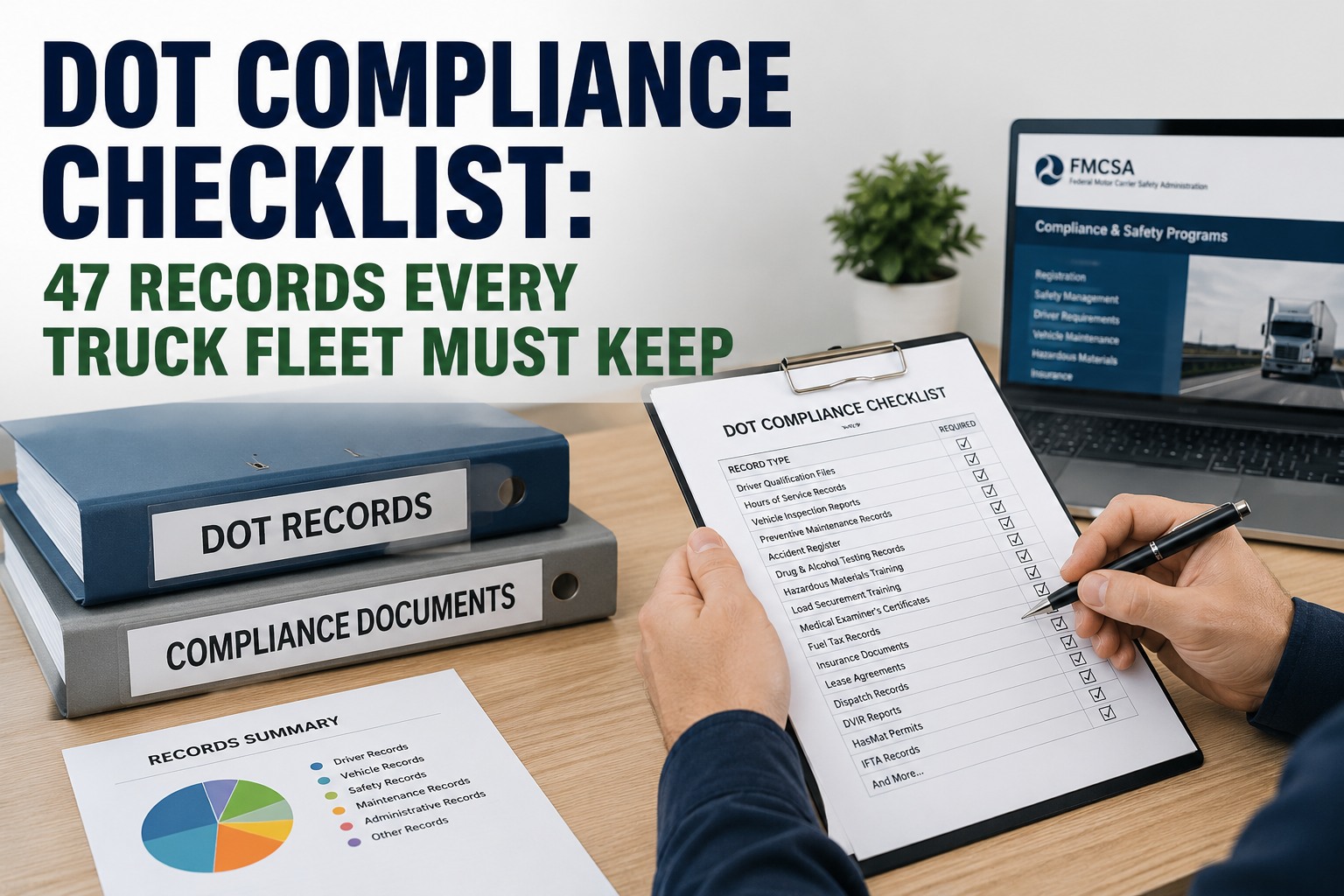
The letter arrives with little warning — sometimes just days for an off-site records request — and inside that window, a carrier has to produce months or years of driver files, inspection reports, and maintenance history, organized and ready to hand over. Most fleets don't fail an audit because a truck was unsafe; they fail because a record was missing, expired, or impossible to find fast enough. This guide covers exactly what auditors check, in what order, and how to keep the paperwork ready before the letter ever shows up. Start free and keep your DVIRs, defects, and repair records export-ready year-round.
When the Auditor Asks for a Record, "Give Me a Minute" Is the Wrong Answer
Most audit findings aren't about unsafe trucks — they're about a defect that was written down but never shown as repaired, a DVIR that's missing for a week nobody noticed, or an annual inspection certificate buried in a filing cabinet. Truck Inspection & Maintenance Management Software keeps that entire trail connected automatically: every DVIR, every logged defect, and every closed work order timestamped and linked, so when a record is requested, it's already organized and ready to export — not reconstructed under pressure.
The Six Categories Every Audit Works Through
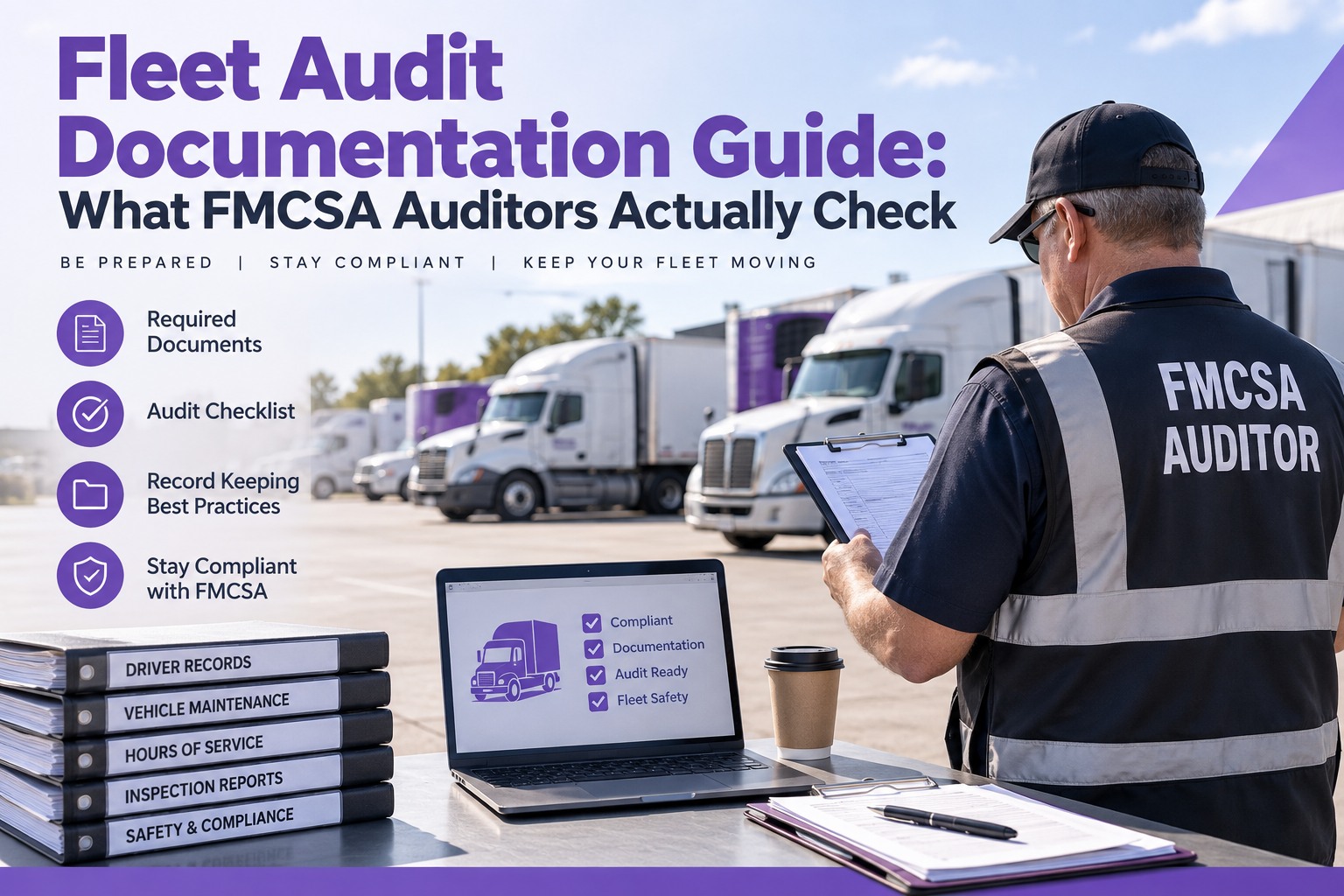
Whether it's a new-entrant safety audit or a full compliance review, FMCSA auditors work through the same six categories in roughly the same order. Vehicle maintenance and DVIRs are only one piece of it, but they're consistently one of the categories with the most findings — because a defect can be logged correctly and still fail an audit if there's no record showing it was actually fixed.
Maintenance & DVIR — Where Records Most Often Fall Apart
A defect written on a DVIR is only half the story an auditor is looking for. The other half is proof it was actually repaired — a work order, a part replaced, a mechanic's sign-off, dated before the truck went back into service. When that second half is missing, the auditor doesn't assume the repair happened quietly; they record it as a finding. Our software closes that gap by design: a logged defect can't sit open indefinitely without a linked work order showing what was done and when.
- A DVIR for every day the vehicle operated
- Every logged defect matched to a repair record
- Annual inspection certificate on file per vehicle
- A driver or mechanic signature closing the loop
- A consistent PM schedule, not just reactive fixes
- Gaps in the DVIR record with no explanation
- A defect noted with no matching repair on file
- Annual inspection expired or missing entirely
- Repair records that don't specify what was fixed
- Paper records that are incomplete or illegible
How the Trail Stays Connected — Before the Auditor Ever Asks
The goal isn't a bigger filing system — it's a documentation trail that builds itself as the work actually happens, so nothing has to be reconstructed after the fact.
Every Record, Connected and Ready
Our Truck Inspection & Maintenance Management Software keeps DVIRs, logged defects, work orders, and annual inspection certificates linked to the vehicle and to each other automatically. When a record is requested — whether it's one truck or the whole fleet — it's already organized, dated, and complete, ready to hand over instead of hunted down.
Frequently Asked Questions
Walk Into Every Audit With the Records Already Organized
Our Truck Inspection & Maintenance Management Software links every DVIR, defect, and repair to the vehicle automatically, keeps records on file well past standard retention windows, and exports a vehicle's full history in one pull instead of four separate searches. Build the trail before the letter arrives.