When you own and drive your own truck, you are the driver, the mechanic and the compliance department — all in one cab. Nobody else logs your inspection, files your records or hands you a clean folder when a DOT auditor asks. This guide covers the daily check and, just as importantly, how long every record has to be kept. Start free and keep every inspection and record in one place.
Inspect · Document · Retain · Comply
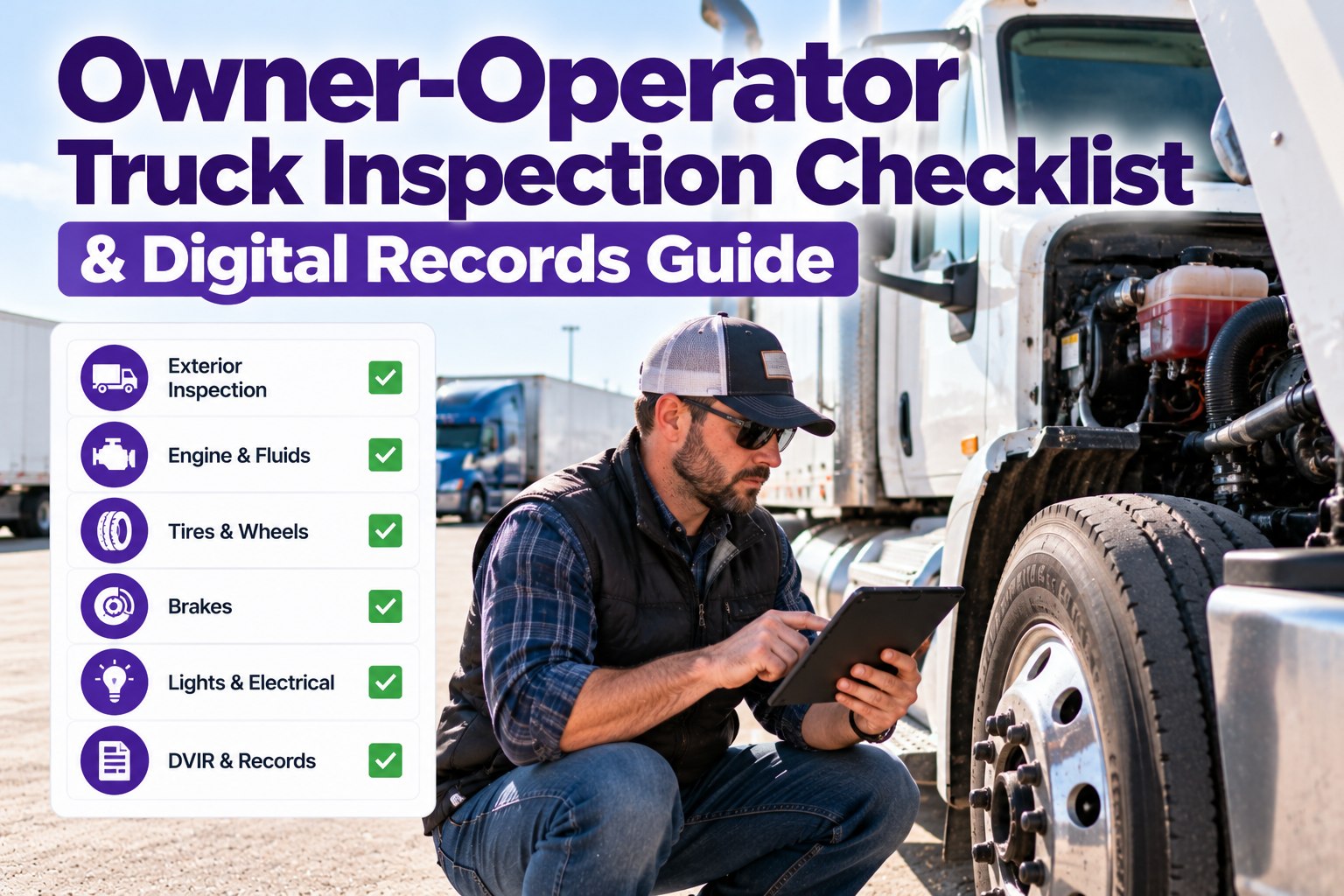
Owner-Operator Truck Inspection Checklist & Digital Records Guide
Truck Inspection & Maintenance Management Software gives a one-truck operation the same audit-ready inspection and records a big fleet runs — a guided DVIR, defect tracking and a records archive that is ready the moment an auditor asks.
One Driver, Three Jobs
In a large fleet, three different people handle the inspection chain. As an owner-operator, all three roles are yours — and the record has to show each one was done. That is exactly where a single truck gets caught in an audit: the inspection happened, but nothing proves it.
◉The driverRuns the pre-trip and post-trip, reports any defect, and certifies the vehicle is safe to drive.
⚒The mechanicRepairs the defect or confirms it is safe, and certifies the fix before the next trip.
▤The officeFiles the DVIR, keeps the maintenance history, and produces records on demand in an audit.
What Every Inspection Must Cover
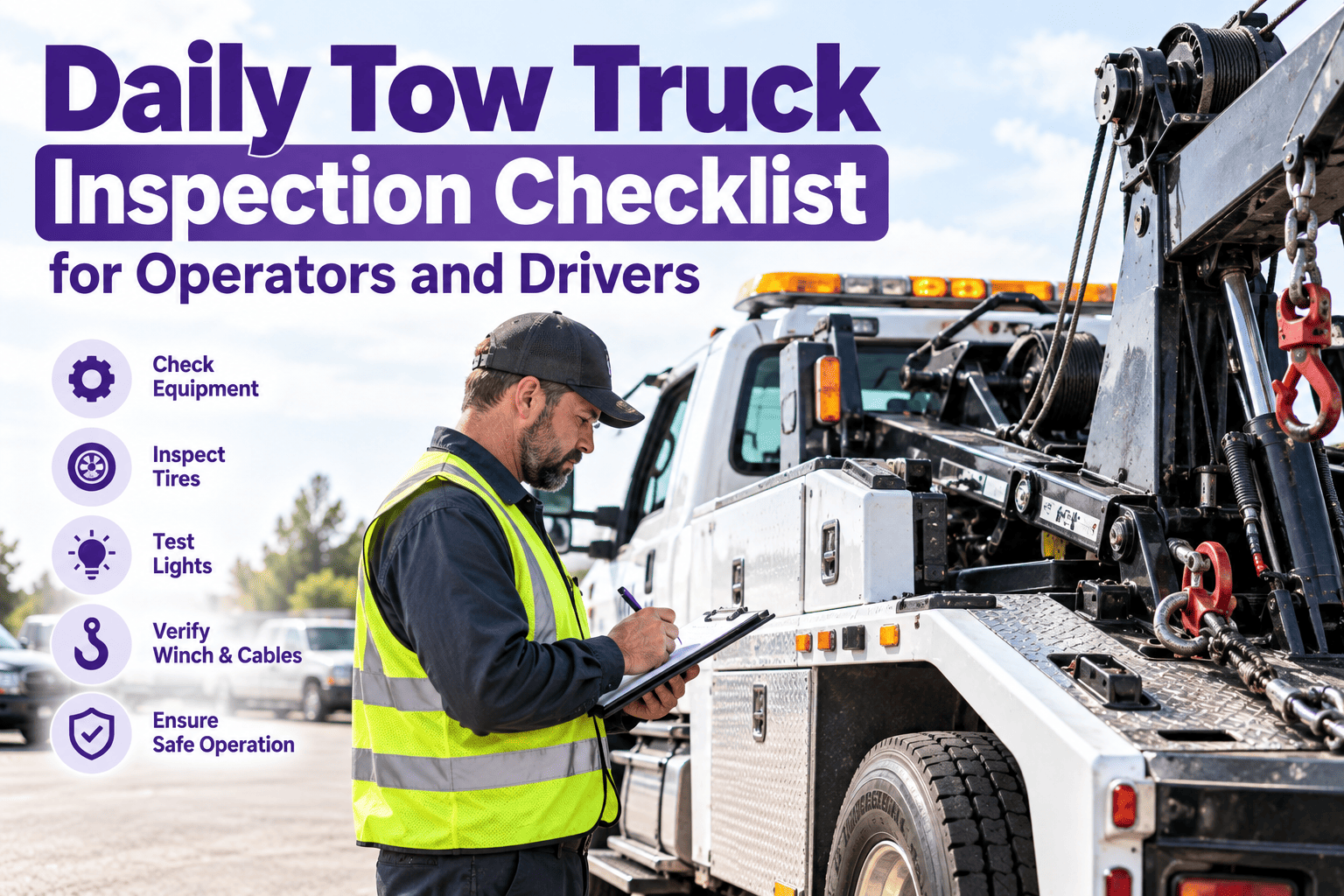
A driver vehicle inspection report is built around a required list of components. The first eleven are set by §396.11; the last four are standard roadside and CSA-scored items worth checking every time. Walk them in the same order each trip so nothing gets skipped.
A pre-trip only produces a formal DVIR when a defect is found; a post-trip DVIR is prepared at the end of the day's work if any defect affecting safe operation was identified. Keeping a consistent record either way is what protects you in a dispute.
The Three Signatures — All of Them Yours
The compliance chain has three sign-offs, and as an owner-operator you provide each one. A digital record timestamps them so the sequence is clear and defensible.
1Driver certifiesAt the end of the workday you note any defects, or sign "no defects found."
2Repair certifiedIf a defect was noted, the repair — or confirmation it is safe — is certified before the next trip.
3Reviewed before drivingThe prior report and certification are reviewed before the truck rolls again.
Your Whole Operation in One Pocket
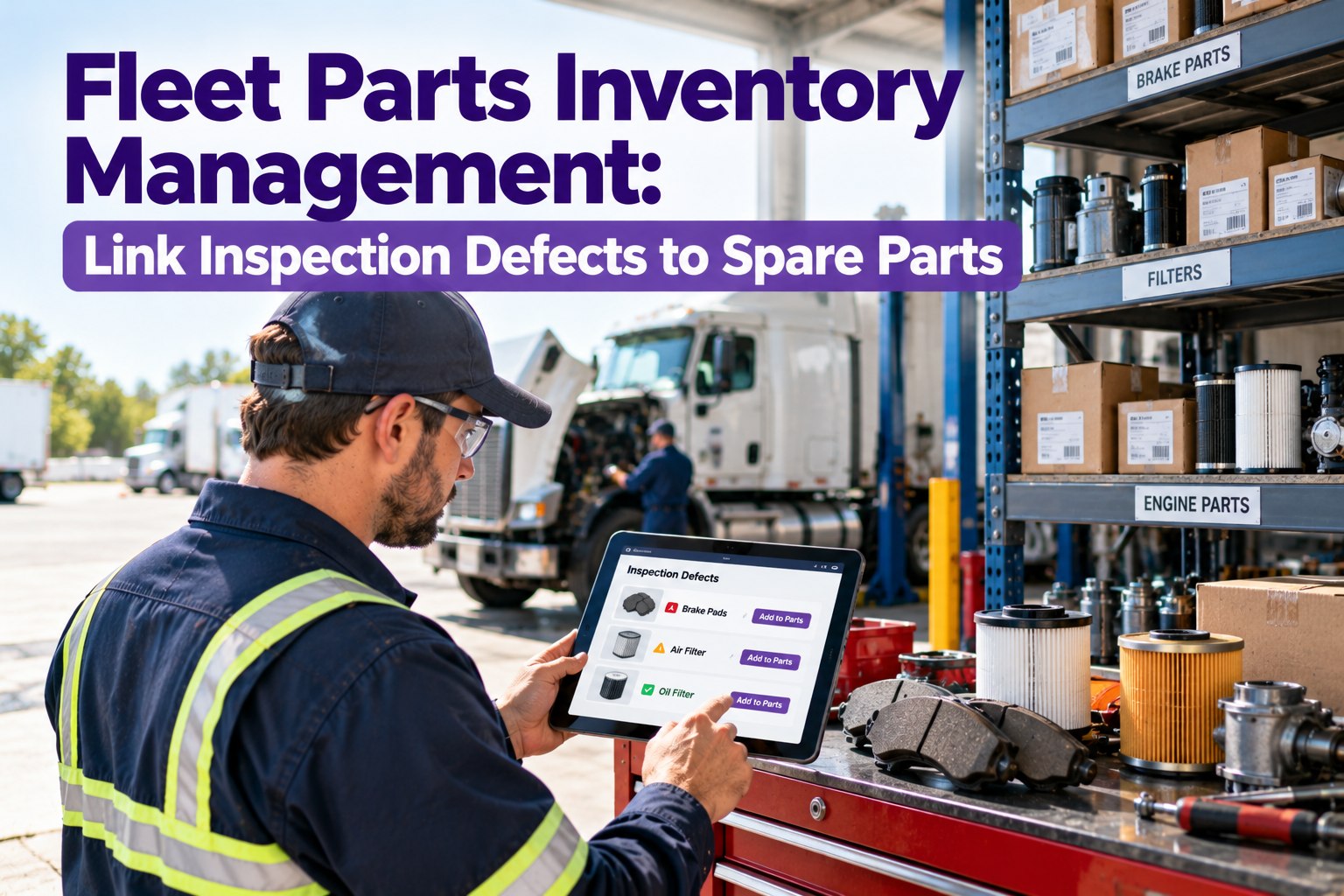
Truck Inspection & Maintenance Management Software walks you through the DVIR, captures a photo on any defect, turns it into a work order, and files the signed record automatically — so a one-person operation carries the same proof a big carrier does, without the paperwork.
How Long to Keep Every Record
This is where paper quietly fails an owner-operator — not the inspection, the retention. Each record type has its own clock, and in an audit you have to produce them within 48 business hours. Know the windows, and keep everything at least that long.
RecordKeep forBasis
Daily inspection reports (DVIRs)3 months§396.11
Maintenance & repair records12 months in service§396.3
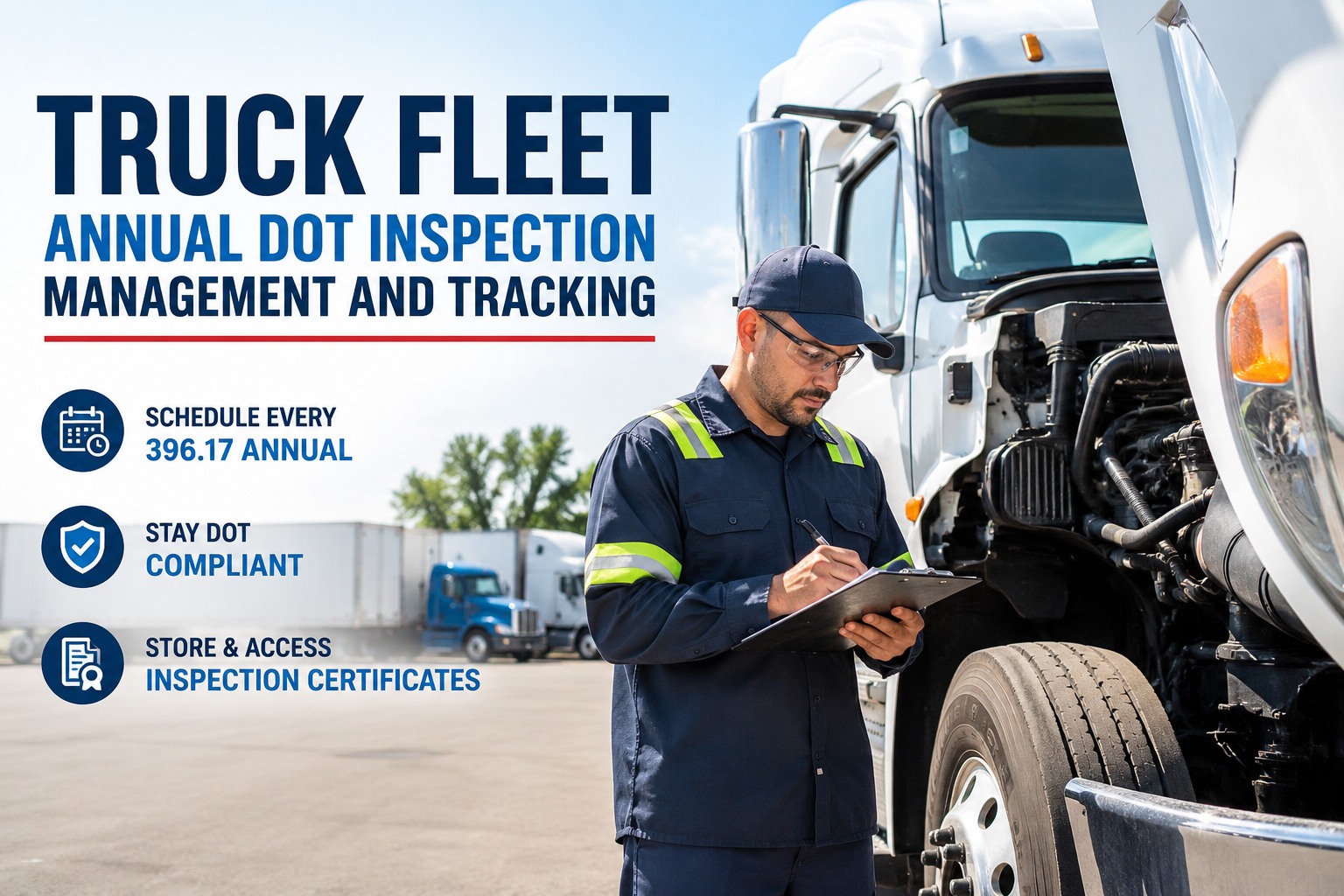
Annual inspection report14 months§396.17 / .21
Roadside inspection repair proof12 monthsafter filing
Brake-inspector qualification1 year after last§396.25
Minimum periods only — many operators keep records far longer. Sold or leased out a truck? Hold its maintenance records until the earlier of the remaining 12 months or 6 months after it leaves your control. Scanned copies are fine if signatures stay legible.
Filing Cabinet vs. Your Phone
The inspection is the same either way. What changes is whether the record survives to the audit — and how fast you can hand it over.
Paper in the cab
- Logs fade, tear or get lost
- Retention clocks tracked in your head
- Audit means digging through a box
- No photo proof on a defect
- "Did I ever fix that?" — no way to tell
→
Digital records
- Every record stored and searchable
- Retention handled for you automatically
- Full history exported in minutes
- Photo and timestamp on every defect
- Repair history tied to the truck for good
The Record Is What an Auditor Actually Sees
You know your truck is safe. In an audit, only the record proves it. Truck Inspection & Maintenance Management Software keeps the DVIR, the defect, the repair and the retention clock in one place — so a 48-hour records request is a two-minute export, not a weekend in the shop office.
Why Owner-Operators Switch to Digital
You didn't buy a truck to do paperwork. Digital records give a solo operation the compliance backbone of a large fleet without the admin load. Start free and run your whole truck on one app.
◳Guided DVIRThe full 15-point check on your phone, nothing skipped.
▣Photo-backed defectsSnap it, log it, keep it on the truck's record.
⚑Defect to work orderA finding becomes a tracked repair, not a sticky note.
◷Retention handledRecords kept the right length, no clock to track.
⌕Audit in minutesFull history exported inside the 48-hour window.
◎Works offlineInspect anywhere; it syncs when you're back in range.
Frequently Asked Questions
01
Do owner-operators have to do a DVIR every day?
A post-trip DVIR is required at the end of the workday whenever a defect affecting safe operation is found. Many experienced operators record one either way, because a consistent "no defects found" log becomes strong evidence in an audit or dispute. The pre-trip is required before every trip, but only produces a formal report when a defect turns up.
Start free and log a DVIR in under two minutes.
02
How long do I keep my inspection and maintenance records?
DVIRs for at least 3 months, maintenance and repair records for 12 months while the truck is in service, and the annual inspection report for 14 months. These are minimums — keeping them longer only helps. In an audit you must produce them within 48 business hours.
03
Are digital records accepted for DOT compliance?
Yes. Electronic DVIRs and scanned or digital maintenance records are accepted, provided they are legible and signatures can be authenticated. A digital system also timestamps each entry, which makes the inspection and repair sequence easier to prove than a handwritten log.
04
I only have one truck — is software overkill?
The compliance rules are the same for one truck as for a hundred, but the admin falls entirely on you. Software removes that load: it guides the check, files the record and tracks retention, so you spend your time driving rather than chasing paperwork.
Book a demo built for a single-truck operation.
Inspect · Document · Audit-ready
Run Your Truck Like a Fleet — Without the Fleet Paperwork
Give your one-truck operation a guided DVIR, photo-backed defect tracking and a records archive that keeps every clock for you — so you're always ready when someone asks for proof.
No credit card required. Free for up to 3 trucks. Built for FMCSA-compliant operators.