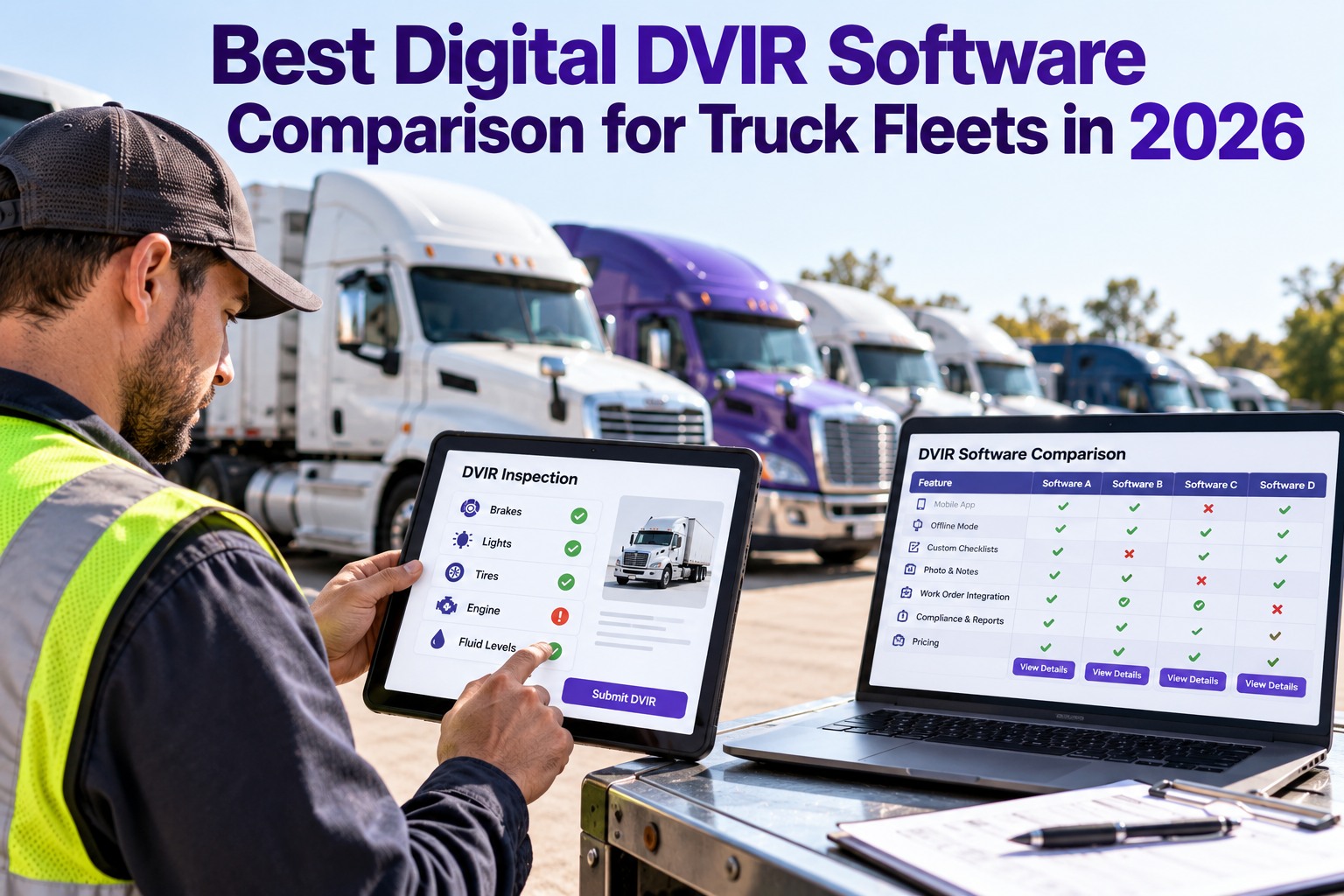
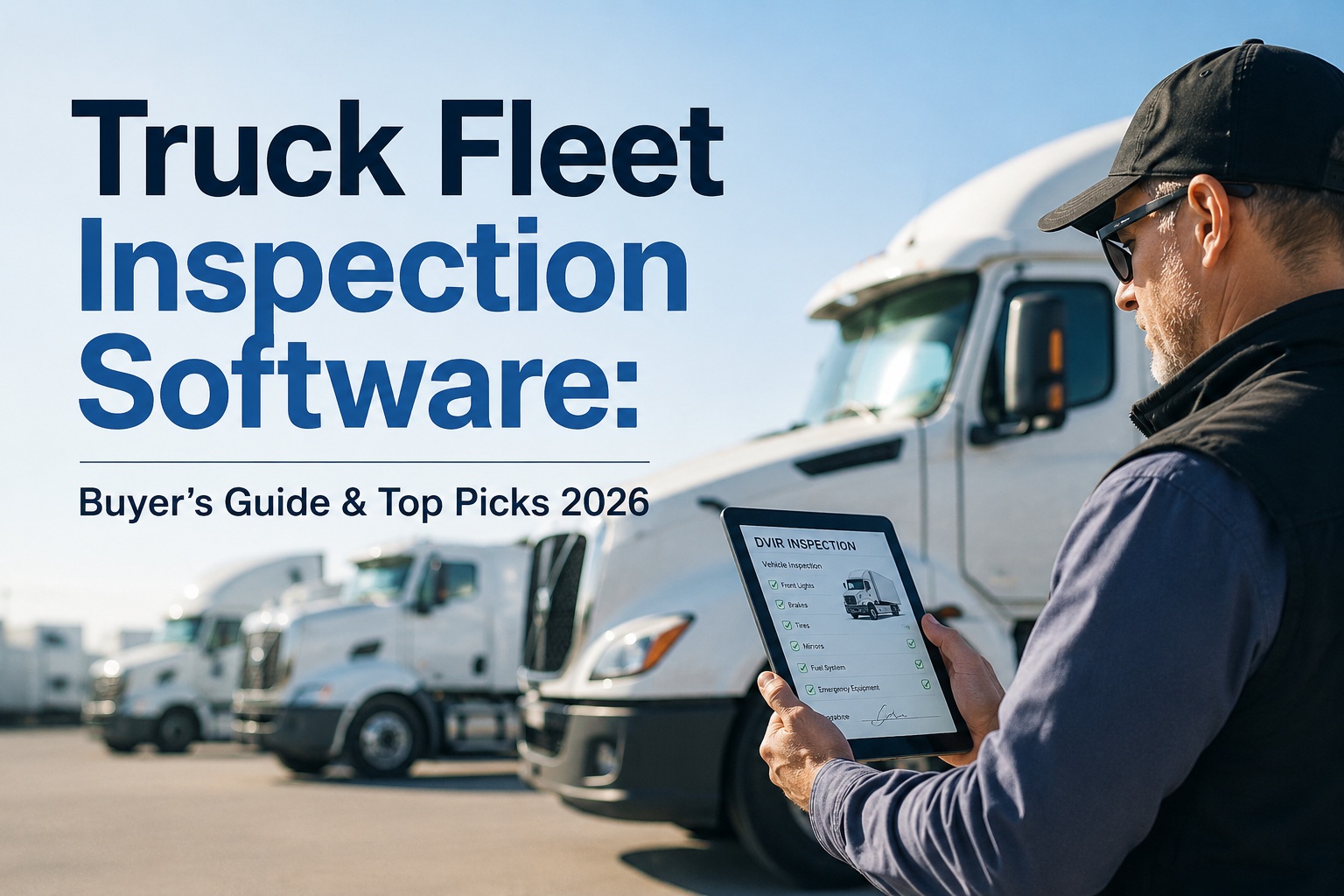
Every "DVIR app" in a 2026 search result claims to be compliant and easy but most are the same blank checkbox, now on a phone. What actually decides your audit outcome and repair speed hides in the features nobody demos: how signatures chain, whether photos survive offline, and whether a defect ever becomes a repair. This is the buyer's framework to compare them — the exact standard we built Truck Inspection & Maintenance Management Software to pass. Start free and run a real inspection — the fastest way to compare any tool is against a working one.
DVIR → Defect → Work Order → PM
A Flagged Defect Shouldn't Sit in an Inbox While the Truck Keeps Rolling.
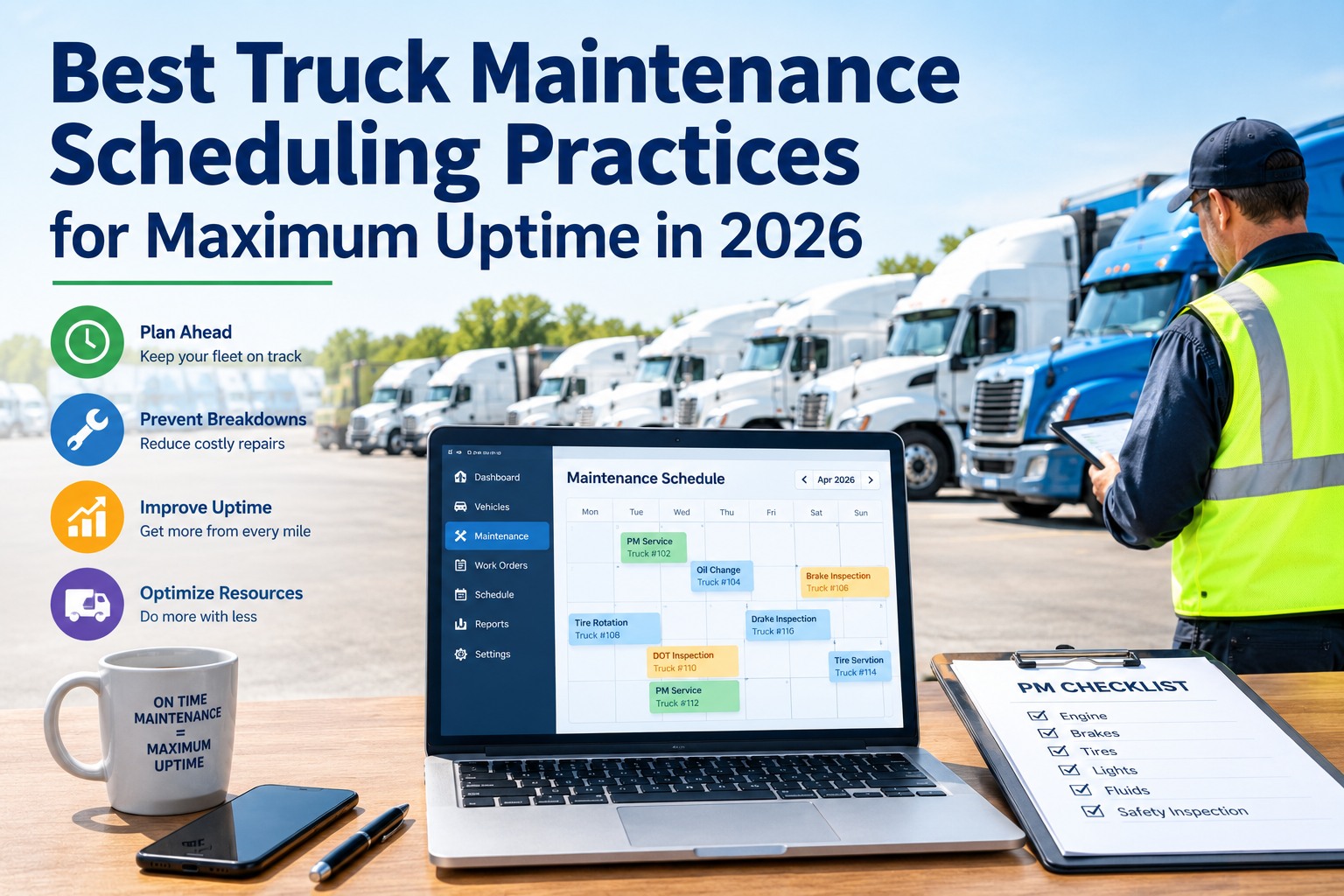
On paper or a form-only app, a driver reports a fault and nothing moves — until it's a breakdown or an audit finding. Truck Inspection & Maintenance Management Software runs the whole loop instead: guided DVIRs on the phone, each defect routed to a graded work order, PM scheduled before the next failure. Every failed check gets acknowledged, graded, and assigned — with a guaranteed first response within 4 hours.
4-hour first response, guaranteed — acknowledged, graded, and assigned
Mar 23, 2026FMCSA eDVIR rule effective (Docket FMCSA-2025-0115)
3 signaturesthe chain 396.11 & 396.13 require, end to end
11 componentsminimum inspection list under 396.11(a)(1)
Why the Choice Got Higher-Stakes This Year
On February 19, 2026, FMCSA published a final rule (Docket FMCSA-2025-0115), effective March 23, 2026, adding explicit electronic-DVIR language to 49 CFR 396.11 and 396.13 — confirming reports may be completed, signed, and stored electronically. Electronic records were permitted since 2018 under 390.32, but the old paper-era wording left auditors reading it different ways; now that ambiguity is gone. The excuse for staying on paper vanished and the bar for what "digital" should deliver just rose — exactly the bar Truck Inspection & Maintenance Management Software is built around.
2018
Electronic DVIRs quietly permittedAllowed under 49 CFR 390.32 — but the paper-era wording in 396.11/396.13 left auditors interpreting it inconsistently.
Feb 19
Final rule publishedFMCSA Docket FMCSA-2025-0115 lands in the Federal Register with explicit eDVIR authorization.
Mar 23
Rule effectiveElectronic signatures, mobile submission, and cloud retention are now unambiguously compliant across the full DVIR lifecycle.
2026+
Enforcement intensifiesThe 2026 CSA methodology scores driver-observed maintenance separately — DVIR thoroughness is now a visible carrier signal.
First, Three Things People Call "DVIR Software"
The single most expensive mistake in this category is treating one label as one product. What ships under "DVIR app" spans three very different tiers — and they're priced close enough that the cheapest looks like a bargain until the first audit or the first breakdown. Know which tier you're actually being sold. Truck Inspection & Maintenance Management Software was built as the third one.
Tier 1
The digital form
A phone version of the paper sheet. Driver taps boxes, maybe adds a note. No enforced signature chain, no defect routing, often no real offline capture.
Replaces paper. Nothing more.
Tier 2
The compliance app
Built around the rule. Enforces the signatures, stores the record, exports for audit. Good for passing a roadside check — but the defect still dies in an inbox.
Keeps you legal. Stops there.
Tier 3 — where we built
The operational platform
Compliance plus the loop: a flagged defect becomes a graded work order, gets scheduled, and closes against the unit — so the inspection drives maintenance, not just paperwork. This is what Truck Inspection & Maintenance Management Software does.
Compliant and operational.
The Comparison That Actually Matters
Forget the logo grid. A fair comparison scores capabilities, and the same eight capabilities decide every eDVIR buying decision in 2026. Here's how each one typically shows up across the three tiers — the right-hand column is the standard Truck Inspection & Maintenance Management Software is built to hit, and anywhere you see a cross or a half-mark on a tool you're weighing is a question to ask before you sign.
Capability
Digital form
Compliance app
What we deliver
Electronic signatures (3-signature chain)
Photo & video on defects
True offline capture
Chain of custody (time + GPS, locked)
One-click audit export
Defect routed to a work order
ELD / telematics integration
Guided 11-component walk-around
Built in
Partial / add-on
Missing or manual
What Each Capability Really Tests
A matrix tells you where the gaps are; this tells you why they cost you — and how Truck Inspection & Maintenance Management Software handles each one. Pull up any tool you're evaluating and check it against these in a live trial, not a slide.
01
The three-signature chain
49 CFR 396.11 and 396.13 require a chain: the driver reports, the repair is certified, the next driver acknowledges. Missing signatures are the number-one DVIR audit finding. Our software enforces all three — it won't let the handoff break.
02
Photo & video evidence
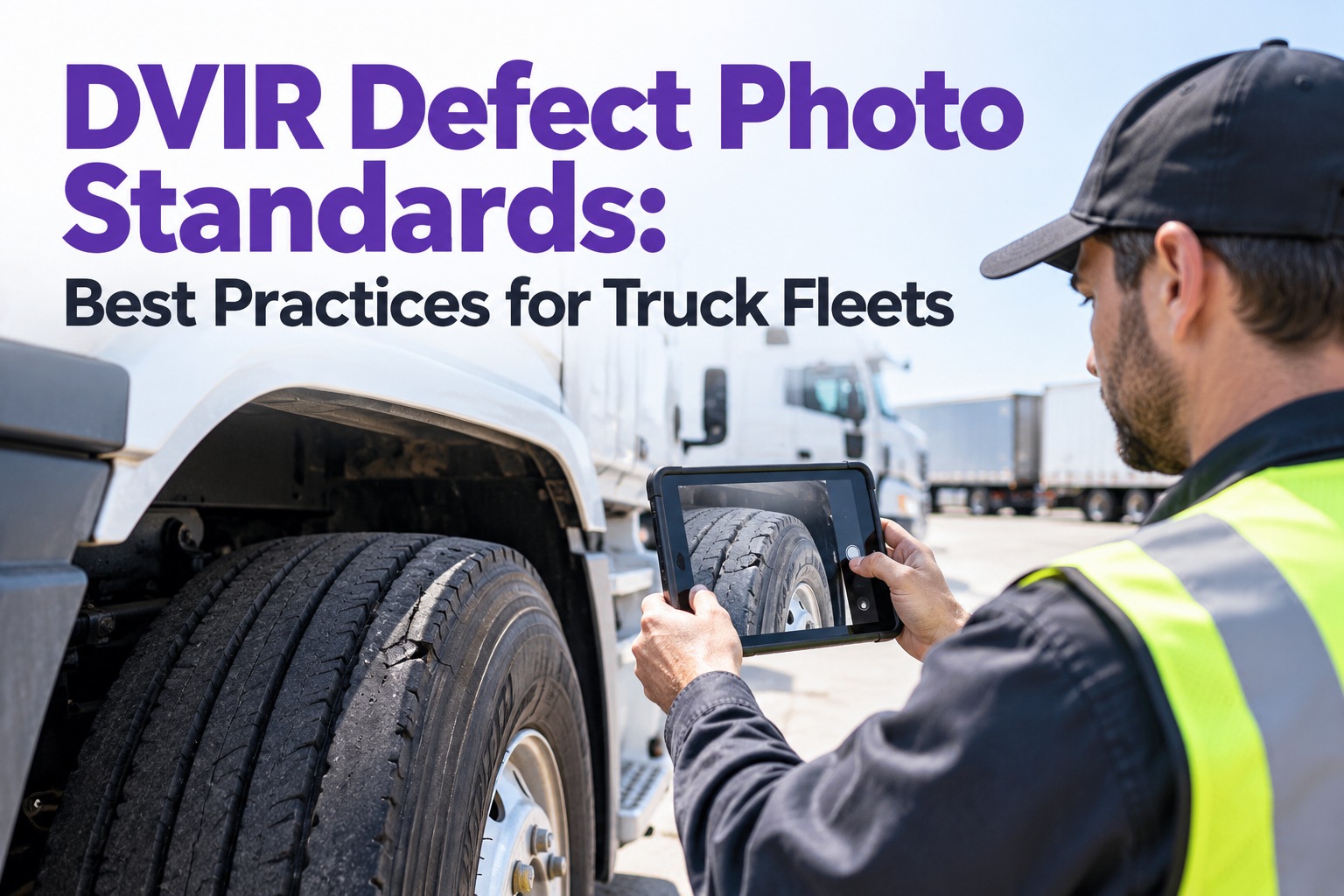
A cracked hose described in a text box is an opinion; a timestamped photo is proof. In Truck Inspection & Maintenance Management Software, evidence attaches to the specific defect — protecting the driver, speeding diagnosis, and settling disputes before they become citations.
03
True offline mode
Inspections happen in yards, basements, and dead zones. "Offline" has to mean the full workflow — checklist, photos, GPS tag, signature — captured with no signal and synced later intact. Many Tier-1 apps silently lose the photos; ours holds the whole record until the truck reconnects.
04
Chain of custody
In 2026, a large share of DVIR citations trace to custody failures — records that can't prove who inspected what, when, and where. The locked timestamps and GPS our software stamps on every record turn your log into a defense instead of a liability.
05
Audit export
When a DOT officer or auditor asks, can you produce a clean, complete record in seconds — or assemble it from screenshots? Truck Inspection & Maintenance Management Software exports an inspector-ready report on demand, turning a five-day scramble into a five-minute answer.
06
Defect-to-work-order
This is the line between Tier 2 and Tier 3. If a flagged defect just sits in a notification, the inspection changed nothing. Our software turns it into a graded work order automatically — so the squawk becomes a scheduled, tracked, closed repair.
07
ELD & telematics fit
FMCSA itself noted that streamlined compliance happens when DVIR and ELD systems connect. Native integration means the inspection, hours, and vehicle data live together — not in three apps that never talk.
08
Guided walk-around
A blank checklist invites a 90-second rubber-stamp. Our software walks the driver through all 11 required components in order — which is exactly what catches the defect a hurried paper inspection misses.
See All Eight in One Workflow
Truck Inspection & Maintenance Management Software was built as the Tier-3 platform: guided 11-component inspections on the driver's phone, photos and signatures captured offline, the full chain of custody locked to each record, and every failed check routed into a graded work order against its unit. The fastest way to score it against this list is to run a real inspection yourself.
The Costs the Demo Doesn't Mention
Two tools can quote the same headline price and bill very differently a year in. Before you compare sticker numbers, compare the things that quietly multiply them — this is where a "cheaper" tool often ends up costing two to five times more, and where Truck Inspection & Maintenance Management Software keeps it simple.
×
Per-seat creepPriced per driver sounds fine at 10 trucks and punishes you at 50. Check how the number scales with your real headcount, not the demo fleet.
×
Modules sold separatelyPhotos, work orders, PM scheduling, and reporting are sometimes each a paid tier. The "DVIR price" is rarely the whole price — with us, the workflow comes together.
×
ELD lock-inSome DVIR features only work if you also buy that vendor's hardware or telematics — a switching cost disguised as an integration.
×
Support behind a paywallOnboarding and real human help are sometimes a premium plan. When a driver is stuck at 5 a.m., that line item becomes very real.
Run Your Own Comparison — The Scorecard
You don't need an analyst. Put Truck Inspection & Maintenance Management Software next to the other tools on your shortlist, start a free trial of each, and walk this scorecard with one truck and one driver. The tool that clears every line is your answer — not the one with the best deck.
1
Complete one inspection offlinePut the phone in airplane mode. Did the checklist, photos, GPS, and signature all capture and sync clean?
2
Flag a defect and follow itMark a brake fault. Did it become a work order on its own — or just a notification nobody owns?
3
Break the handoff on purposeTry to start the next trip without acknowledging the prior report. A compliant tool should stop you.
4
Export an audit recordPull a full, inspector-ready report for that vehicle and date. Count the clicks and the seconds.
5
Hand it to your least techy driverAdoption is the whole game. If the slowest driver finishes faster than paper, it will stick.
6
Add up the real yearly priceSeats at your true headcount, plus every module you actually need, plus support. Compare that number — not the headline.
How Truck Inspection & Maintenance Software Scores
Measured against the same eight capabilities and the scorecard above, here's where our software lands — and why it's built for Tier 3 rather than sold as a form.
Guided, not blankDrivers are walked through all 11 FMCSA components in sequence on their phone — the structure that catches defects a rushed checklist skips.
Offline by defaultChecklist, photos, GPS tag, and signature all capture with no signal and sync intact when the truck finds coverage.
The chain, enforcedDriver, repair certification, and next-driver acknowledgment are tied to each record so the 396.11/396.13 custody chain can't quietly break.
Defect becomes a repairEvery failed check routes into a graded work order against its unit — the inspection drives maintenance instead of ending in an inbox.
Audit in secondsClean, timestamped, inspector-ready records export on demand — no screenshot archaeology at the roadside.
Priced to startFree to begin with no card required, so you can score it against this list before you ever talk price.
Frequently Asked Questions
What's the difference between a DVIR app and a full eDVIR platform?
A DVIR app usually replaces the paper form and stops there — the driver taps boxes and the record is stored. A full eDVIR platform does that plus the work: it enforces the three-signature chain, captures photo evidence offline, locks a chain of custody to every record, and turns each flagged defect into a tracked work order. The simplest test is what happens after a defect is logged. If it just sits as a notification, you have a form. If it becomes a scheduled, assigned, closed repair — the way Truck Inspection & Maintenance Management Software handles it — you have a platform.
Start free and watch a flagged defect turn into a work order yourself.
Are electronic DVIRs actually compliant in 2026?
Yes. FMCSA published a final rule under Docket FMCSA-2025-0115 on February 19, 2026, effective March 23, 2026, adding explicit electronic-DVIR language to 49 CFR 396.11 and 396.13. It confirms that reports may be completed, signed, maintained, and transmitted electronically — including electronic signatures across the full chain. Electronic records had been permissible since 2018 under 390.32, but the 2026 rule removes the interpretive ambiguity that made some auditors treat digital records inconsistently. Truck Inspection & Maintenance Management Software is built to this standard end to end.
Which features matter most when comparing eDVIR software?
Score eight capabilities: enforced three-signature chain, photo and video on defects, true offline capture, locked chain of custody with time and GPS, one-click audit export, automatic defect-to-work-order routing, ELD and telematics integration, and a guided 11-component walk-around. The first five keep you compliant; the last three decide whether the tool actually reduces downtime and admin work. A tool that aces compliance but drops the defect in an inbox will pass audits and still cost you breakdowns — which is why Truck Inspection & Maintenance Management Software covers all eight, not just the compliance five.
Why does offline mode matter so much?
Because inspections rarely happen where the signal is strong — yards, loading docks, rural routes, and parking structures all kill connectivity. "Offline" has to mean the entire workflow survives: the checklist, the defect photos, the GPS tag, and the signature all capture with no service and sync without loss when the truck reconnects. Many lower-tier apps claim offline support but silently fail to save the photos, which are exactly the evidence you need most. Always test it in airplane mode during a trial — it's the first thing our software is built to get right.
How do I avoid overpaying for DVIR software?
Compare the real annual cost, not the headline. Four things inflate the true price: per-seat pricing that scales badly with fleet size, core features like photos or work orders sold as separate paid modules, DVIR functions locked to the vendor's own ELD hardware, and support or onboarding gated behind a premium plan. Add up seats at your actual headcount plus every module you genuinely need plus support, then compare that figure across your shortlist. Truck Inspection & Maintenance Management Software is free to start with no card, so you can confirm the full workflow before any of those costs apply.
Compare · Trial · Decide on Evidence
Stop Comparing Decks. Compare Inspections.
You can read feature lists all week, or you can run one real inspection and watch what the software does with it. Truck Inspection & Maintenance Management Software gives you the whole Tier-3 workflow free — guided 11-component checks, offline photos and signatures, an enforced chain of custody, automatic defect-to-work-order routing, and inspector-ready audit export. Score it against the eight capabilities on this page, then decide.
Free to start. Built for FMCSA-compliant fleets under 49 CFR 396.11 & 396.13.