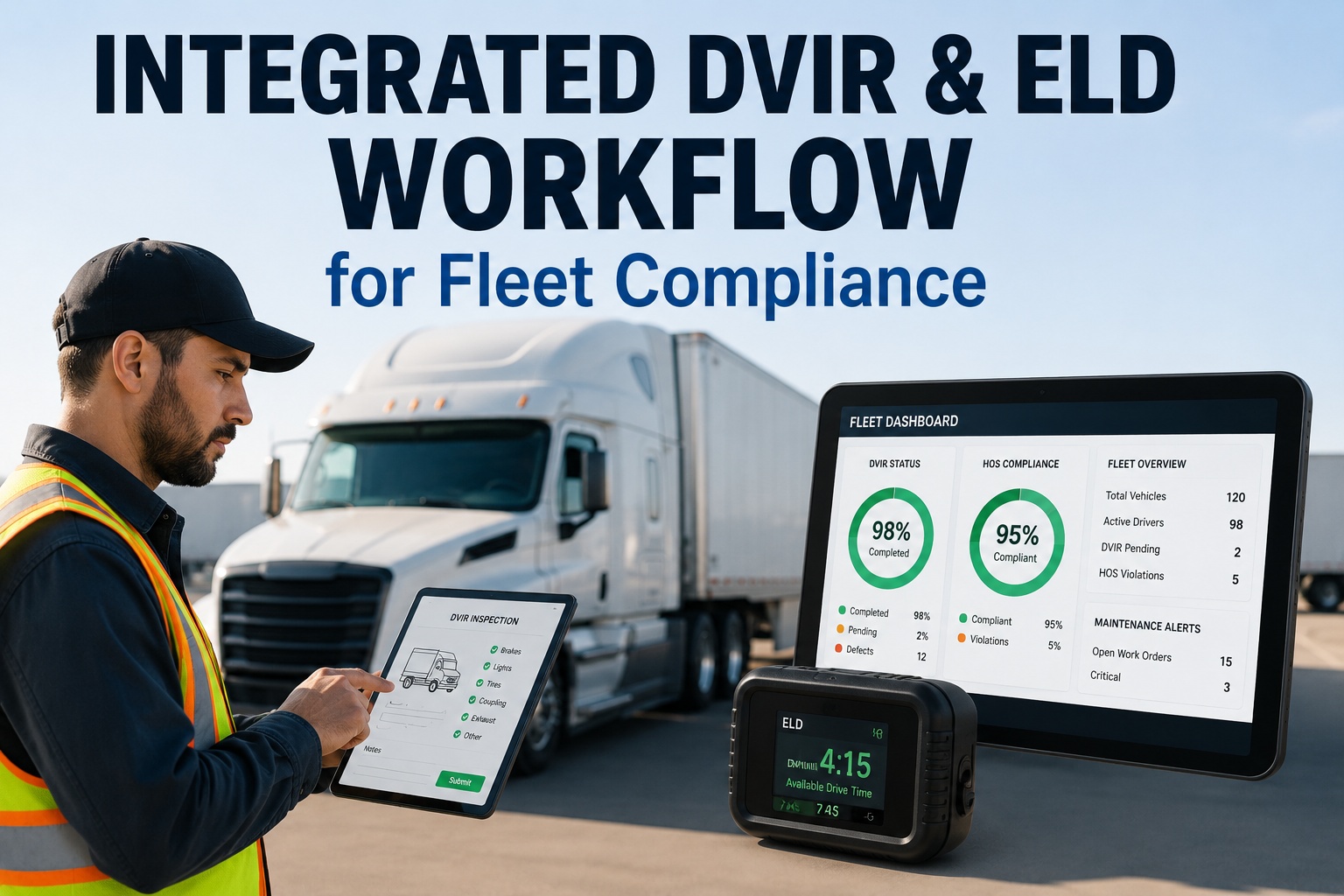
A commercial driver's compliance day runs on two clocks at once. One tracks the vehicle — the pre-trip check, the defects found, the repairs certified, the next driver's sign-off. The other tracks the driver — duty status, hours behind the wheel, the electronic logs that keep them legal under the hours-of-service rules. Historically these lived in separate tools: an ELD humming away on hours while DVIRs got scrawled on paper and lost in a cab. FMCSA itself has pointed out the obvious — compliance gets dramatically simpler when the two connect. An integrated DVIR and ELD workflow puts inspection, hours, defects, and maintenance in one system, so a defect a driver reports at 6 pm becomes a work order by 6:01 and never falls through the gap between two apps. This guide walks through how that integrated workflow runs across a driver's day, and how Truck fleet management software ties DVIRs, HOS, and maintenance into one audit-ready record.
Compliance Guide · DVIR & ELD Workflow · 2026
Integrated DVIR & ELD Workflow for Fleet Compliance
Connect the vehicle's inspection record to the driver's hours in one platform — so inspections, HOS, defects, and maintenance close the loop instead of scattering across tools.
The vehicle's story
Inspection, defects, repairs, sign-off — is the truck safe to operate?
The driver's story
Duty status and hours of service — is the driver legal to operate?
Two Records, One Compliance Picture
DVIR and ELD answer different questions, and an auditor asks both. A fleet that keeps them in separate systems ends up reconstructing the connection by hand at audit time. Joined, they form the complete evidence trail FMCSA looks for — vehicle condition and driver hours, cross-referenced and time-stamped:
The 11-point vehicle inspection
Defects found, described, photographed
Repair certification by the mechanic
Next-driver review & acknowledgment
Automated duty-status & drive time
Hours-of-service clocks & violations
Tamper-resistant electronic logs
Roadside-ready log transfer
Why FMCSA cares about the link: the agency has specifically noted that compliance gets streamlined when DVIR and ELD systems connect — HOS data, inspection data, and maintenance records in one audit-ready system beat three partial ones every time. With offsite audits up sharply and 48-hour record demands now routine, "one system, one answer" is the difference between a clean review and a scramble.
A Day in the Integrated Loop
The real value shows up in the rhythm of a single shift. Here's how an integrated workflow carries a driver from key-on to key-off without a paper form or a dropped defect:
Review the last DVIR & go on duty
The driver reviews the previous inspection report on their phone — a §396.13 requirement — and their duty status flips on the ELD automatically. Open defects from last shift are visible before the wheels move.
Guided §392.7 inspection
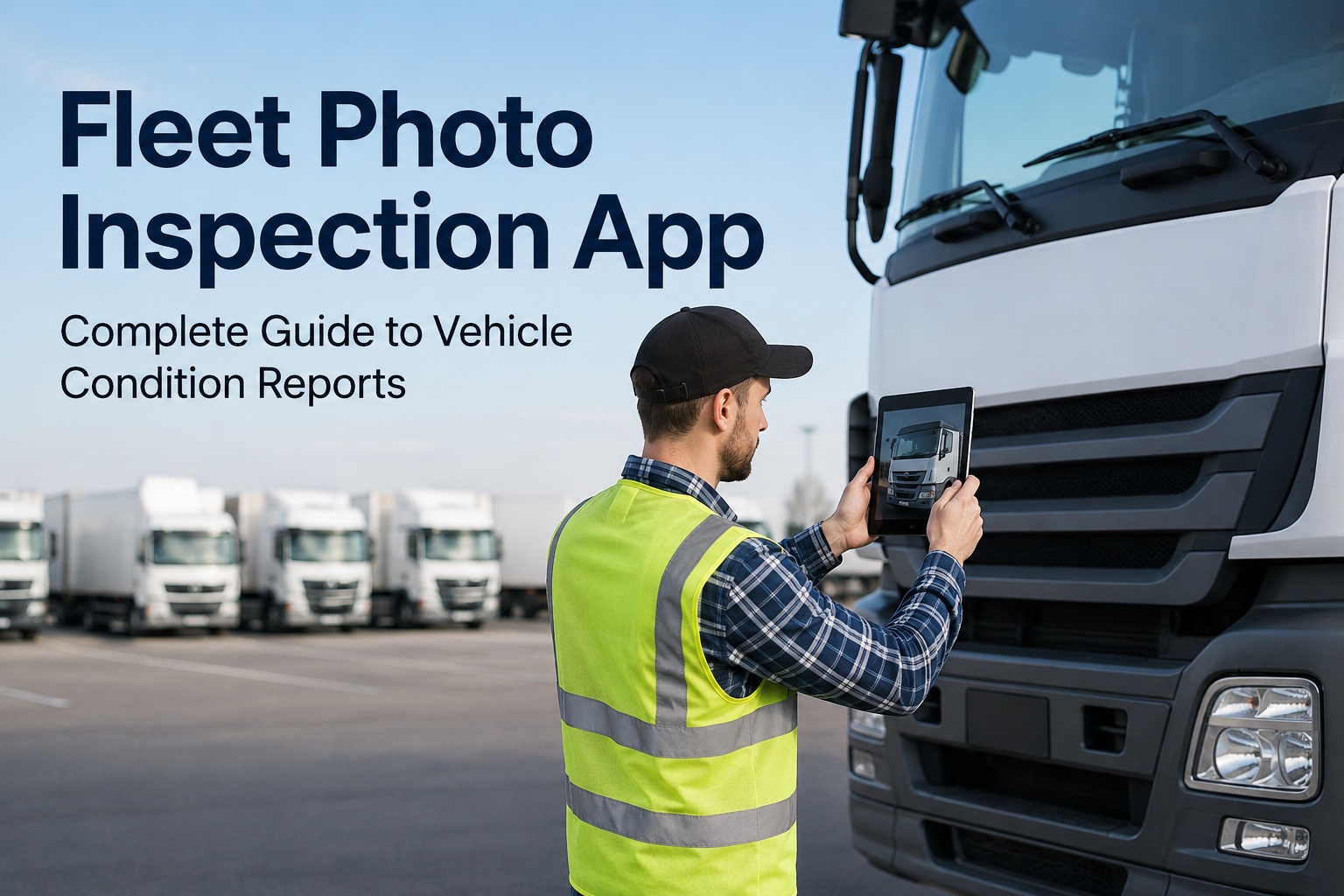
The app walks the driver through all 11 federal components with photo prompts. Any defect is captured with GPS and timestamp at the moment of inspection — not at sync time.
ELD logs the hours
Duty status, drive time, and HOS clocks record automatically. Real-time alerts warn before a violation, keeping the driver legal without manual logs.
Post-trip DVIR
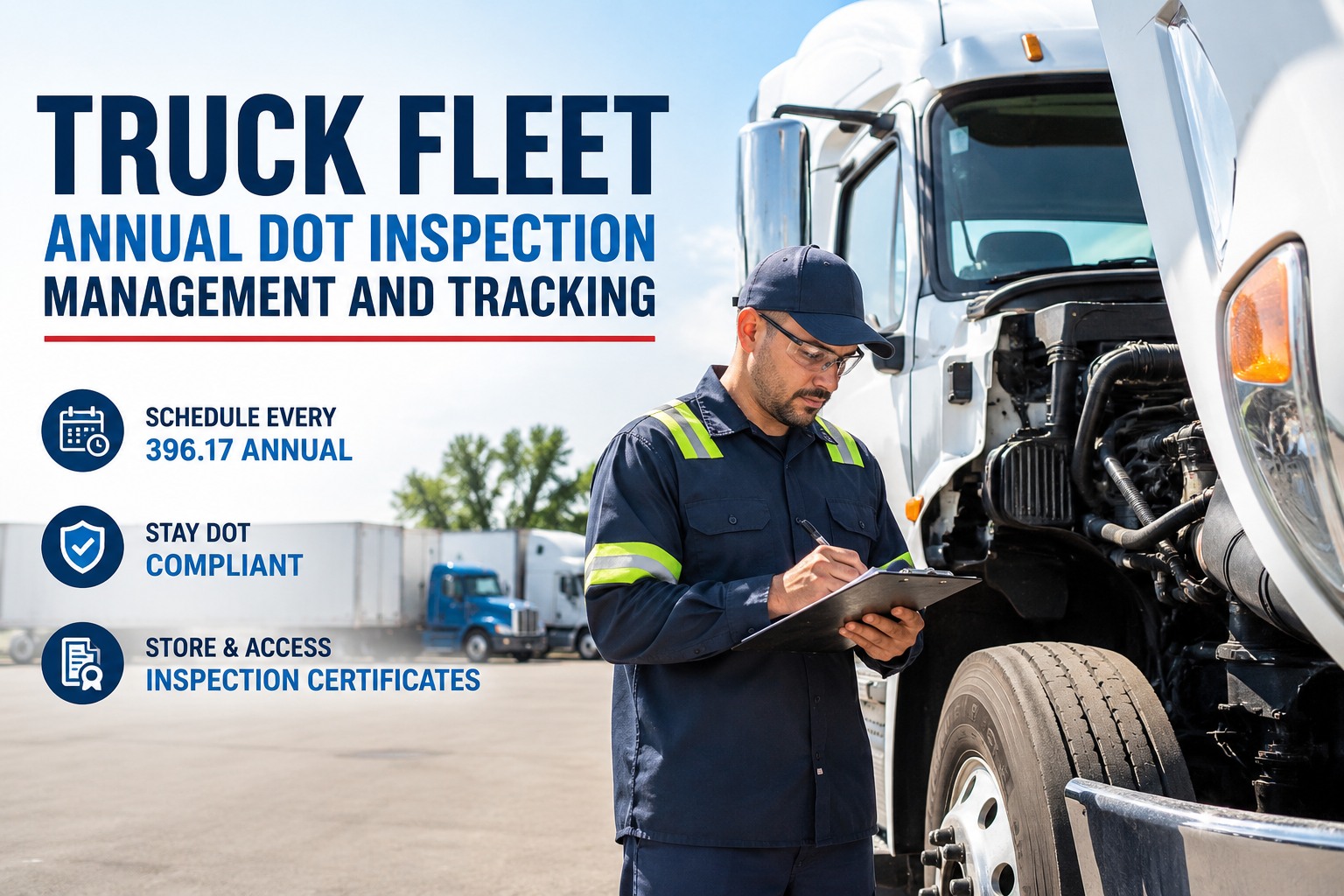
The end-of-day walk-around produces the §396.11 DVIR — the written record of any defect found during the day. A "no-defect" report still logs, building a clean compliance pattern.
Work order, automatically
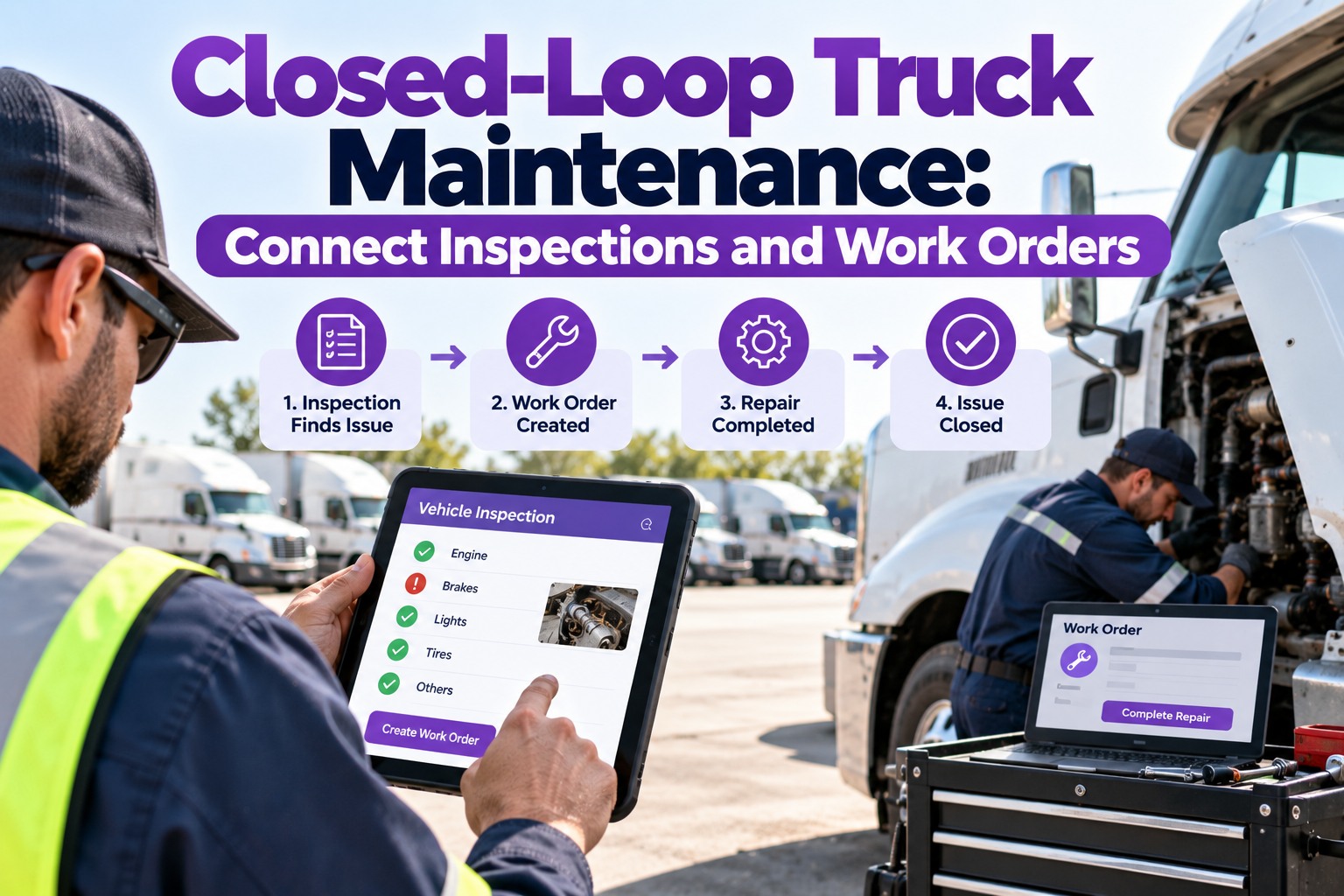
A reported defect auto-creates a maintenance work order and routes it to a technician in about 60 seconds — no paper form waiting on someone's desk.
Free · Up to 3 Vehicles
Close the loop, not just collect the form
Truck fleet management software runs the full DVIR lifecycle beside your HOS data — guided 11-point inspections, photo-verified defects with GPS and timestamp, auto-generated work orders, the enforced signature chain, and cloud records you can export in minutes. Drivers use existing phones; most fleets go live fast. Sign up free for up to 3 vehicles and connect inspection to compliance today.
The Three-Signature Chain of Custody
At the heart of the DVIR is a legal handoff that keeps unsafe trucks off the road. It's a chain of three signatures — and breaking any link is its own citable violation. This is the sequence an integrated workflow enforces as required fields, so it can't be skipped:
Driver reports
The driver documents any defect found — described, located, and photographed on the DVIR.
Mechanic certifies
The carrier or mechanic certifies the repair complete — or certifies no repair was needed.
Next driver acknowledges
The next driver reviews the DVIR and repair status and signs before operating the vehicle.
The dispatch gate: a vehicle with a defect affecting safe operation cannot be dispatched until the repair is completed and certified on the DVIR. Integration enforces this automatically — an out-of-service unit is held from dispatch until the chain closes, so a repaired truck rolls and an unrepaired one doesn't.
Collection Isn't Closure
Here's the failure that sinks most DVIR programs, digital or not: they collect the report but never close the loop. Getting the driver's inspection is only step one — the compliance risk lives in what happens (or doesn't) after:
Collection only
The DVIR gets submitted, then the defect waits in an inbox, the repair note never gets certified, the next driver signs nothing, and at audit no one can say which report controlled the repair. Three partial systems, no clean trail.
Closed loop
The defect becomes a tracked work order, the repair is certified, the next driver acknowledges, and every step is time-stamped in one record. The chain closes itself — and the audit trail is complete without anyone reconstructing it.
The 2026 eDVIR Rule
One regulatory update makes all of this not just possible but explicitly endorsed. If any doubt remained about going digital, it's gone:
Frequently Asked Questions
What's the difference between a DVIR and an ELD?
They document different things. A DVIR (Driver Vehicle Inspection Report) records the vehicle's condition — defects found during inspection, repairs certified, and sign-offs, under 49 CFR 396.11 and 396.13. An ELD (Electronic Logging Device) automatically records the driver's hours of service and duty status under Part 395. One answers "is the truck safe?" and the other "is the driver legal?" An integrated workflow keeps both in a single audit-ready system.
Why integrate DVIR and ELD instead of running them separately?
Because an auditor asks about both, and FMCSA has specifically noted that compliance is streamlined when the two connect. Separate systems force you to reconstruct the link between inspection, hours, and maintenance by hand — exactly when you're under a 48-hour audit deadline. Integrated, HOS data, inspection records, and work orders form one complete evidence trail. Contact our team to see the unified record.
What is the three-signature chain of custody?
It's the legal handoff at the core of the DVIR: (1) the driver reports a defect, (2) the mechanic or carrier certifies the repair complete or unnecessary, and (3) the next driver reviews and acknowledges before operating. Under 396.13, that next-driver review is mandatory — skipping it is a separate citable violation. A good platform enforces all three as required fields so the chain can't be broken.
What's the difference between a pre-trip inspection and a DVIR?
A subtle but important one. The pre-trip inspection under §392.7 is the physical act of checking the vehicle before driving — no written report is federally required. The DVIR under §396.11 is the written report of defects found during the day's work, prepared at the end of the shift. Pre-trip is the inspection; the DVIR is the documentation. They serve different regulatory purposes at different times of day.
Are electronic DVIRs legal?
Yes, unambiguously. Electronic DVIRs were permitted since 2018 under 49 CFR 390.32, and FMCSA's final rule effective March 23, 2026 (Docket FMCSA-2025-0115) added explicit authorization to §396.11 and §396.13. Digital signatures, mobile submission, and cloud storage are all fully compliant, and the rule was supported by the ATA, OOIDA, and NTTC. FMCSA actively encourages the transition.
How does an integrated workflow help maintenance, not just compliance?
The defect a driver reports becomes a work order automatically — routed to a technician in about 60 seconds instead of languishing on a paper form. Repair status is tracked to completion and certification, defect trends across the fleet surface recurring issues, and the vehicle can't be dispatched until safety-affecting defects are certified fixed. Inspection, compliance, and maintenance run as one loop. Sign up free to connect them.
One Loop. Complete Compliance.
Stop running inspection, hours, and maintenance as three systems.
Truck fleet management software unifies DVIRs, HOS data, defect routing, and preventive maintenance in one platform — with the enforced signature chain, the dispatch gate, photo-verified defects, and audit exports in minutes. Free for up to 3 vehicles. Drivers use existing phones, no hardware, no contracts.