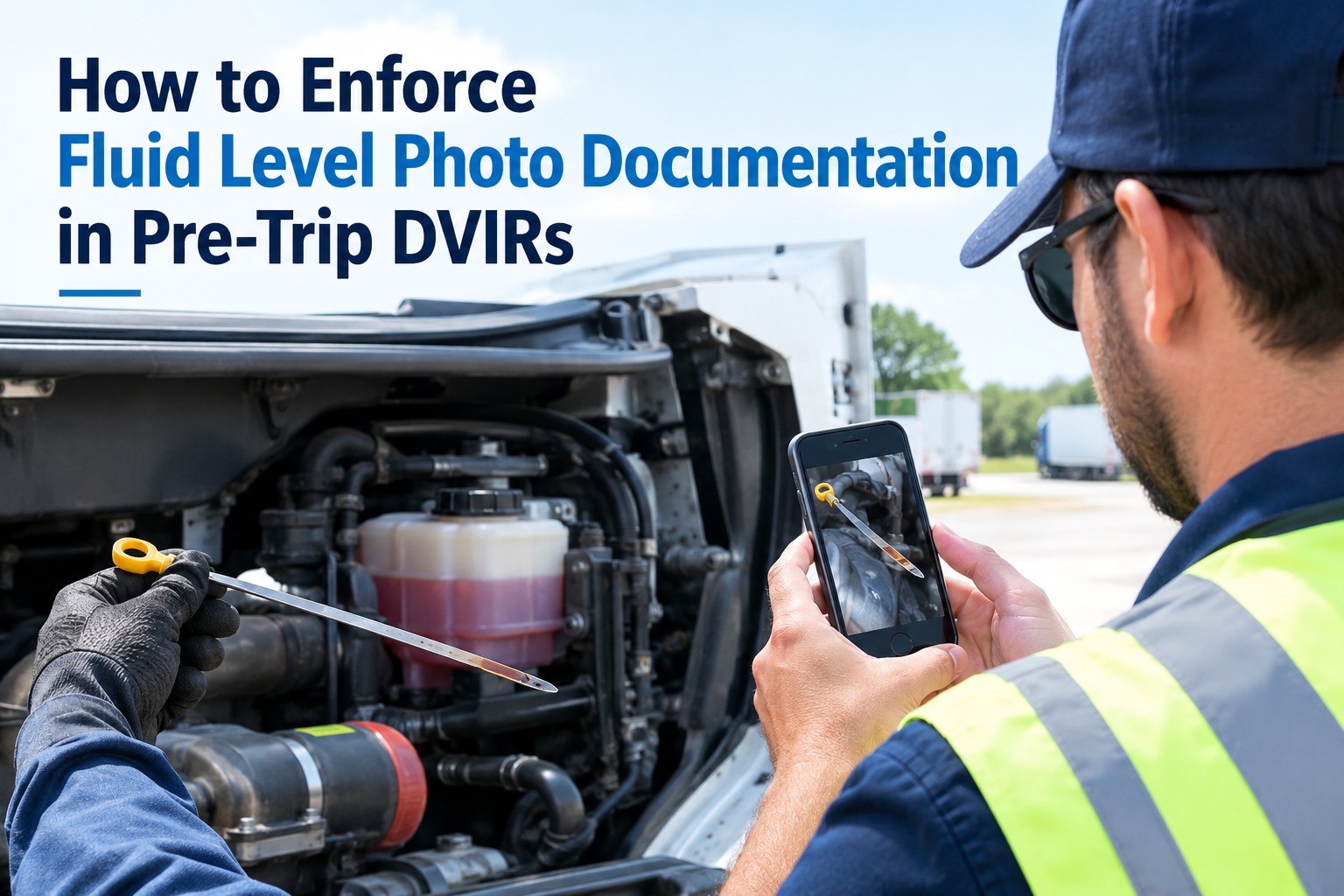
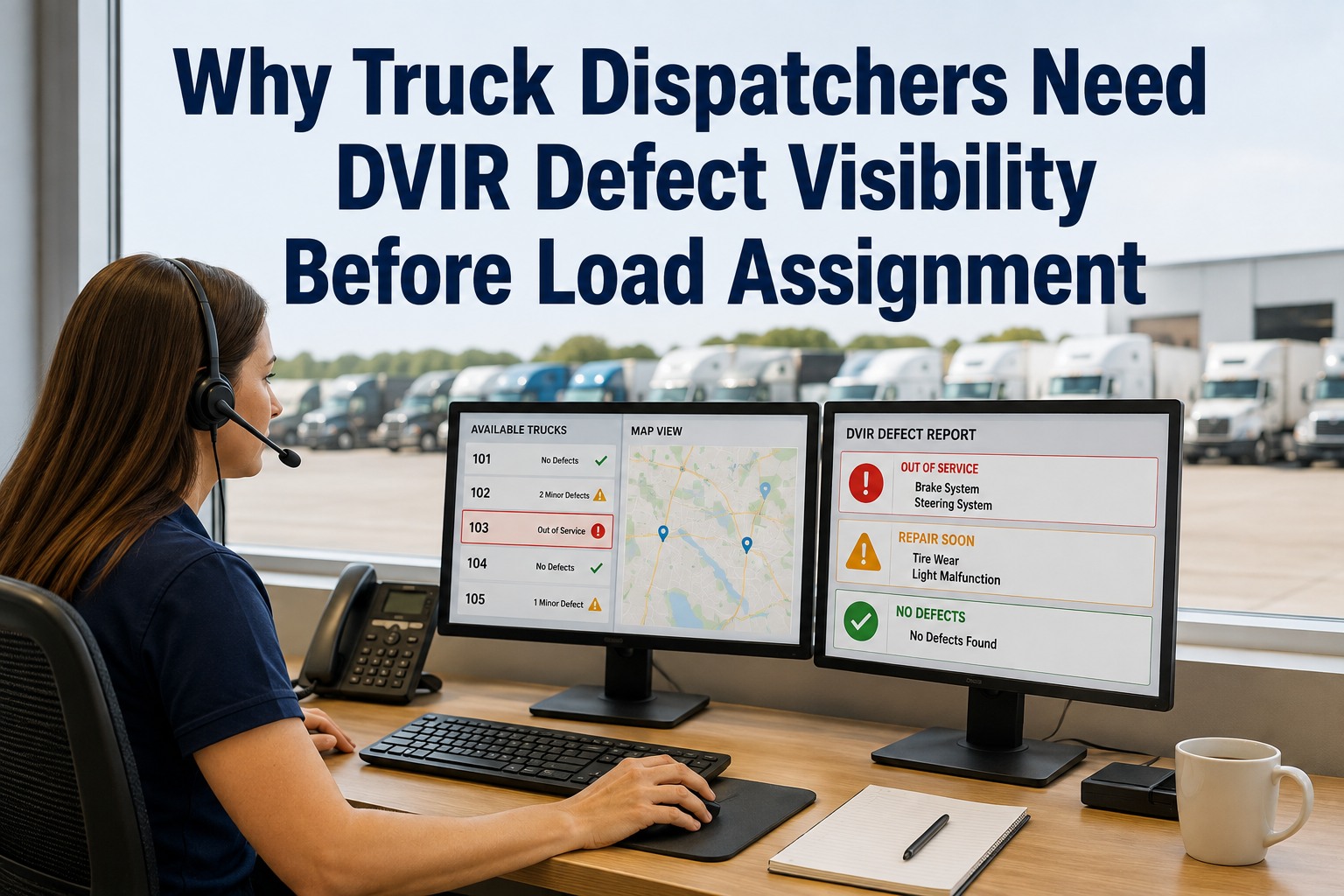
The most expensive words on a paper DVIR are "brake light out." They don't say which brake light, whether the housing is cracked, whether the wire is chewed, or whether the mechanic needs a bulb, a lens, or a new harness. So the truck rolls into the bay, the mechanic looks, orders the right part, and the truck sits another day waiting. A photo would have answered every one of those questions from the yard — before the truck ever moved. Start free and let shops see the defect before the truck arrives.
Photo DVIR · Advance Diagnosis · Parts Staged
Stop Guessing at Defects — Let the Photo Do the Talking
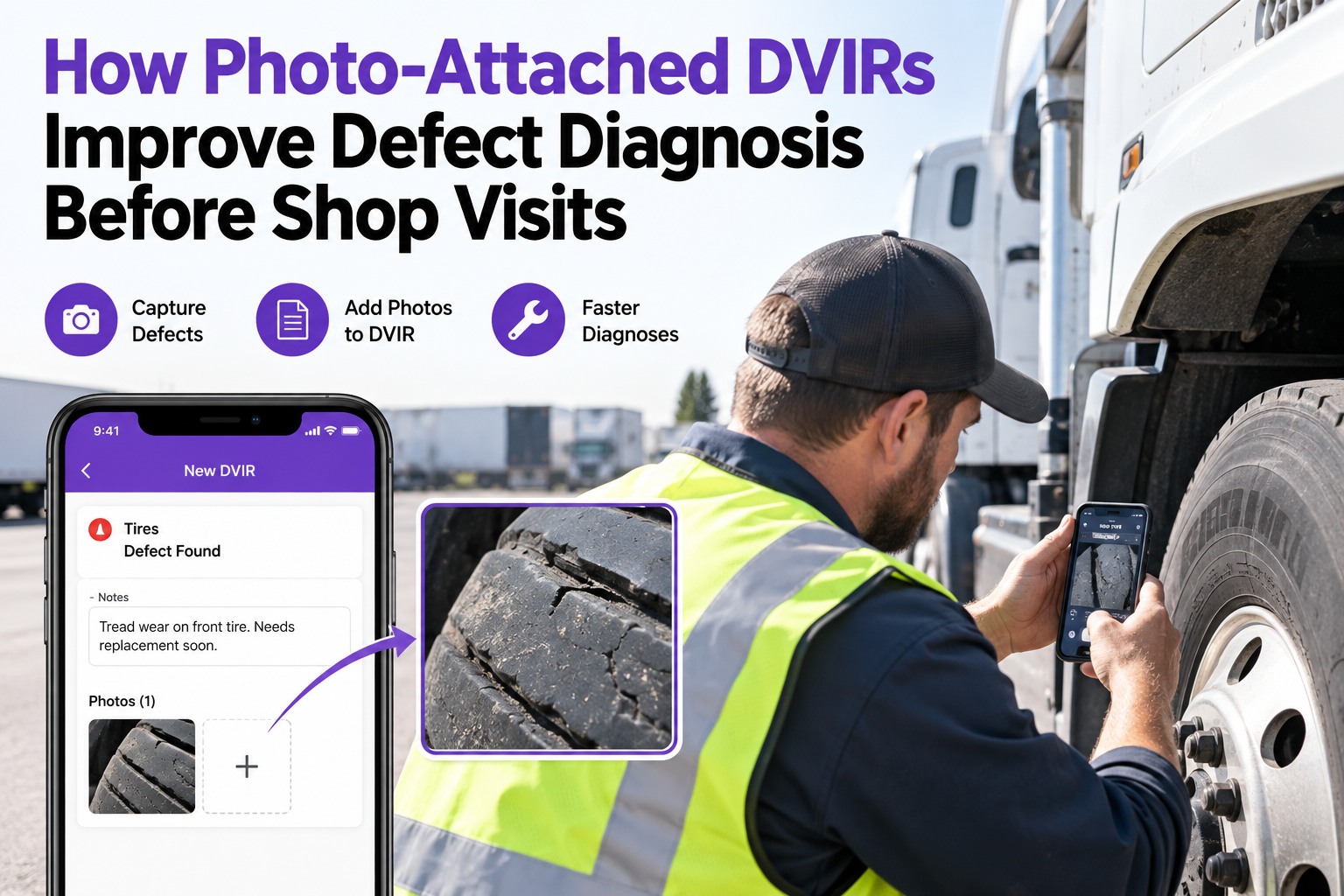
A vague DVIR line turns a one-hour fix into a two-day wait for parts. Truck Inspection & Maintenance Management Software attaches a photo to every driver-flagged defect, so the shop sees exactly what's wrong the moment it's filed — orders the right part, stages the right tool, and books the right bay time before the truck ever pulls in.
Visualphoto attached at the checkpoint that failed
Advanceshop sees the defect before the truck arrives
Readyparts, tools, bay staged on the driver's callout
The "Brake Light Out" Problem
Half of what a mechanic does on a routine defect isn't fixing — it's diagnosing what the driver actually meant. A photo cuts that step out entirely. The same defect, described in words versus shown in a picture, tells the shop two very different stories.
✍️Words only
"Brake light out"
- Which brake light? Left, right, center?
- Bulb, lens, socket, or wiring?
- Cracked housing or water intrusion?
- One-off failure or repeat?
- Mechanic diagnoses in bay = 30 min lost
📷Photo attached
"Left rear brake light — photo attached"
- Position visible at a glance
- Lens condition, moisture, cracks all visible
- Shop pulls the right bulb + housing before arrival
- Bay time booked to actual fix duration
- Diagnosis time = zero
The Photo-to-Shop Workflow
A photo isn't just a nice-to-have on the DVIR — it's the trigger for the shop to start preparing before the truck arrives. Four steps, none of them extra keystrokes for the driver.
📱
1
Driver taps a defect
Guided DVIR opens the camera at the failed checkpoint
→
📎
2
Photo attaches to the line
Auto-tagged to the truck, checkpoint, and timestamp
→
🔧
3
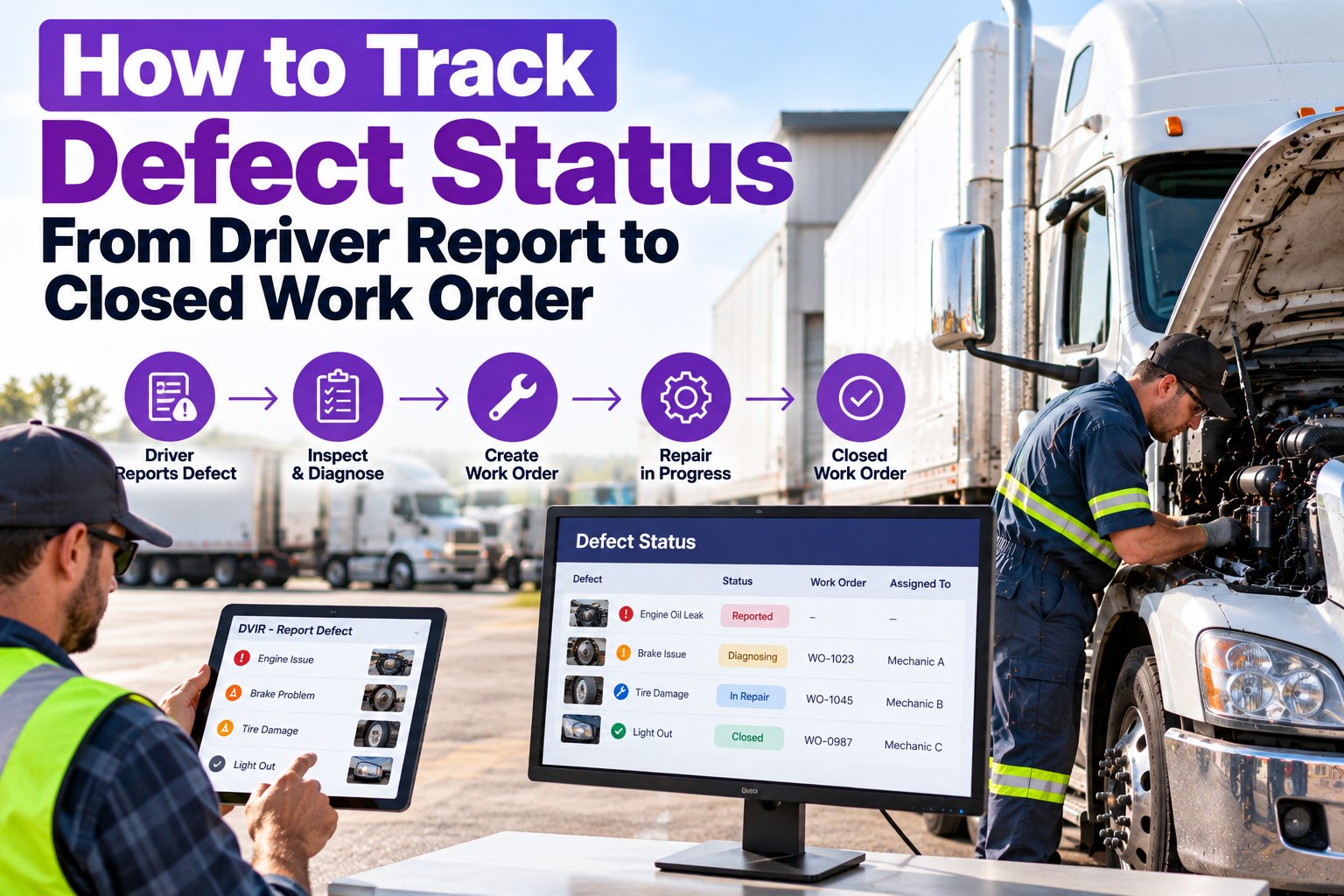
Shop sees it live
Work order opens with photo attached; mechanic reviews before arrival
→
✓
4
Parts & bay staged
Right part pulled, right bay booked, truck goes straight to work
Which Defects Benefit Most From a Photo
Not every defect needs a picture — a "horn doesn't work" is what it is. But for anything visual, condition-based, or ambiguous in words, the photo is what turns a maybe-diagnosis into a certain one. These are the categories where a photo almost always pays for itself.
🛞
Tire condition
Sidewall bulges, uneven wear patterns, cord exposure — a photo shows the shop whether it's a rotation, a replacement, or a safety pull.
💧
Leaks & drips
Where the fluid comes from, where it lands, and how much — the same three questions inspectors ask. The photo answers them.
🛑
Brake components
Pushrod stroke, chamber condition, lining thickness at a glance — shop preps the right adjustment or replacement parts.
💡
Lights & lenses
Position, housing condition, water intrusion — the difference between a bulb swap and a full assembly.
🪝
Coupling wear
Kingpin wear, jaw gap, apron condition — photo tells the shop if it's a lube job or a full fifth-wheel service.
🩹
Body damage
Scrapes, dents, door misalignment — establishes when it happened, protects against blame-shifting between drivers.
What the Shop Actually Does With a Photo
The photo isn't for the maintenance planner's records — it's for the mechanic who's going to touch the truck. Four things happen the moment it lands in the shop queue.
01
Diagnose from the yard
Mechanic pulls up the work order on a tablet, zooms in on the photo, and knows what they're dealing with before the truck moves.
02
Pull the right part
No walking to the truck to "check what's needed." The photo tells the parts desk whether to grab a bulb, a housing, or the harness.
03
Book the right bay time
A cracked lens is 20 minutes; a corroded harness is 90. Booking accurately is only possible when the photo tells you which.
04
Verify the repair matches
Before-and-after photo pair proves the defect was resolved — the cleanest audit trail a DOT reviewer or claims adjuster will ever see.
Why before-and-after matters A photo at defect logging plus a photo at repair close-out gives the fleet a chain of custody most paper systems never had. If a claims adjuster wants to know the state of a component on a specific date, the answer is a picture with a timestamp — not a memory. This is also why the 2026 eDVIR rule sits so well with photo-attached inspections: the electronic report and the visual evidence are already one artifact.
Every Defect, With Evidence
Truck Inspection & Maintenance Management Software attaches a photo to every driver-flagged defect at the moment it's logged, routes it straight to a graded work order, and gives the shop a visual queue instead of a stack of one-liners. Fleets use it to eliminate diagnosis time from routine defects, cut bay turnaround, and hand DOT auditors a photo-backed inspection trail on request.
The Photo Rule of Three
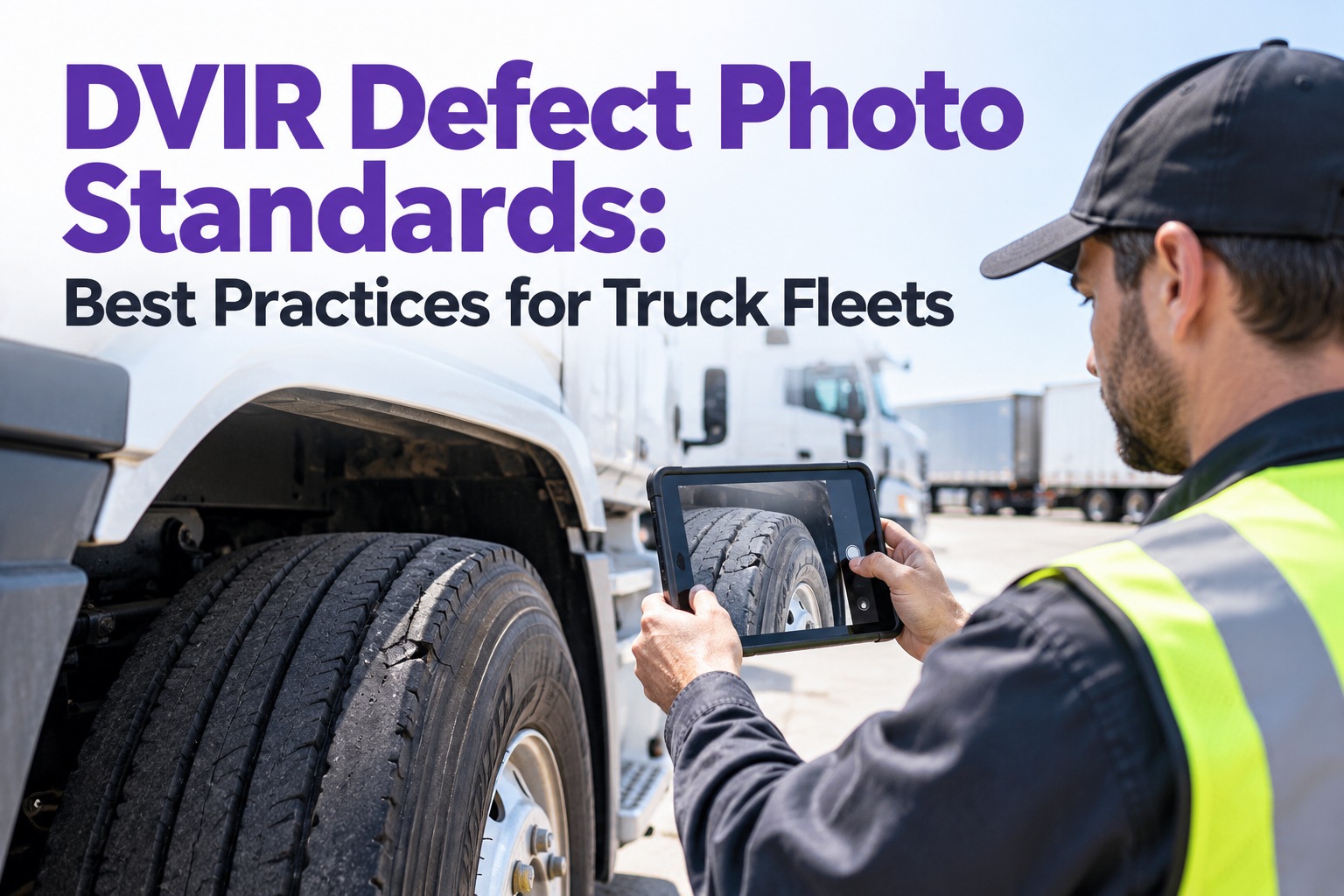
Not every driver knows what a "good defect photo" looks like — and a blurry, close-up-of-nothing photo helps the shop as little as no photo at all. Three shots, in this order, cover almost every defect worth photographing.
SHOT 1
Wide — where is it?
Step back. Show the wheel position, the side of the truck, the general area. The shop needs to know which component before they can see the damage.
SHOT 2
Close — what is it?
Move in. Fill the frame with the defect itself — the bulge, the crack, the drip. Clean the lens; use the truck's shadow to kill glare.
SHOT 3
Context — how bad?
A finger, a pen, a coin next to the defect gives scale. A dime beats "small crack" every time.
Frequently Asked Questions
Does attaching a photo slow the driver down?
Almost not at all. In our software, the camera opens automatically at the checkpoint where a defect is flagged — one tap to shoot, one tap to attach, done. Total added time is under 30 seconds per defect, and since most DVIRs have zero or one defect, the average walkaround gets longer by a rounding error. Compare that to the ten-plus minutes a mechanic spends diagnosing an ambiguous line item in the bay, and the driver's 30 seconds is by far the cheapest place in the workflow to spend them.
Start free and see how fast photo capture actually is
Are photo-attached DVIRs accepted for FMCSA compliance?
Yes. The 2026 eDVIR rule (final rule effective March 23, 2026) explicitly recognizes electronic driver vehicle inspection reports as satisfying §396.11, and doesn't prohibit — in fact encourages — attached visual evidence. Nothing in FMCSA regulation requires photos, but nothing prevents them either, and every carrier we've worked with has found that photo-attached reports are stronger in a DOT audit than paper ones. Our software files a compliant eDVIR at the end of every walkaround with all attached photos as part of the record.
Contact us to see the eDVIR audit trail
Where are the photos stored and for how long?
Photos are stored with the DVIR record for the full retention period the FMCSA requires — currently three months for defect DVIRs under §396.11, though most fleets keep them longer for their own claims and liability protection. Storage is cloud-based, so a mechanic in the shop can pull up an old photo on a tablet as easily as one filed this morning, and HQ can retrieve any inspection on demand for audit. Nothing lives on the driver's phone longer than the sync window; nothing gets lost when a phone breaks.
Start free with eDVIR-ready photo storage
Can shop-side mechanics respond to the photo without the driver present?
Yes — that's most of the point. The photo lands in the shop queue the moment the driver files the DVIR, so a mechanic on the other side of the yard, or at a different terminal entirely, can review it, pull parts, and prep the bay without waiting for the driver to walk in. Some fleets use this to route defects to whichever shop has capacity that day; others use it for after-hours triage so first-shift mechanics arrive to a fully staged queue. Either way, the photo is what makes it work.
Contact us to route defects to the fastest shop
See The Defect · Stage The Fix · Turn It Faster
Give Your Shop Eyes on Every Defect Before the Truck Arrives
Truck Inspection & Maintenance Management Software puts a camera at every DVIR checkpoint, attaches photos automatically to graded work orders, and hands the shop a visual queue instead of a stack of ambiguous one-liners. Fleets use it to eliminate diagnosis time on routine defects, stage the right parts before the truck rolls in, and hand DOT auditors a photo-backed compliance trail on demand.
No credit card required. Free for up to 3 trucks. Built for FMCSA-compliant fleets.