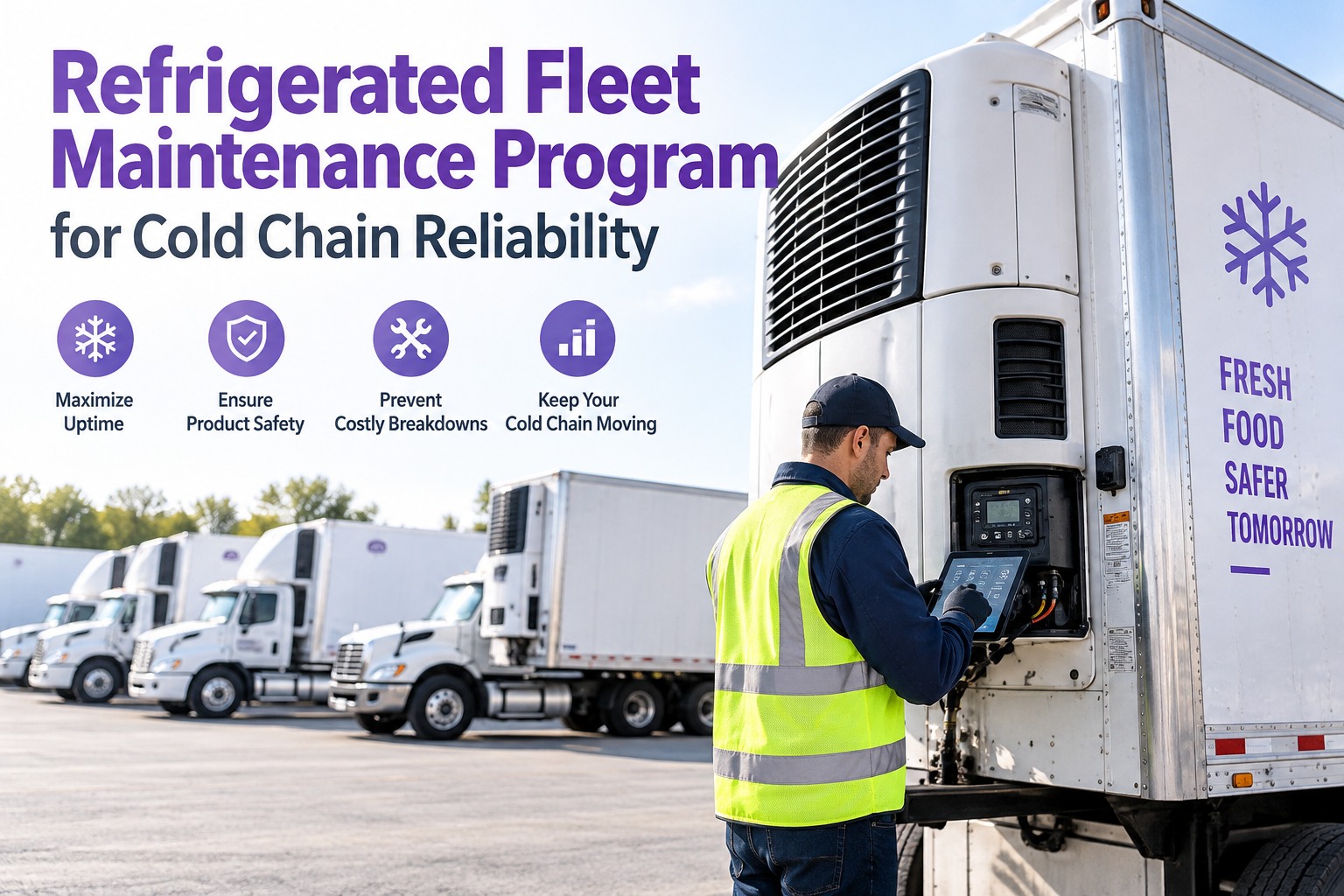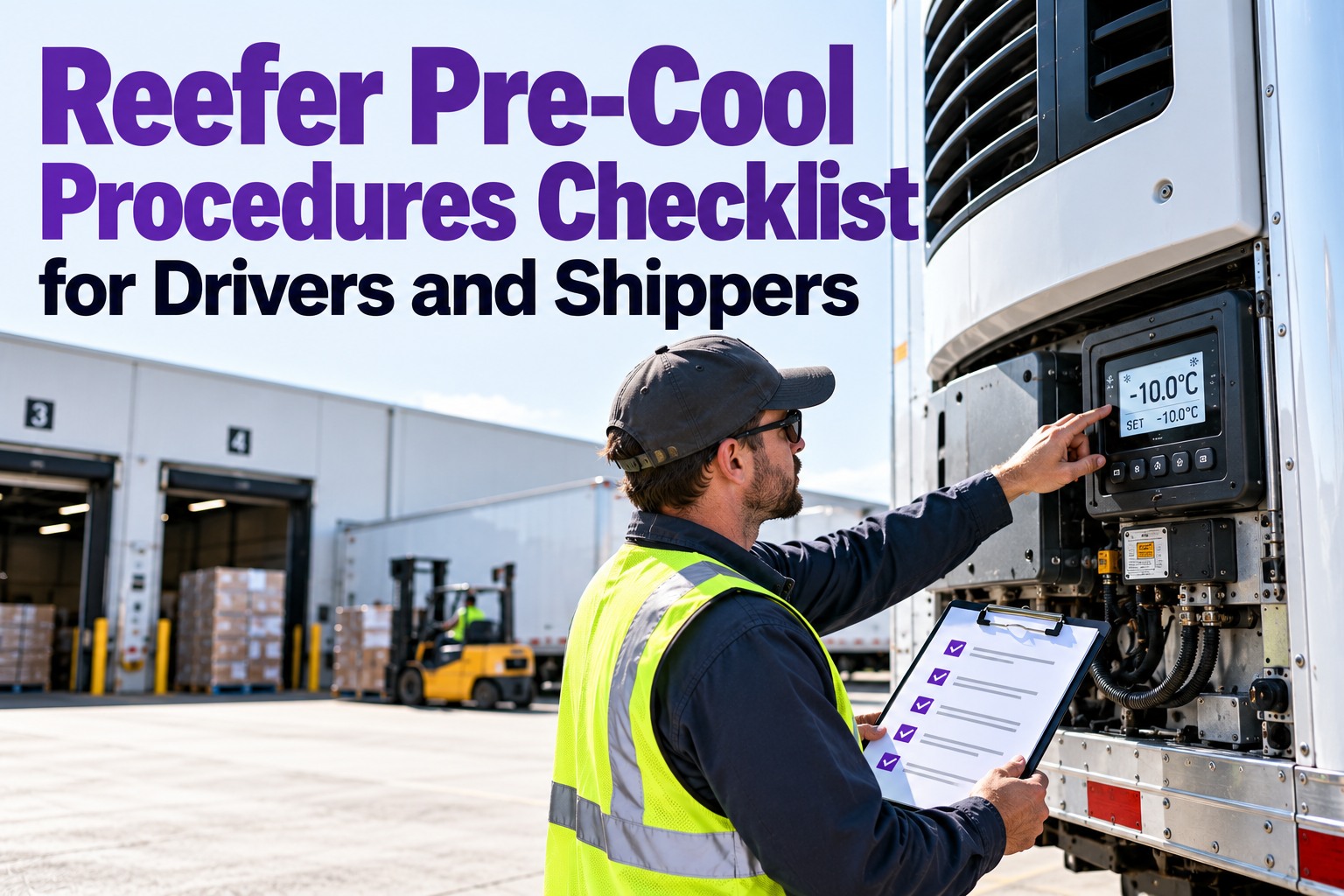
The costliest mistake in reefer freight is believing the number on the display. A reefer is built to maintain a cold load, not chase down the field heat a shipper sent in warm — and set point alone doesn't confirm a pre-cool. This checklist covers the pre-cool sequence, the four temperatures that matter, and who owns what between driver and shipper — plus how Truck Inspection & Maintenance Management Software (TIM) logs each verification as an FSMA-ready record. Start free and log every pre-cool verification on any phone.
The Reefer Maintains Cold. It Doesn't Remove Heat the Shipper Sent In Warm.
You want the trailer at spec and verified before the first pallet — not a set point on a display that says nothing about the air in the tail. This checklist runs the pre-cool sequence, the temperature checks, and the airflow rules that keep the cold chain intact. TIM makes each verification a record: log the pre-cool, the set point, and the stabilization time on a phone, FSMA-ready. Every defect logged gets a first response within 4 hours — acknowledged, graded, and assigned.
Four Temperatures, One Load — Stop Reading Just the Set Point
Most reefer disputes come from treating four different numbers as one. The display shows what you told the unit to do; it doesn't show what the product is actually doing. Know the difference before you trust the log.
The instruction you dialed in — a target, not a measurement. The unit chases it, but it's not proof of anything.
The chilled air leaving the evaporator. Cold, but it's the air before it has done any work on the load.
Air coming back to the unit after moving through the load. What the logs usually record — and what misses dead-zone hot spots.
A probe in the actual product — the only number that proves the load is safe. A reefer reading 36°F can hide pulp at 48°F.
The Pre-Cool Sequence — Before the Dock, Not At It
Pre-cooling starts hours ahead, not when you back into the door. Run the trailer down to spec, let it stabilize, and verify the air in both ends before loading. This is the sequence that keeps a shipper from rejecting the trailer — and keeps warm air out of the box.
Set to load spec — frozen −10 to 0°F, fresh 33–40°F — and run the pull-down. Frozen needs 3–4 hrs; fresh 2–3 hrs from ambient.
Hold at set point for at least 30 minutes so the box equalizes — a momentary reading isn't a stable pre-cool.
Check air temperature in the nose and the tail before the first pallet. Set point alone doesn't confirm the pre-cool.
Airflow — Why a Clean Log Can Still Hide a Warm Load
Cold air flows from the front ceiling down over the load, picks up heat, and returns along the floor to the unit. Break that loop and the rear drifts warm while the return-air sensor reads fine. These are the loading habits that kill the cold chain — and the pre-cool checks that protect it.
The chute carries cold air past the front pallets to the door end. Without it, rear zones drift warm despite clean logs.
Stacked too tall crowds the ceiling and chokes supply air. Keep the load under the height line.
Pallets against the walls choke the sides; product on the floor channels starves the return.
A ¼-inch seal gap can spike fuel use 18–22% and let warm air in. Inspect gaskets and drain grates.
Who Owns What — Driver vs. Shipper
Pre-cool failures often come down to a handoff nobody owns. The trailer pre-cool is the carrier's job; pre-cooling the product is the shipper's. A reefer can't remove field heat the shipper never took out — so the split matters.
- Pre-cool the trailer to spec 2–4 hrs out
- Verify nose & tail air before loading
- Run the chute, load below the red line
- Confirm reefer fuel ≥ ¾ tank; run OEM self-test
- Start the FSMA temperature record
- Pre-cool the product to temp before loading
- Never send warm/field-heat product into the box
- Provide the correct set point for the commodity
- Build pallets that don't block airflow channels
- Confirm pulp temperature at loading
"The Display Said 36" Isn't an FSMA Record. A Logged Pre-Cool Is.
TIM turns the pre-cool into a verifiable record: log the set point, the pull-down, the 30-minute stabilization, and the nose-and-tail check on the driver's phone — with the FSMA temperature record started before loading. A ¼-inch seal gap or a failed probe calibration gets photographed, opens a work order, and holds the unit until it's fixed. Every reefer record is retained and retrievable — exactly what the FDA's 24-hour request window demands.
Frequently Asked Questions
Verify the Pre-Cool — Don't Just Trust the Display
Set point, supply, return, pulp — four numbers, one safe load. Run the pre-cool 2–4 hours out, stabilize 30 minutes, verify nose and tail, and keep the airflow loop clean. TIM logs each step as an FSMA-ready record so the cold chain holds and the paperwork stands up.