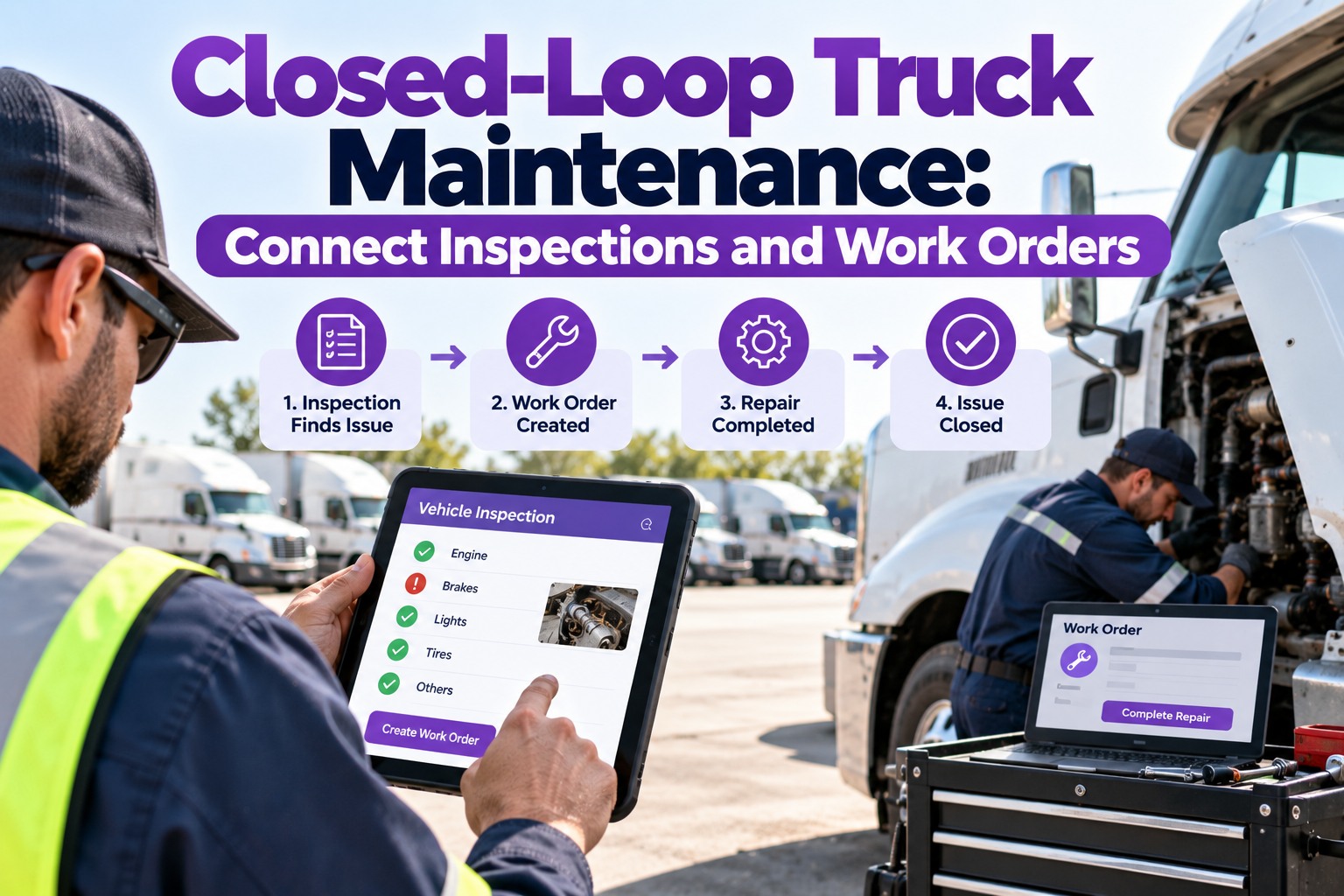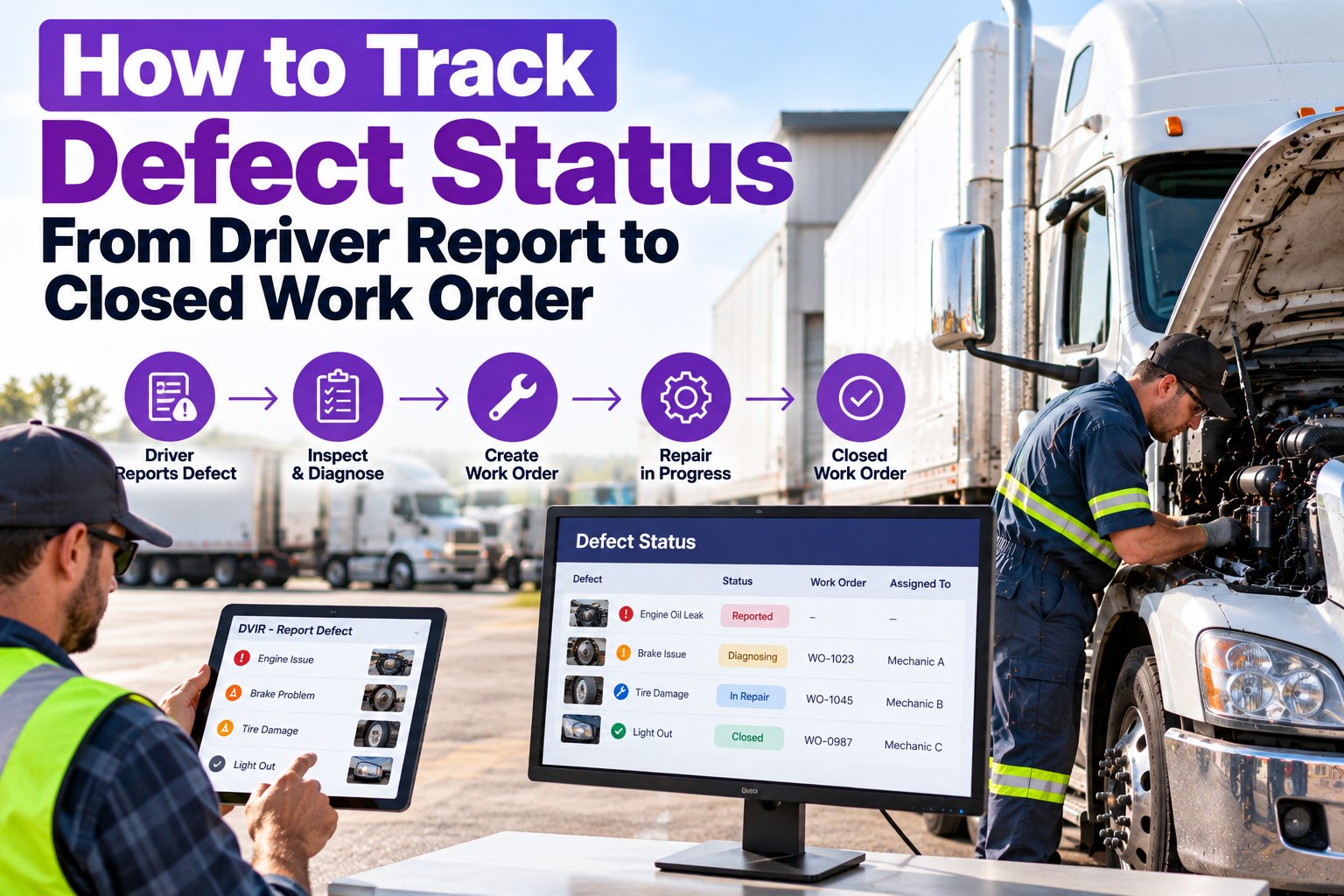
A defect that gets reported but never tracked is worse than one never found — because now there's a record that someone knew. On paper, a defect lives its whole life in the gaps: a carbon copy on a clipboard, a note dropped on a dispatcher's desk, a work-order ticket that may or may not reach the shop. The typical paper cycle stretches to 2.5–3.2 days, and during that lag a truck either rolls with a known defect or sits idle earning nothing. The fix isn't more paperwork — it's a status every defect carries from the moment a driver reports it to the moment it's verified closed, visible to everyone the whole way. This guide walks that lifecycle stage by stage, and how Truck Inspection & Maintenance Management Software (TIM) gives every defect a live status and an audit trail that closes the loop. Start free and track every defect from report to closed.
A Reported Defect Needs a Status. Without One, It's Just a Note That Gets Lost.
You want to know where every defect stands — reported, in repair, or verified closed — not discover an open safety item when an auditor does. This guide maps the full defect lifecycle and the closed-loop verification that proves it was fixed. TIM gives each defect a live status: a driver logs it with a photo, it opens a graded work order, routes to a tech, and closes only on sign-off. Every defect logged gets a first response within 4 hours — acknowledged, graded, and assigned.
The Defect Lifecycle — Six Stages, One Status
Every defect moves through the same six stages. The point of tracking is that at any moment, anyone can see which stage a defect is in — no phone calls, no "did the shop get that?" The status is the visibility.
Driver logs the defect at pre-/post-trip with a mandatory photo, GPS, and timestamp — seconds, not a form.
Severity is auto-tagged from the item template — Critical, Major, or Minor — not left to opinion.
A work order opens with vehicle, defect, photo, and severity, and routes to a technician who's notified.
The tech works it, logging parts and labor against the order so the cost and history attach to the unit.
The tech uploads a "fixed" photo and digitally signs off — the FMCSA-compliant repair certification.
The next driver acknowledges the repair before operating — the loop closes only when it's confirmed.
Where Paper Loses Defects — and Digital Doesn't
The reason defects fall through the cracks isn't carelessness — it's handoffs. Every transcription, every desk, every email is a place a defect can stall or vanish. Here's the same defect, two ways.
- Defect lives on a carbon copy on a clipboard
- Dropped on a dispatcher's desk
- Transcribed into a manual work-order ticket (~23 min)
- Emailed to the shop — or not
- No one can say where it stands
- Logged once with photo, GPS, timestamp
- Work order auto-opens on the shop dashboard
- Severity graded and tech notified automatically
- Status visible to everyone in real time
- Closes only on sign-off + driver acknowledgment
Severity Decides the Clock — and Whether the Truck Rolls
Not every defect gets the same status urgency. Grading at stage two sets the repair clock and, for the worst ones, pulls the truck from dispatch entirely. This is where tracking becomes enforcement.
Brake failure, steering, headlights, fuel leaks. The truck disappears from every dispatch view — no manager override. Only a repair sign-off plus driver acknowledgment restores it.
Requires same-day fix but allows the current shift to finish before lockout. On the clock, but not stranded.
Scheduled with the next preventive-maintenance visit — tracked and visible, but not urgent.
The Status Is the Whole Point — and the Audit Trail Is the Proof
TIM gives every defect a live status from report to closed, so a dispatcher, a manager, and a driver all see the same truth without a phone call. Each stage is timestamped and signed, building an FMCSA-compliant chain: who reported it, the photo, who fixed it, the sign-off, and the next driver's acknowledgment. When an auditor asks whether a reported defect was resolved before the truck rolled, the answer is one search — not a hunt through clipboards.
Frequently Asked Questions
Every Defect, One Status, All the Way to Closed
Six stages, severity-based blocking, mandatory photos, and a signed, timestamped trail that proves the defect was fixed before the truck rolled. TIM gives every defect a live status everyone can see — so nothing stalls in a handoff and nothing goes out unrepaired.