An ELD, on its own, is just hardware — a box wired into the engine control module that records hours of service. It logs the clock; it can't tell you a driver is trending toward a 70-hour violation two days out, that a DVIR defect has sat open for a week, or that your device's manufacturer just lost its FMCSA registration. That's the job of logbook and compliance software: the layer on top of the ELD that turns raw HOS data into alerts, audit exports, and a record that survives a roadside cross-check. And in 2026, enforcement shifted from "do you have an ELD?" to "does the data behind it actually hold up?" — which is why the inspection and maintenance records sitting alongside your logs now matter as much as the logs themselves. That's where Truck Inspection & Maintenance Management Software (TIM) completes the picture. Start free and keep HOS, DVIR, and maintenance records audit-ready.
The ELD Logs the Hours. The Software Decides Whether You Pass the Audit.
You want violations prevented before they happen, not discovered at a roadside stop — and every supporting record ready when an inspector cross-checks your logs. Modern logbook software flags a limit two days out and keeps the DVIR and maintenance trail that ELD data must reconcile against. TIM runs that documentation side: log a defect, and it gets a first response within 4 hours — acknowledged, graded, and assigned — with a digital audit trail proving it was fixed before the truck rolled.
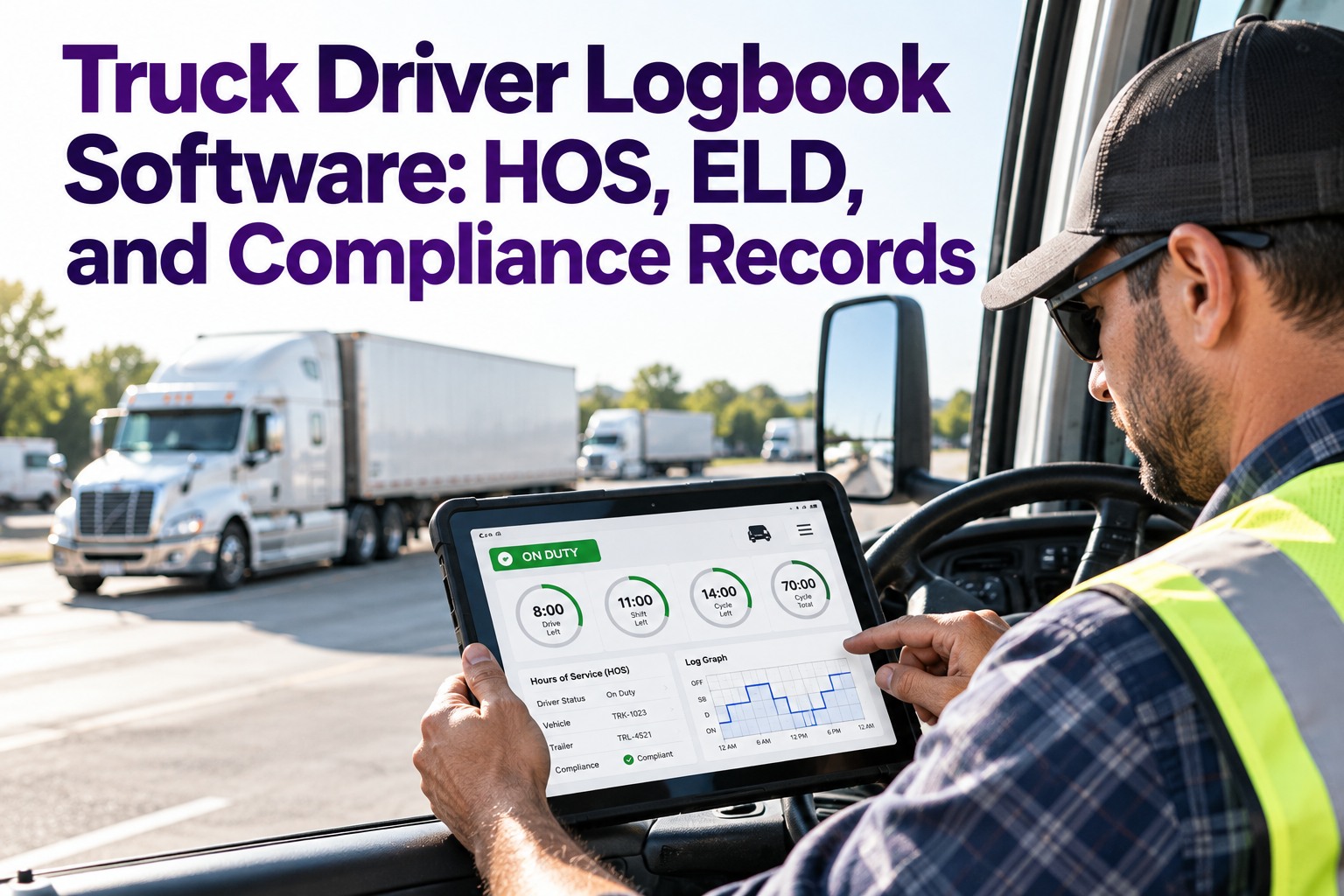
The HOS Clocks Your Software Has to Enforce
Every logbook platform is built on the same federal rules under 49 CFR §395.3 — unchanged structurally since the 2020 Final Rule, but enforced far more tightly in 2026. These are the four core limits (plus the reset) the software watches in real time. The value isn't recording them after the fact; it's alerting the driver and dispatcher before a limit is crossed, so a dispatch change prevents the violation.
Max 11 hours driving after 10 consecutive hours off duty. Every minute beyond is an automatic ELD-recorded violation.
All driving must finish within 14 consecutive hours of coming on duty — the window doesn't pause for breaks.
Required after 8 cumulative hours of driving. Can be off-duty, sleeper, or on-duty-not-driving — but continuous.
No driving after 60 hrs in 7 days or 70 in 8 days. A 34-hour restart resets the clock.
ELD vs. Logbook Software — Know What You Actually Have
This is the distinction that trips up fleets: buying an ELD and assuming compliance is handled. The hardware logs; the software manages. Here's the split that decides whether you're inspection-ready or one revocation notice from an out-of-service order.
- Plugs into the engine control module
- Auto-records drive time once the truck passes 5 mph
- One-minute logging precision
- Transmits HOS data at roadside (telematics or local)
- Records the clock — and stops there
- Aggregates HOS across the whole fleet
- Flags violations before they become citations
- Stores logs the legally required 6 months
- Generates the reports auditors ask for
- Cross-checks your device against FMCSA's Registered ELD list
What Changed in 2026 — e-DVIR Gets Full Legal Backing
The biggest shift isn't in the HOS rules — it's in documentation. FMCSA's February 2026 final rule (effective March 23, 2026) added explicit electronic-DVIR language to §396.11 and §396.13, giving digital DVIRs with electronic signatures full regulatory authorization. Paper can be replaced entirely — and enforcement has moved to match.
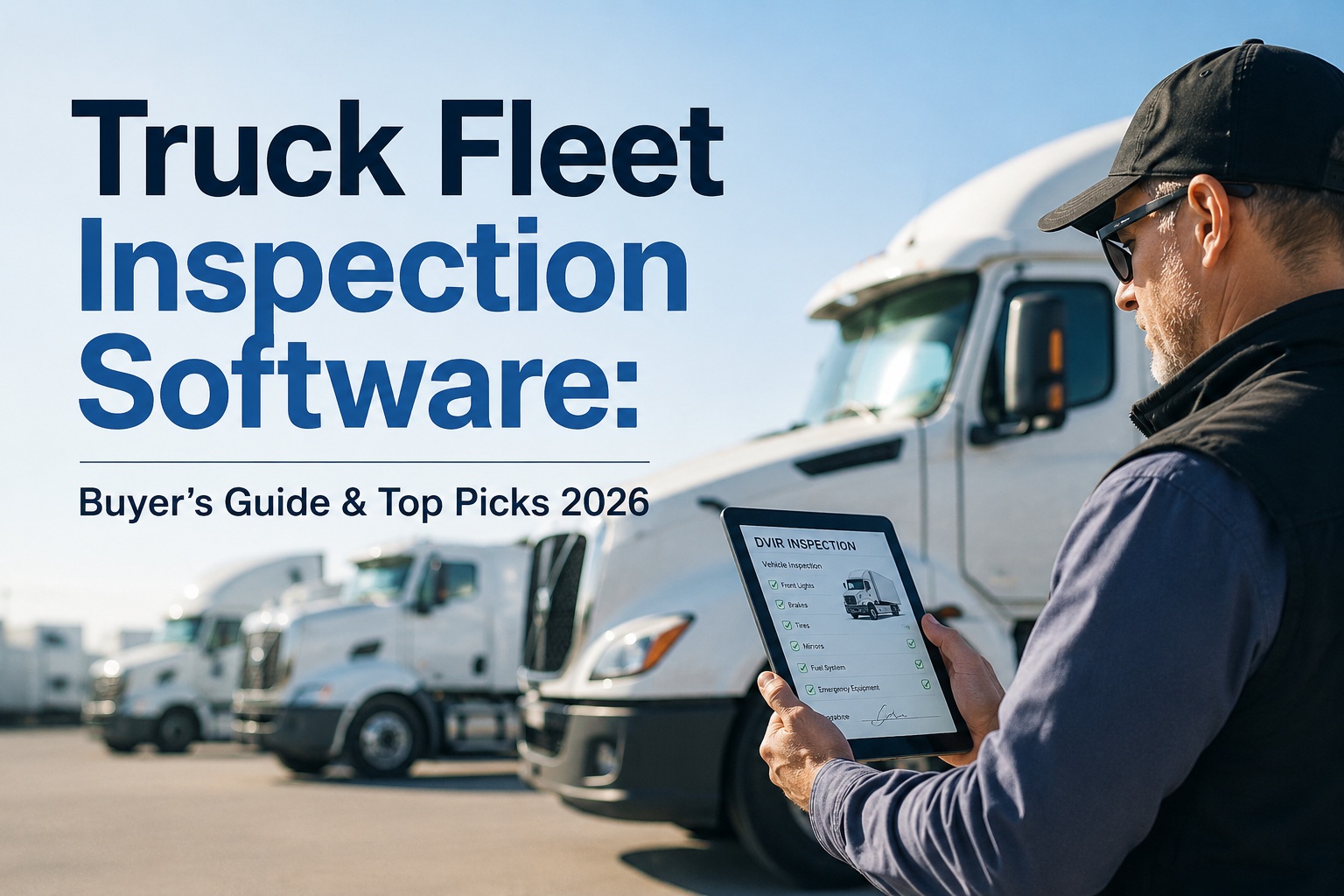
A driver flags a defect from their phone, it routes to maintenance automatically, and the digital trail shows it was resolved before the truck went back out — backed by §396.11/13.
The 2026 International Roadcheck focused on ELD tampering and log falsification, with inspectors cross-referencing logs against GPS, fuel receipts, and telematics.
Bills of lading, fuel receipts, toll and dispatch records all must align with ELD data. A mismatch signals possible falsification — a severe finding.
Enforcement shifted to verifying the accuracy and completeness of the data behind the ELD — not just whether the device exists.
Your Logs Are Only as Strong as the Records Behind Them
When an inspector cross-checks ELD data against supporting documents, every record has to match. TIM is the documentation ecosystem that makes that hold: §396.11 digital DVIRs with photos and signatures, maintenance history linked to each vehicle, PM schedules, and instant audit exports searchable by vehicle, driver, or date. Your logbook software runs the hours; TIM proves the truck behind those hours was safe and serviced.
What to Look For in a Modern Logbook System
Not all platforms are equal. Whether you're evaluating logbook software or the compliance layer around it, these are the capabilities that separate a system that keeps you audit-ready from one that just records hours.
Warnings pushed to both driver tablet and dispatcher dashboard as a limit approaches — prevention, not post-mortem.
Prompts a written note the moment a driver selects PC, Yard Move, or an exception — closing the most common violation.
Defect flagged from the phone, routed to maintenance, resolved-before-dispatch trail intact — §396.11/13 compliant.
Driver logs stored and instantly retrievable for the legally required window, plus the longer holds for other records.
Complete compliance packages generated in minutes — searchable by vehicle, driver, date, or keyword.
Status changes and DVIRs in minimal taps, so drivers spend time driving safely, not fighting menus.
Frequently Asked Questions
Log the Hours. Prove the Truck. Pass the Audit.
Your ELD and logbook software handle the clock. TIM handles the documentation it has to reconcile against — digital DVIRs, linked maintenance history, PM schedules, and instant audit exports. Together they mean an inspector's cross-check finds everything matching, every time.