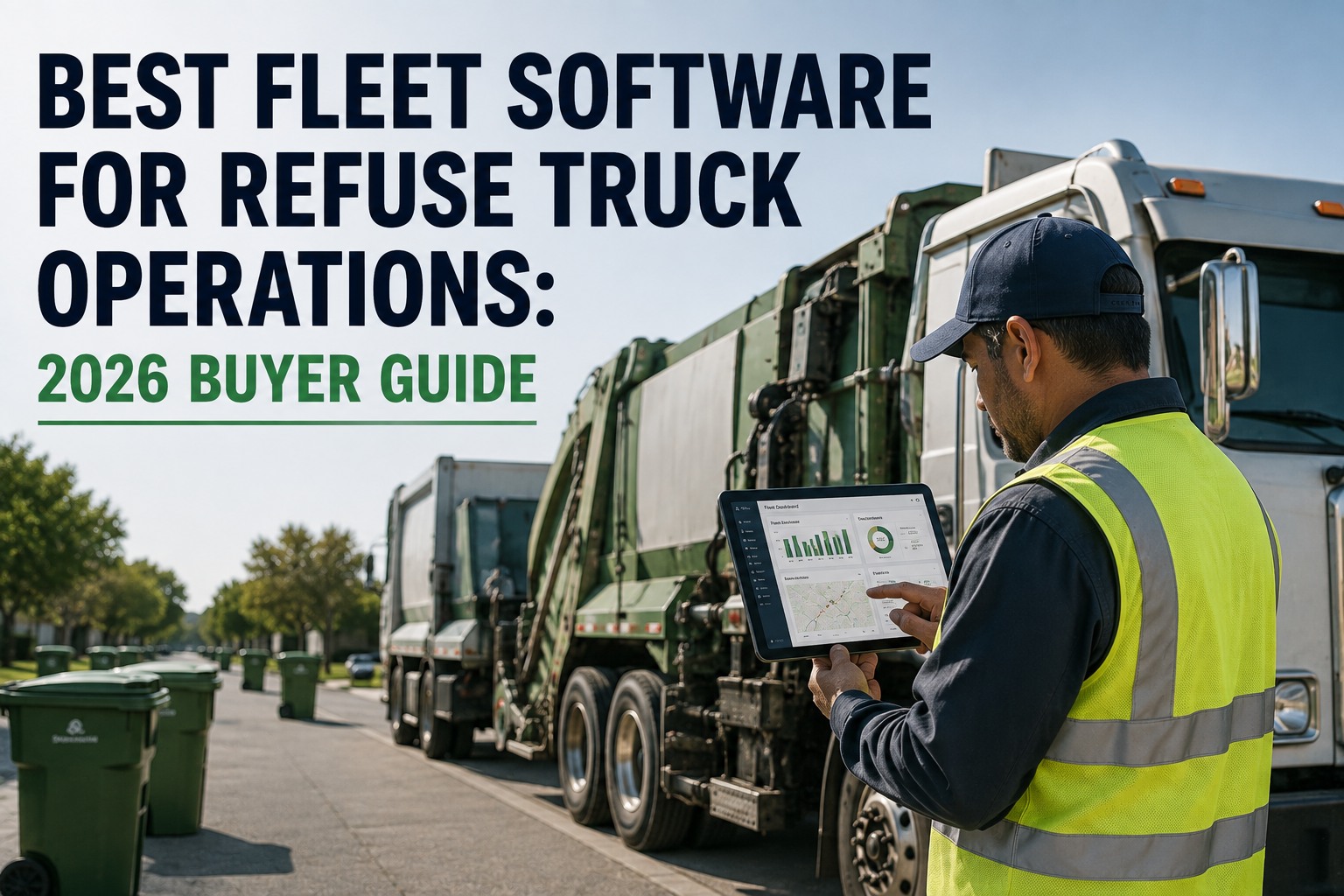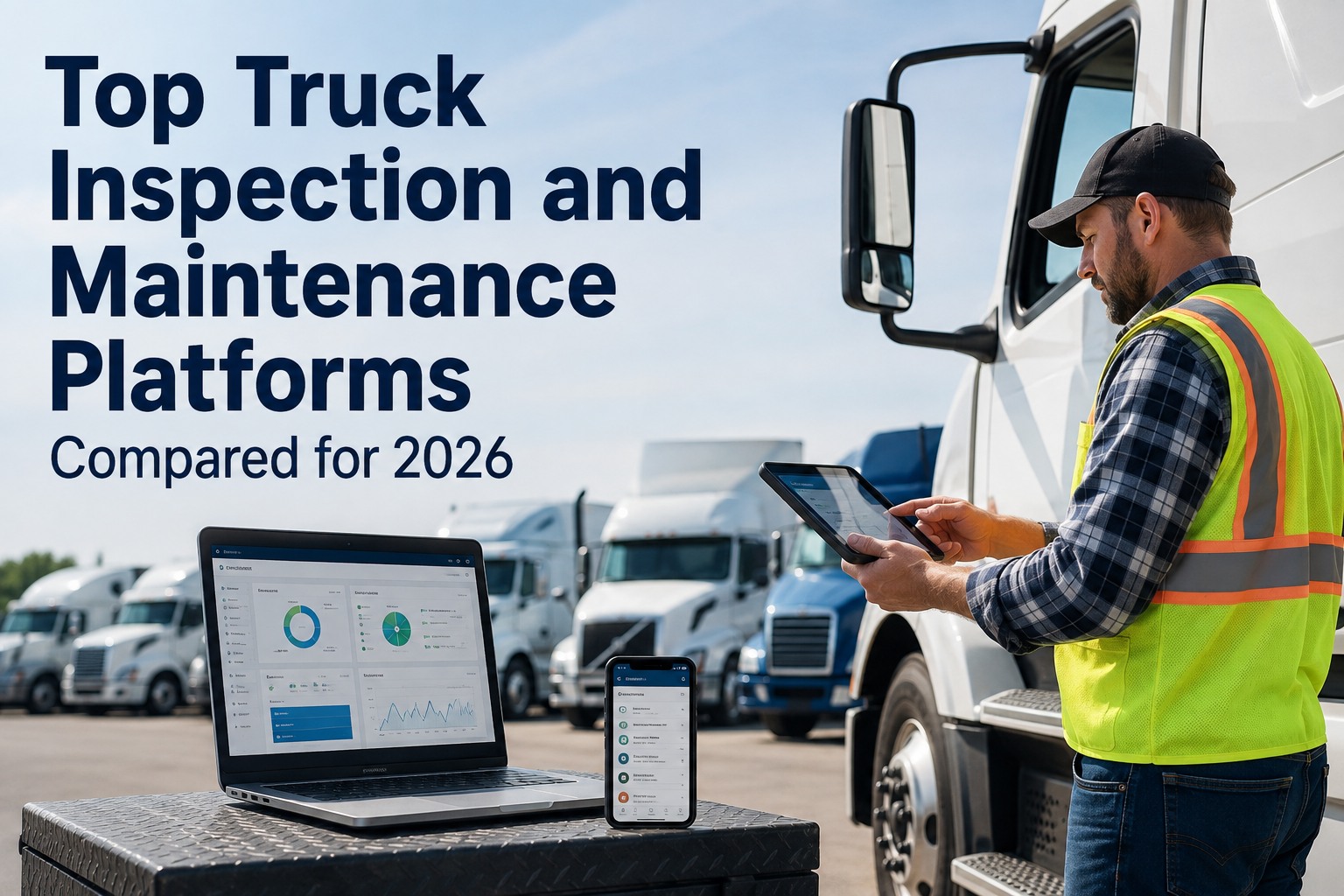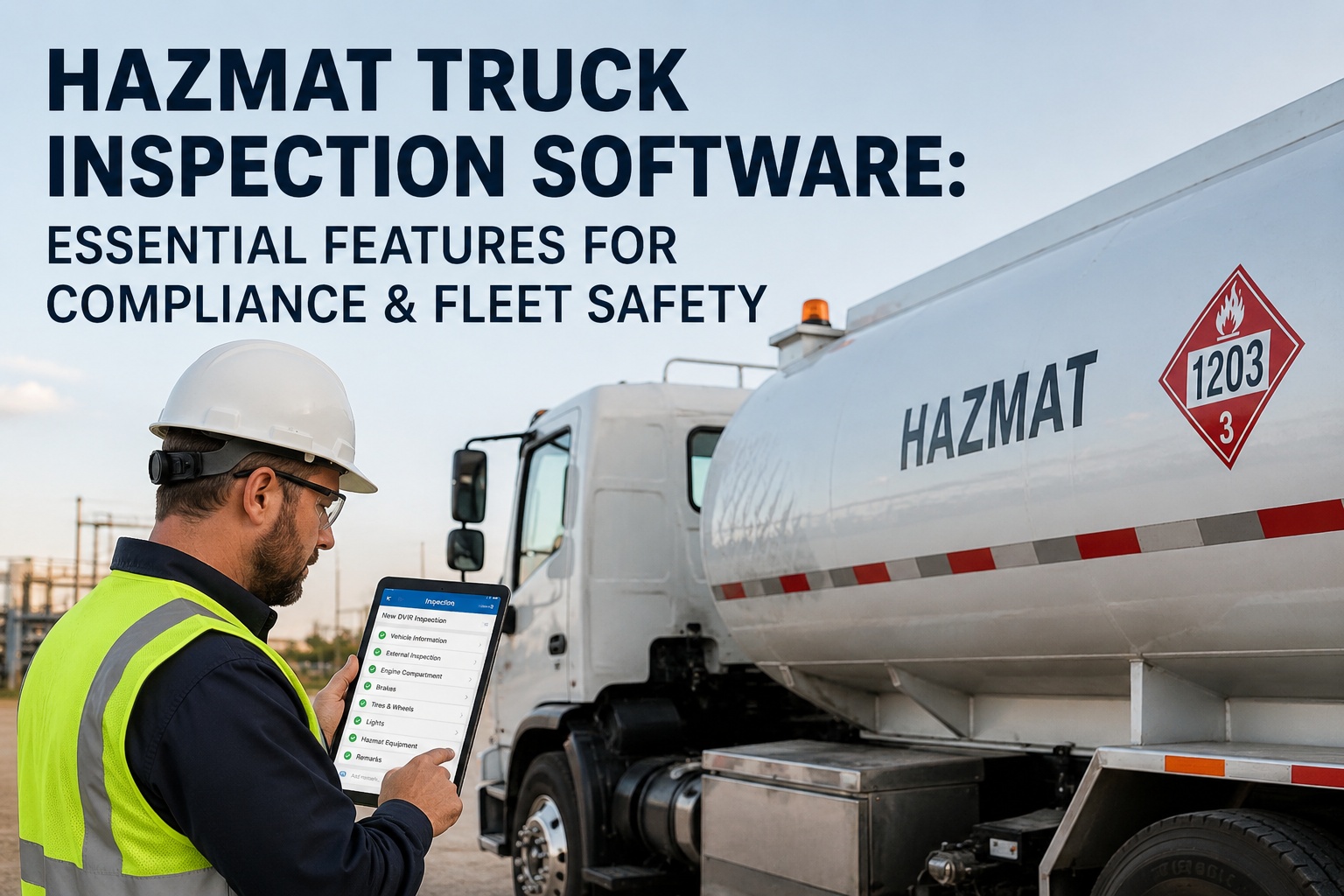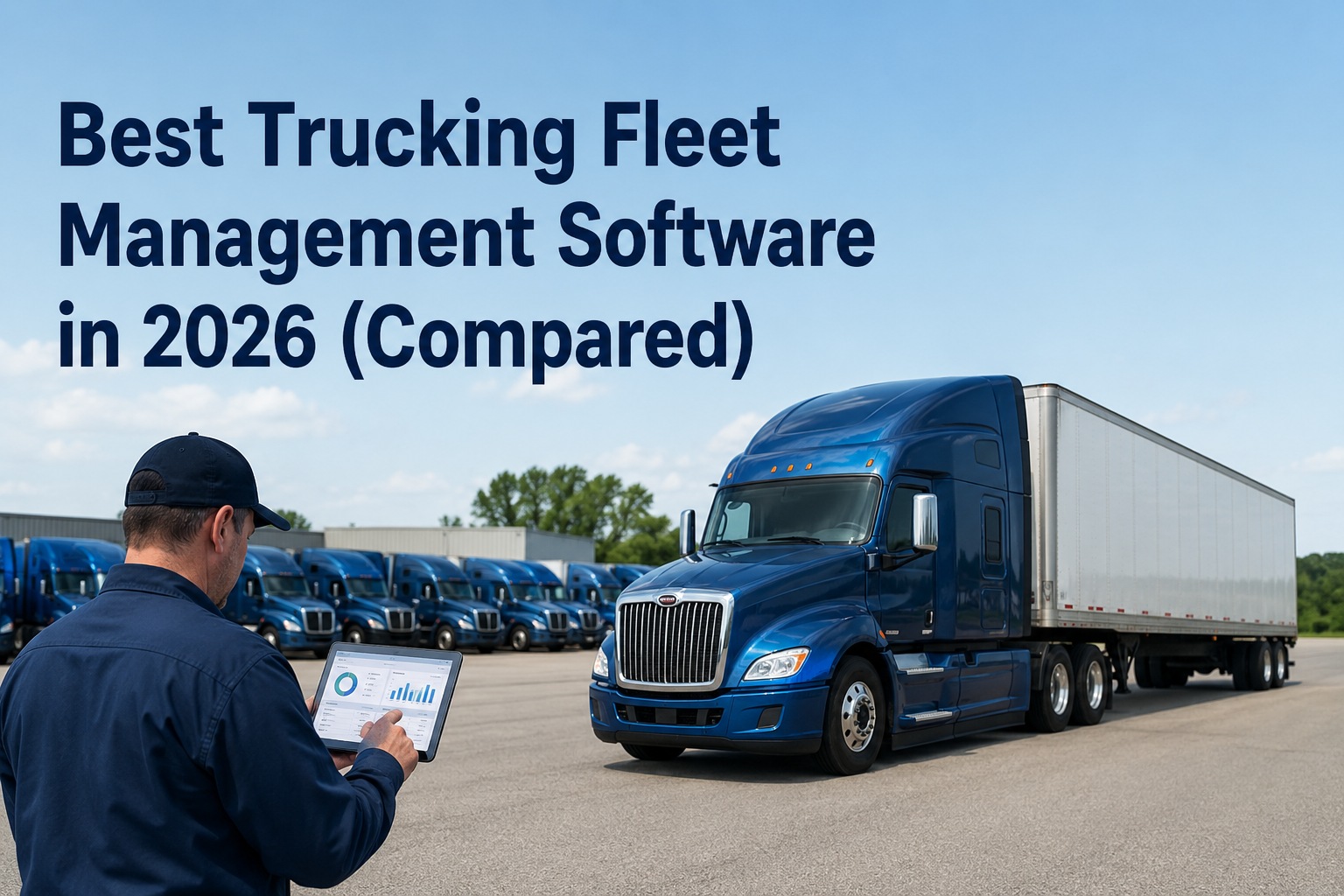
The question isn't whether your fleet needs inspection software in 2026 — that decision was made when FMCSA's March 23, 2026 final rule officially authorized eDVIRs and the new "Driver Observed" CSA category started scoring inspection quality on your carrier profile. The question is which platform actually fits your operation. With over 200 platforms competing for your contract and 52% of buyers running fleets of 9 vehicles or fewer, most fleets end up paying enterprise rates for capacity they'll never use, or buying budget tools that miss critical compliance features. This guide walks through the complete 2026 buyer's journey — the four decision questions that come before software comparisons, the must-have vs nice-to-have framework, the fleet-size matrix, and the 14-day evaluation playbook that protects you from buying wrong. Talk to our team for a customized buyer's walkthrough.
Start Here — The 4 Decision Questions
Before evaluating any platform, answer these four questions in writing. They determine which tier, category, and feature set actually fit your fleet. Skipping this step is why most fleets buy the wrong software:
What's my primary operational pain?
Compliance violations, missed PMs, paper DVIR chaos, driver behavior, or data silos? Rank the top three. The platform should solve #1 brilliantly — secondary needs come second.
How many vehicles and what types?
Class 8 tractors, trailers, reefers, vans, heavy equipment? Single-asset fleets need different platforms than mixed fleets. Vehicle count determines pricing tier — be honest about projected growth too.
What's my existing tech stack?
Telematics provider, ELD, fuel cards, accounting system, CMMS. The platform must integrate cleanly — custom integration quotes signal future cost spirals.
Who's the daily user?
Drivers complete inspections. Fleet managers monitor dashboards. Mechanics close defects. Auditors review records. Each persona needs UX that works — a "powerful" platform with bad driver UX kills adoption.
The Must-Have vs Nice-to-Have Framework
Every platform promises everything. Real differentiation lives in the gap between "must-have" capabilities (non-negotiable for compliance and operations) and "nice-to-have" features (valuable but secondary). Use this framework to filter the noise:
Walk-away if missing
- !FMCSA-compliant eDVIR — aligned with 49 CFR 396.11 & 396.13
- !3-signature enforcement — driver pre-trip, post-trip, mechanic certification
- !Offline mobile app — inspections at truck stops, rural yards, dead zones
- !Defect-to-work-order routing — no manual re-entry of issues
- !Timestamped photo evidence — GPS-tagged, embedded in DVIR record
- !Under-10-minute inspection time — driver adoption is the gate
- !Audit-ready record retention — automatic 1-click export
Adds value, won't break a deal
- +AI defect detection — photo analysis flagging visible damage
- +Predictive maintenance — failure prediction from sensor data
- +Multi-asset linked inspections — tractor + trailer + reefer combos
- +Driver scorecards — performance trends and coaching cues
- +OSHA equipment inspection support — for mixed fleets with construction gear
- +Multi-terminal management — for fleets across yards or regions
- +Custom BI reporting — beyond standard dashboards
The Fleet-Size Matrix — Match Tier to Operation
The right platform depends as much on your size as your needs. This matrix maps fleet size to the right platform category and budget — paying for enterprise features on a 20-vehicle fleet wastes as much money as running 500 trucks on entry-level tools:
Owner-Operators & Small Fleets
Budget: $3-$15/vehicle/month · Look for: Zero-minimum pricing, no hardware required, free trial available, mobile-first UX, basic eDVIR + PM scheduling, no contracts.
Regional & Mid-Size Fleets
Budget: $15-$35/vehicle/month · Look for: Multi-terminal management, vehicle-type templates, CSA "Driver Observed" mapping, native ELD/telematics integration, defect trend analytics, dedicated support.
Large Regional & National Carriers
Budget: $25-$45/vehicle/month · Look for: Multi-site, multi-region support, custom integrations, AI features (predictive PM, defect detection), BI reporting, SLA-backed uptime, dedicated CSM.
Enterprise & Multi-National Operations
Budget: $35-$50+/vehicle/month · Look for: Full API access, white-label options, advanced AI/ML, multi-currency, global compliance frameworks, 24/7 enterprise support.
The Platform Categories — Where Each One Wins
Not all fleet software is the same product. The market actually has four distinct categories, each optimized for different operational realities. Picking the wrong category — not the wrong vendor — is the #1 buyer mistake:
DVIR-First Platforms
Built primarily for inspection workflows. Strong on mobile UX, 3-signature enforcement, photo evidence. Lighter on maintenance management and analytics.
Integrated Fleet Management
DVIR + PM scheduling + work orders + parts inventory + reporting in one platform. The 2026 standard for mid-size fleets eliminating data silos.
Telematics-Centric Suites
GPS + ELD + dash cams + bolted-on DVIR. Strong on real-time vehicle tracking and driver behavior. Often requires proprietary hardware ($5K-$10K upfront on 50 trucks).
Enterprise Compliance Platforms
Full DOT compliance scope — DQ files, drug/alcohol, IFTA, IRP, permits, audits, plus DVIR. Built for fleets that already have telematics and need a dedicated compliance system.
Run a real evaluation, not a demo
Truck Inspection & Maintenance is free for up to 3 vehicles — no credit card, no hardware, no commitment. Configure your inspection templates in 10 minutes and run real evaluations against your operation. Sign up free to start your pilot today.
The Total Cost Equation
Published per-vehicle pricing tells you less than half the story. Industry data shows hidden charges inflate the real Year 1 cost by 20-40% — sometimes 2-5x for hardware-heavy platforms. Here's the equation that reveals actual total cost:
Real example: A 50-truck fleet on a $25/vehicle/month enterprise platform pays $15,000 in software + $7,500 in hardware + $3,500 in implementation + $1,200 in per-user fees = $27,200 Year 1, not the advertised $15,000. Always request the full equation in writing.
The 14-Day Evaluation Playbook
Don't pick a platform from a 30-minute demo. Real platforms reveal themselves under real operating conditions. Here's the proven 14-day pilot framework that filters winners from losers:
Configure & Onboard
Set up inspection templates per vehicle type, map walk-around order, configure defect routing rules, set up first 5 drivers. If setup takes more than 4 hours, the platform is over-engineered.
Run Real Inspections
Drivers complete actual pre-trips and post-trips on real vehicles. Track completion time per inspection. Anything over 10 minutes signals UX problems that will tank adoption.
Test Offline Capability
Have a driver complete inspections in airplane mode or genuine dead-zone locations. Verify sync on reconnection. Lost data here = automatic platform elimination.
Trigger Defect Workflows
Generate real defects. Verify auto-routing to maintenance, work order creation, photo embedding, severity flagging, and signature loop closure. Manual steps anywhere = compliance gap.
Run an Audit Simulation
Pretend you're a DOT inspector. Request specific records: vehicle history, defect timelines, repair certifications. Time the retrieval. Under 60 seconds = good. Over 5 minutes = fail.
Decision Day
Score against the must-have framework. Get hidden costs in writing. Verify cancellation terms. Talk to 2 references at your fleet size. Sign or walk — but don't extend beyond 14 days.
Frequently Asked Questions
What features are non-negotiable in 2026?
Seven must-haves: FMCSA-compliant eDVIRs (49 CFR 396.11), 3-signature enforcement (driver pre-trip, post-trip, mechanic certification), offline mobile capability, defect-to-work-order automation, GPS-tagged photo evidence, under-10-minute inspection time, and audit-ready record retention with 1-click export. Anything missing from this list creates compliance or adoption risk.
How long should the evaluation take?
14-21 days is the right window. Anything shorter hides real-world issues like offline reliability and driver adoption. Anything longer means you're avoiding a decision. Run pilots on 3-5 actual vehicles with real drivers — demo environments hide the friction that surfaces during live operations. Contact our specialists to plan a 14-day pilot for your fleet.
Is a free trial enough to evaluate fleet inspection software?
Only if it runs on real vehicles with real drivers for at least 2 weeks. 7-day trials in demo environments hide the issues that matter most: offline sync reliability, driver adoption friction, defect routing accuracy, alert fatigue, and audit retrieval speed. Look for platforms that offer real free tiers (not demos) on at least 3 vehicles for 14+ days.
Should I buy an all-in-one platform or best-of-breed tools?
Integrated platforms are the 2026 standard — fleets are actively replacing 3-5 separate tools with unified platforms because data silos create the same problems as paper. That said, "all-in-one" can mean "average at everything." Prioritize the strongest function for your primary pain point. Sign up free to test inspection + maintenance + compliance in one unified workflow.
What's the typical ROI timeline?
Industry data shows 47% of fleets achieve positive ROI within 12 months, with 32% seeing returns within 6 months. The first prevented breakdown often pays for several months of software cost. For inspection-specific platforms, ROI often arrives in 60-90 days through prevented violations, faster audit response, and reduced administrative overhead. Small fleets typically save 15-25 hours per week on compliance admin alone.
How do I negotiate with vendors?
Published prices are rarely the best prices. Always negotiate: cancellation rights (avoid early termination fees), price-lock guarantees (no Year 2 surprise increases), training inclusion (no per-driver charges), integration credits, and free additional vehicles during pilot. Get every promise in writing. Talk to our team for transparent pricing with no negotiation games.
Run the playbook before signing the contract.
Truck Inspection & Maintenance hits every must-have at $3/vehicle/month with no hardware, no contracts, no minimums. Free for up to 3 vehicles. Use the 14-day evaluation playbook to compare us against any platform — we'll match every test.