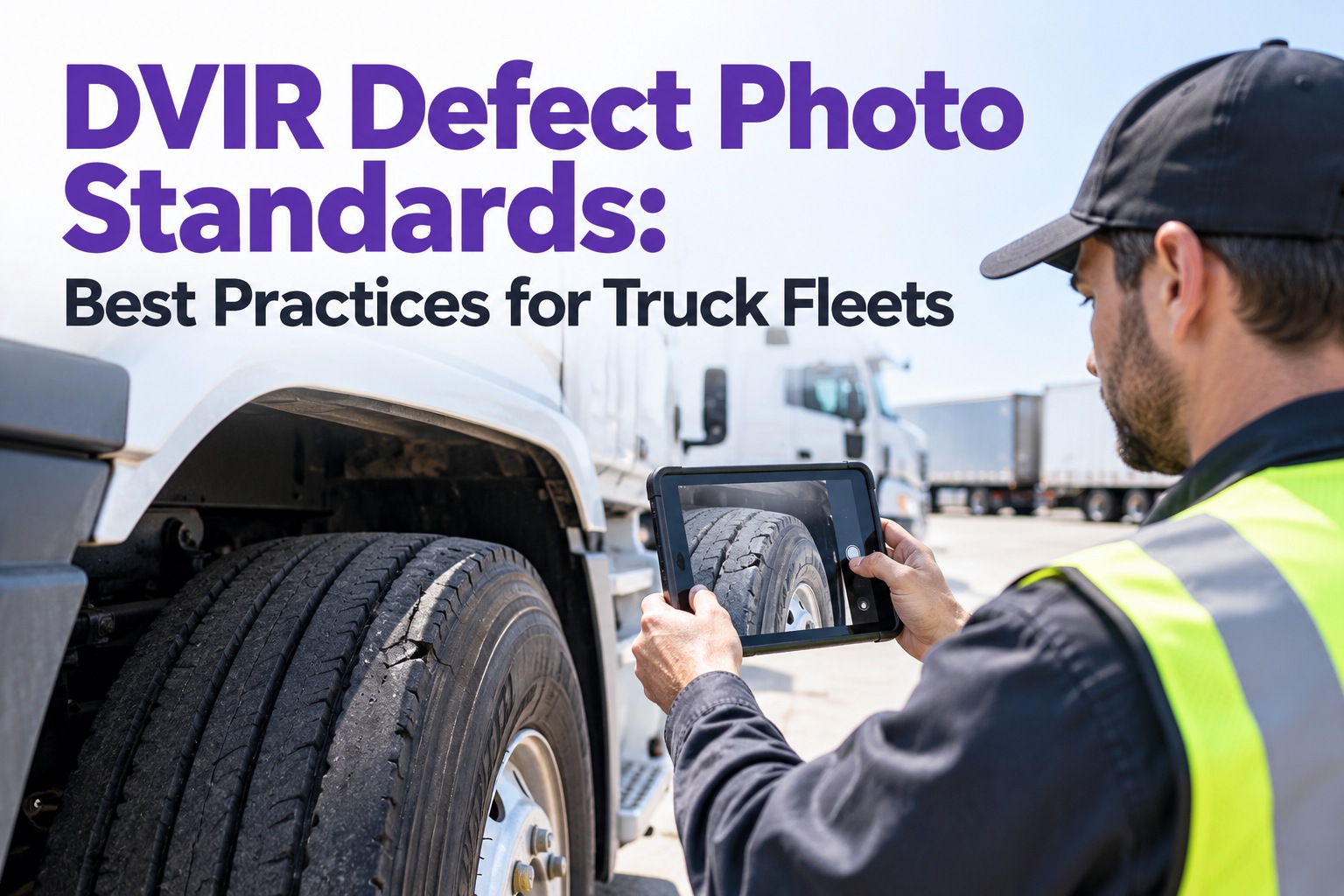
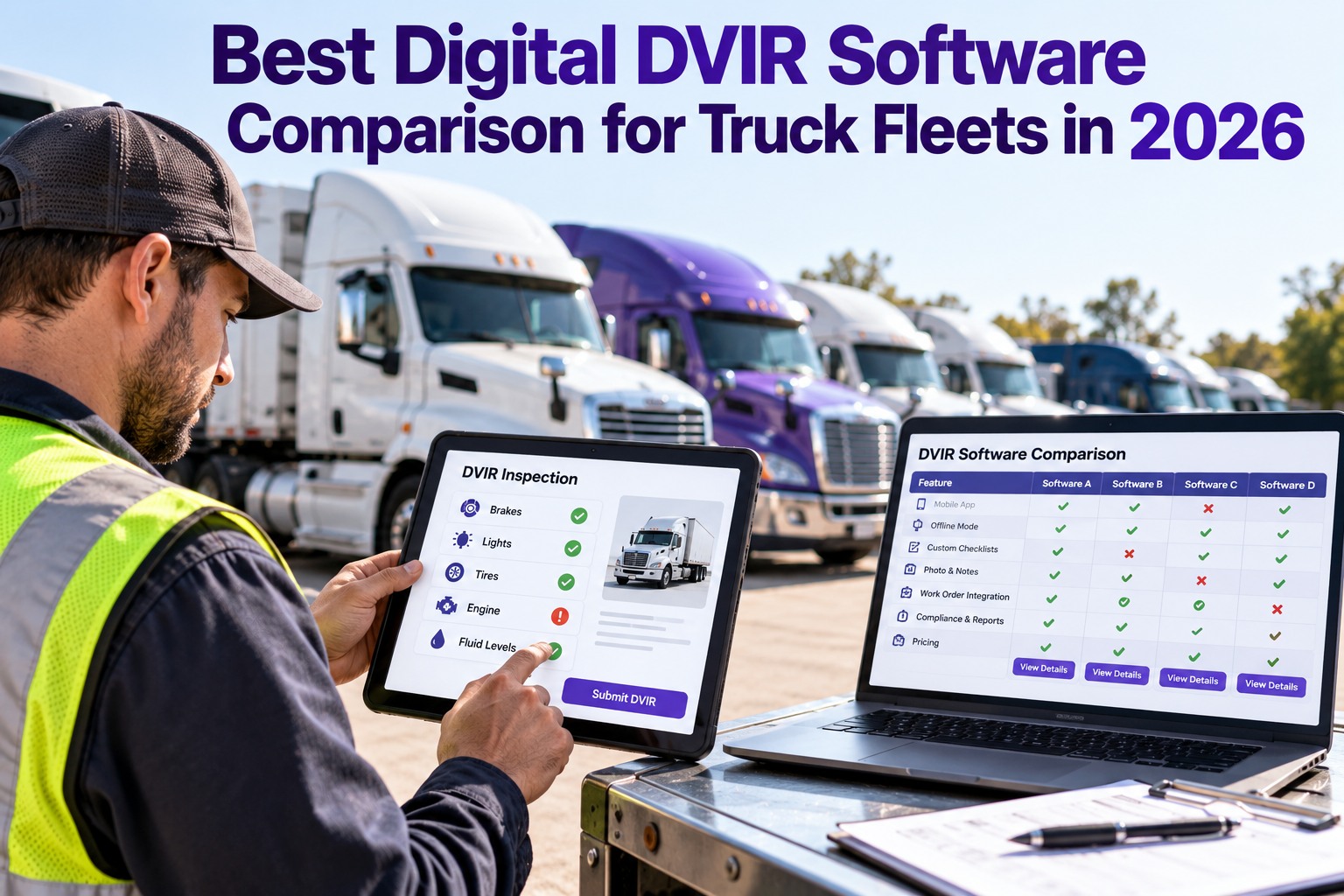
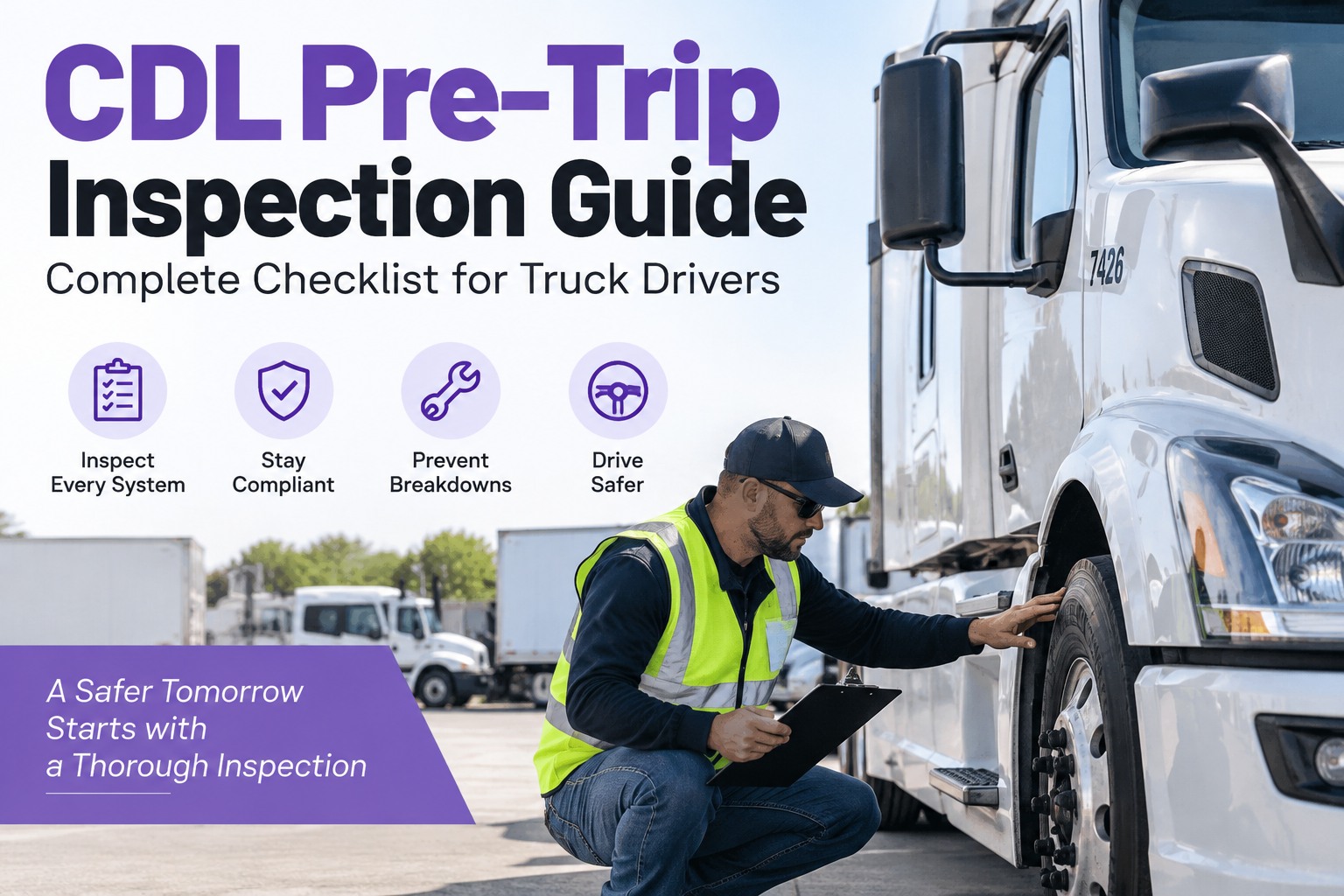
It is 5:30 AM in the yard. The driver has a phone in one hand and a coffee in the other, and the pre-trip is a tap-through he finishes in ninety seconds without looking at a single tire. The report says "no defects." Two days later the same truck is pulled at a scale with a lighting violation. Buying a pre-trip inspection app should prevent that, yet many fleets choose on screenshots and discover that the app captures a report but never gets the findings fixed. This guide shows what separates a real inspection app from a digital checkbox: the driver's-eye test, the six features that matter, a demo script, and how Truck Inspection & Maintenance Management Software (TIM) carries a finding from the driver's phone to a verified repair. Start free and run your first digital pre-trip.
Pre-Trip App · Digital DVIR · Buyer's Guide · 2027
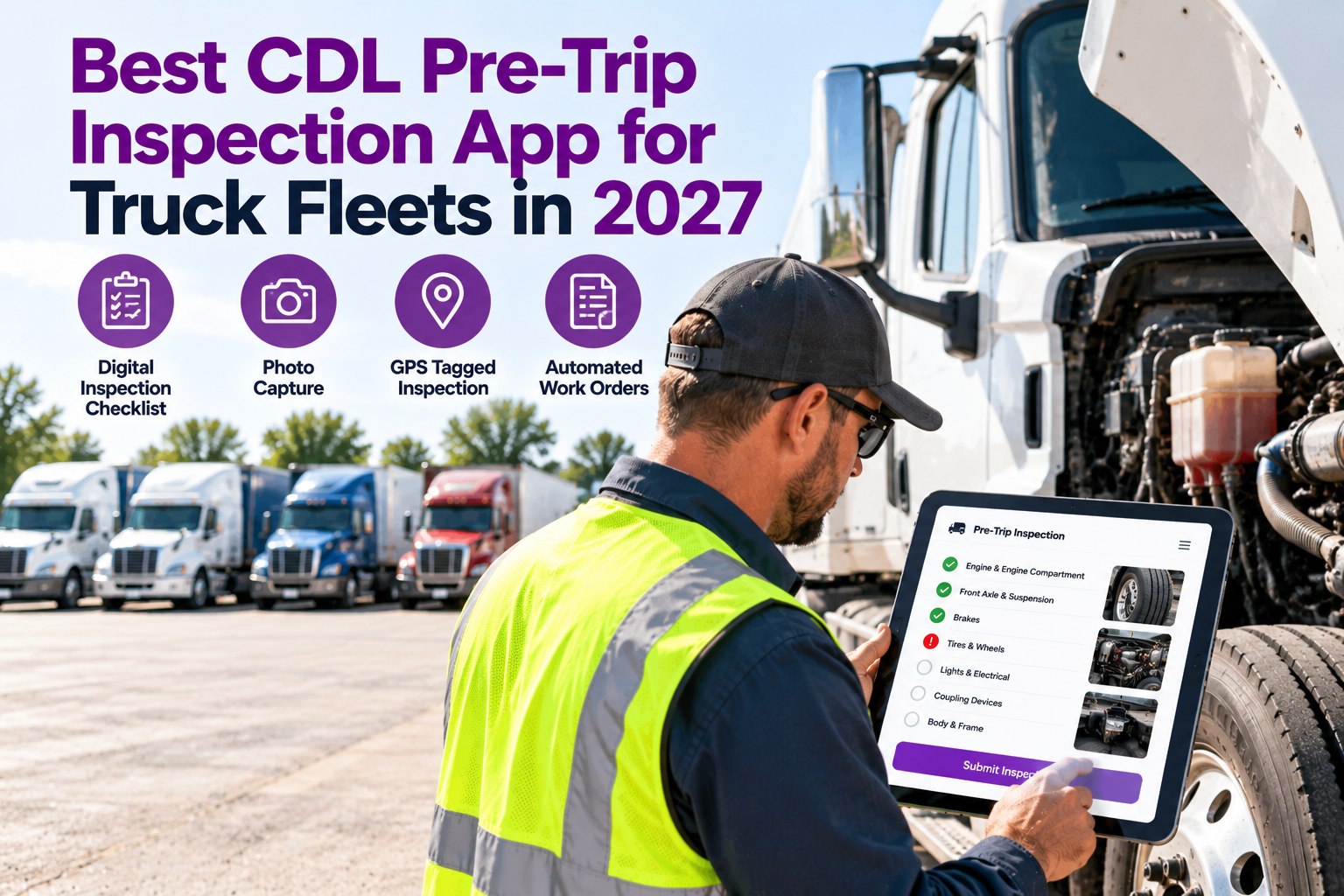
Best CDL Pre-Trip Inspection App for Truck Fleets in 2027
The best pre-trip app is the one drivers actually complete properly and the shop actually acts on. TIM guides the driver through the walk-around with photos, then turns every defect into a graded, assigned work order on the truck's record.
2 usersthe driver who fills it in and the shop that acts on it
6 featuresthat decide whether an app earns its place
1 recordper truck: inspections, defects and repairs
Two Tests Every Inspection App Must Pass
Most apps are built for one side. A good one works for both, and fails visibly if either side is ignored.
Test 1: the driver
Is it fast and hard to fake?
- Works on a basic phone with weak signal
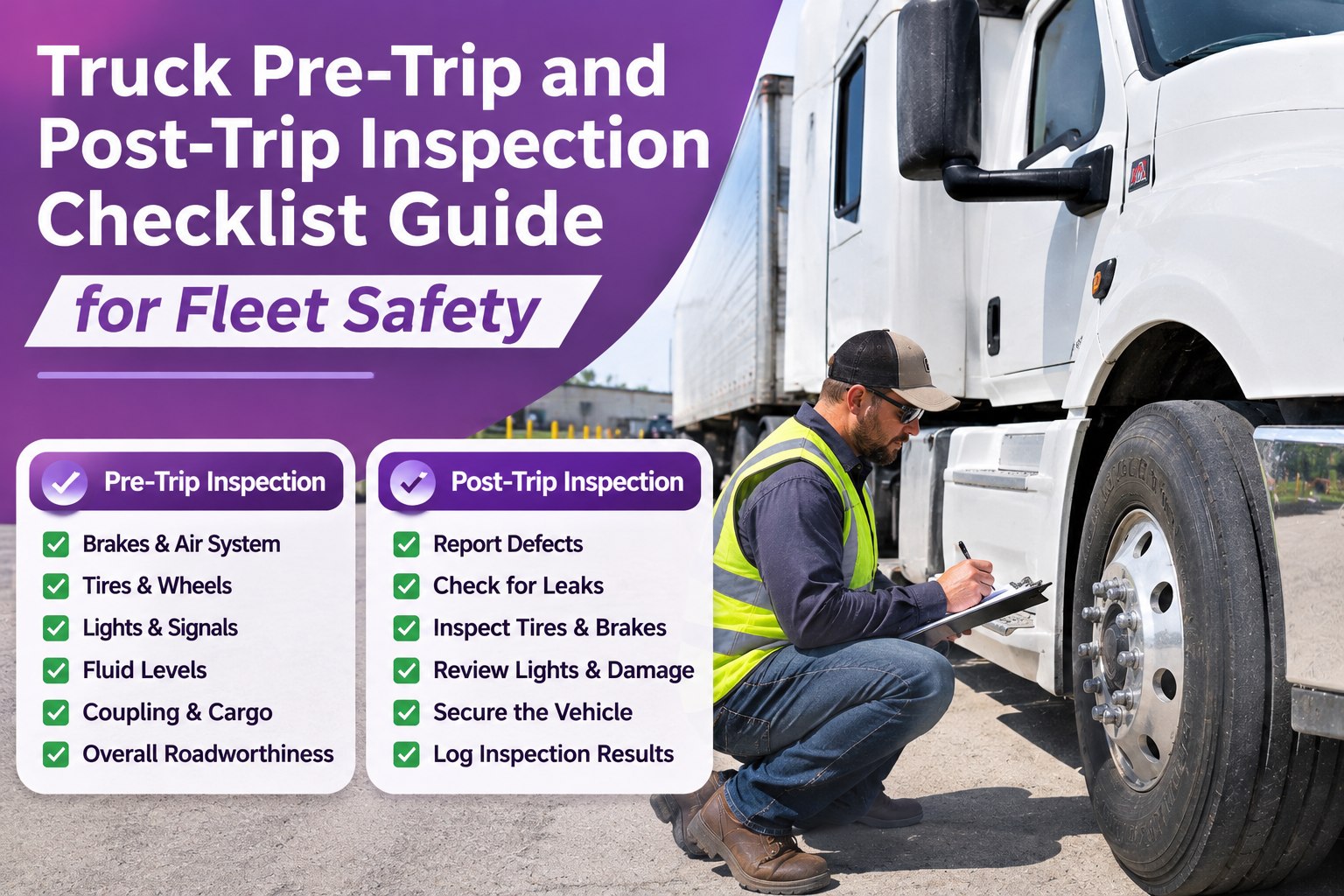
- Guides the walk-around zone by zone
- Needs a photo for a failed item
- Takes minutes, not a chore
Test 2: the shop
Does the finding get fixed?
- Defect reaches the shop right away
- Severity is graded, not just listed
- A work order is created without retyping
- The fix is verified and recorded
An app that passes only the driver test gives you a nice report and the same broken trucks.
From Driver's Phone to Closed Repair
This is the path a single finding should take. Each stage should leave a name and a timestamp.
1Guided walk-aroundDriver works through each zone on the phone.
2Defect + photoA failed item is flagged with a picture.
3GradedSeverity is set by safety and out-of-service risk.
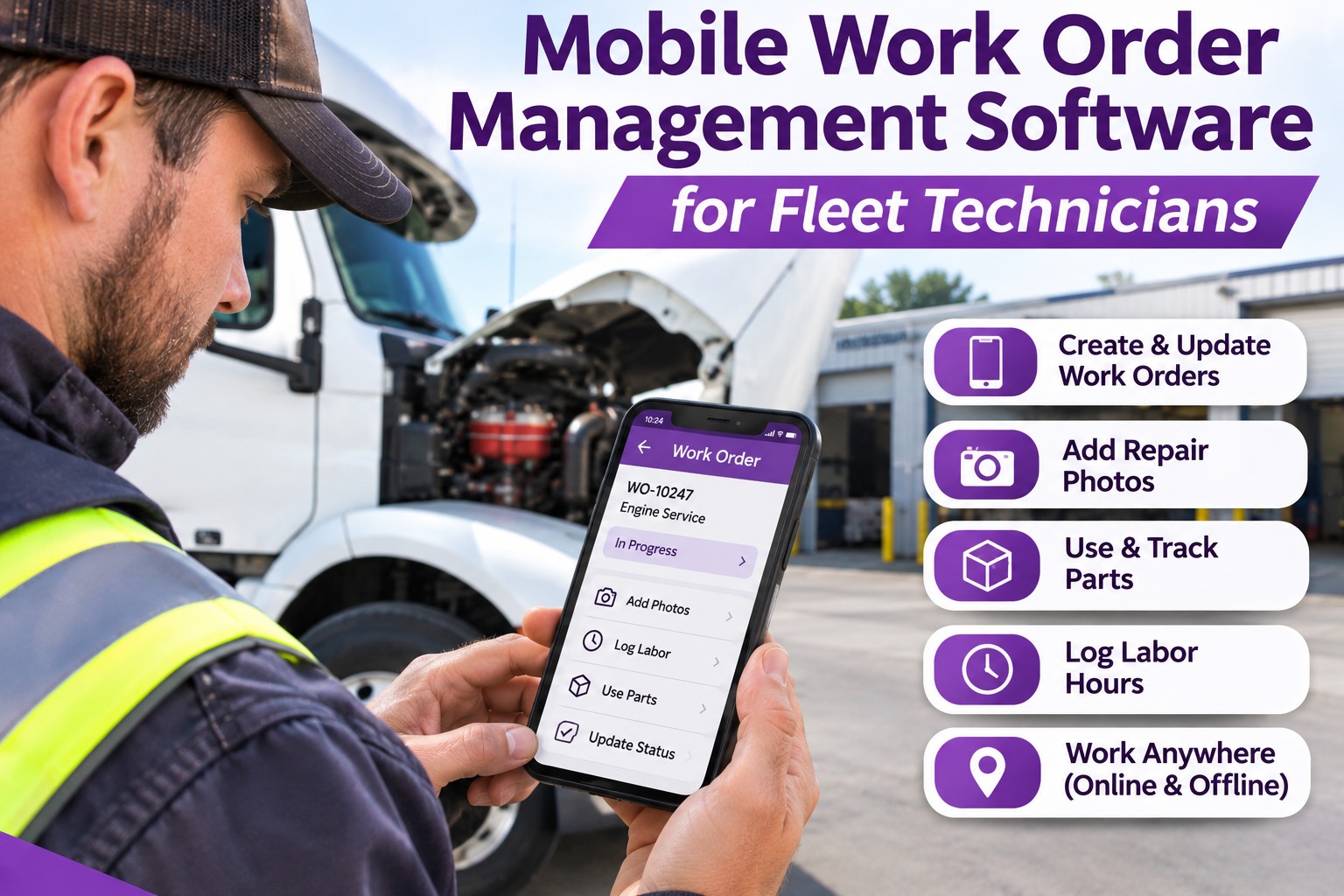
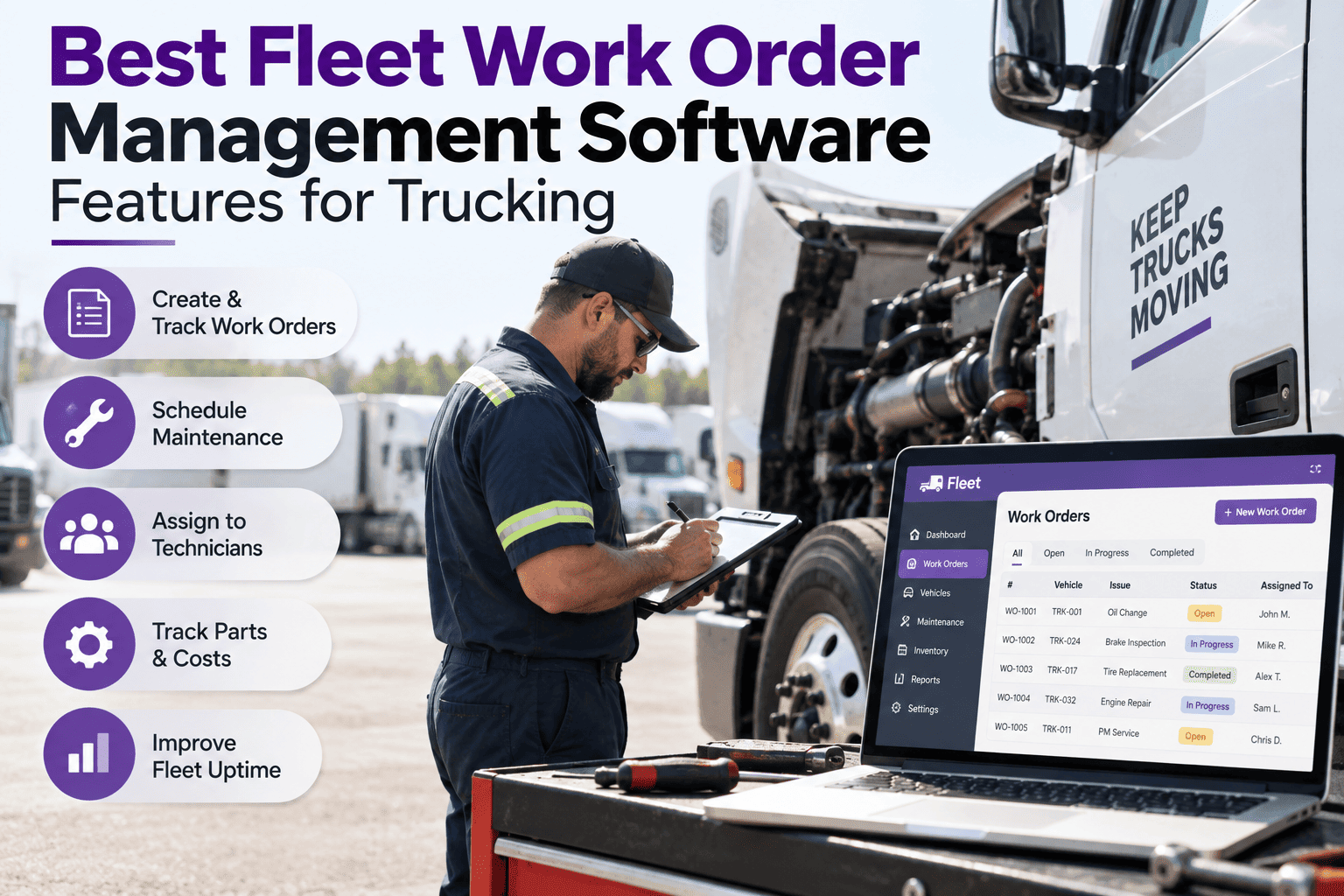
4Work orderCreated and assigned to a technician.
5VerifiedFix is checked, then the DVIR is closed on record.
Under 49 CFR 396.11, a carrier must repair safety-related defects reported on a DVIR before the vehicle is driven again and certify it. A good app makes that step required instead of optional. Check current FMCSA rules for your operation. Book a demo to see the full path on a real defect.
Six Features That Matter More Than the Rest
The brief for most buyers is long. These six decide the outcome. The rest is polish.
✔Guided checklistsZone-by-zone prompts for tractors and trailers, so nothing depends on memory.
📷Photo capturePictures attached to a defect show the shop what the driver saw.
📍GPS and time stampsShows where and when the inspection took place.
📝Digital DVIRSigned reports stored by truck, ready for retrieval.
⚙Automatic work ordersA defect turns into a repair job with no re-entry.
🔔Owner and clockEvery defect has a named owner and a response time.
Feature names vary by product. Confirm in a live demo that each one works as described.
Run One Real Pre-Trip in TIM
Start a free trial, add a truck and complete one inspection on your phone. Log a real defect and watch it become a graded, assigned work order.
Paper, Basic DVIR App or Inspection-Led Software?
Here is how the three approaches differ on the jobs that decide whether defects get fixed.
Paper DVIRBasic DVIR appTIM
Reaches the shopWhen the sheet is turned inWhen someone checksRight after submission
Photo evidenceNoneSometimesAttached to the defect
Severity gradingReader decidesUsually noneGraded on entry
Work orderRetypedSeparate systemCreated automatically
Fix verificationRareRareRequired to close
General categories, not a review of any named product. Verify any specific app in a live demo.
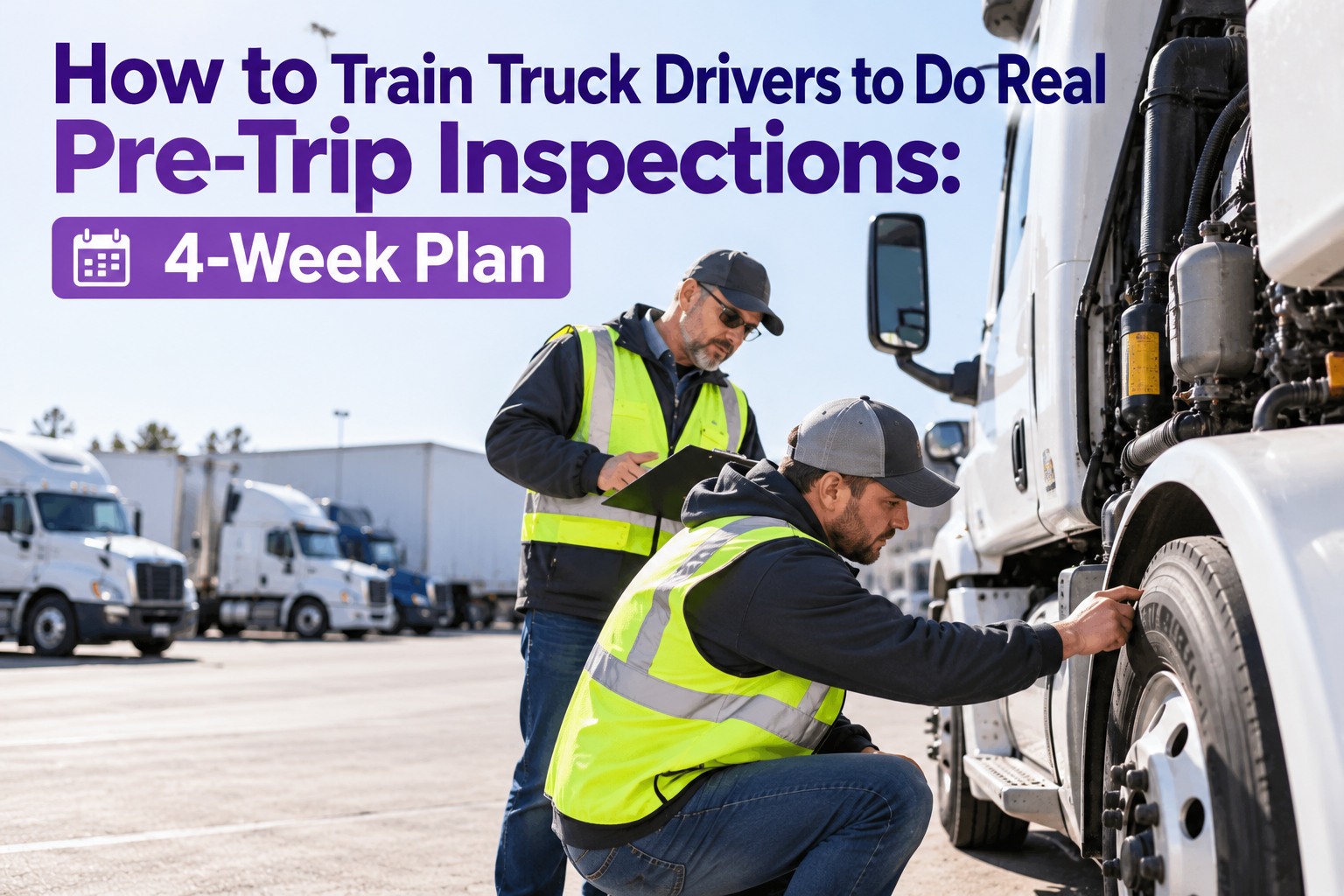
Rollout in Four Steps: Get Drivers on Board
The best app fails if drivers resist it. A short rollout plan keeps the first month smooth.
Week 1Pilot a few trucksPick two or three drivers who are open to it.
Week 2Show the payoffLet drivers see their reported defects get fixed.
Week 3Review the findingsCheck which items are skipped or always marked clear.
Week 4Expand the fleetRoll out in groups, using what the pilot taught you.
Suggested timeline. Adjust to your fleet size and driver schedules.
Frequently Asked Questions
What is the best CDL pre-trip inspection app for fleets?
The best one is the app drivers finish properly and the shop acts on. Look for guided checklists, photo capture, a digital DVIR and automatic work orders, then test each in a live demo.
Start free and test TIM with your own drivers.
Does a digital DVIR replace the driver's own inspection?
No. The app records and routes the inspection, but the driver still has to do the walk-around. Photo requirements and guided zones help make a rushed check easier to spot.
Does the app work without a signal?
Ask every vendor to show it. Yards and rural stops often have weak coverage, so confirm how the app saves an inspection offline and when it syncs.
Book a demo to ask about offline use.
What does the 4-hour first response mean?
Every defect logged in TIM is acknowledged, graded and assigned within four hours. That is the first response, not the repair. Repair time depends on the defect, parts and shop capacity.
Inspected · Graded · Assigned · Verified
Choose the App That Gets Defects Fixed
Truck Inspection & Maintenance Management Software gives drivers a guided pre-trip and gives your shop a graded, assigned work order for every finding. Start free to run your first inspection, or book a demo to see it on your fleet.
No credit card required. Free for up to 3 trucks.