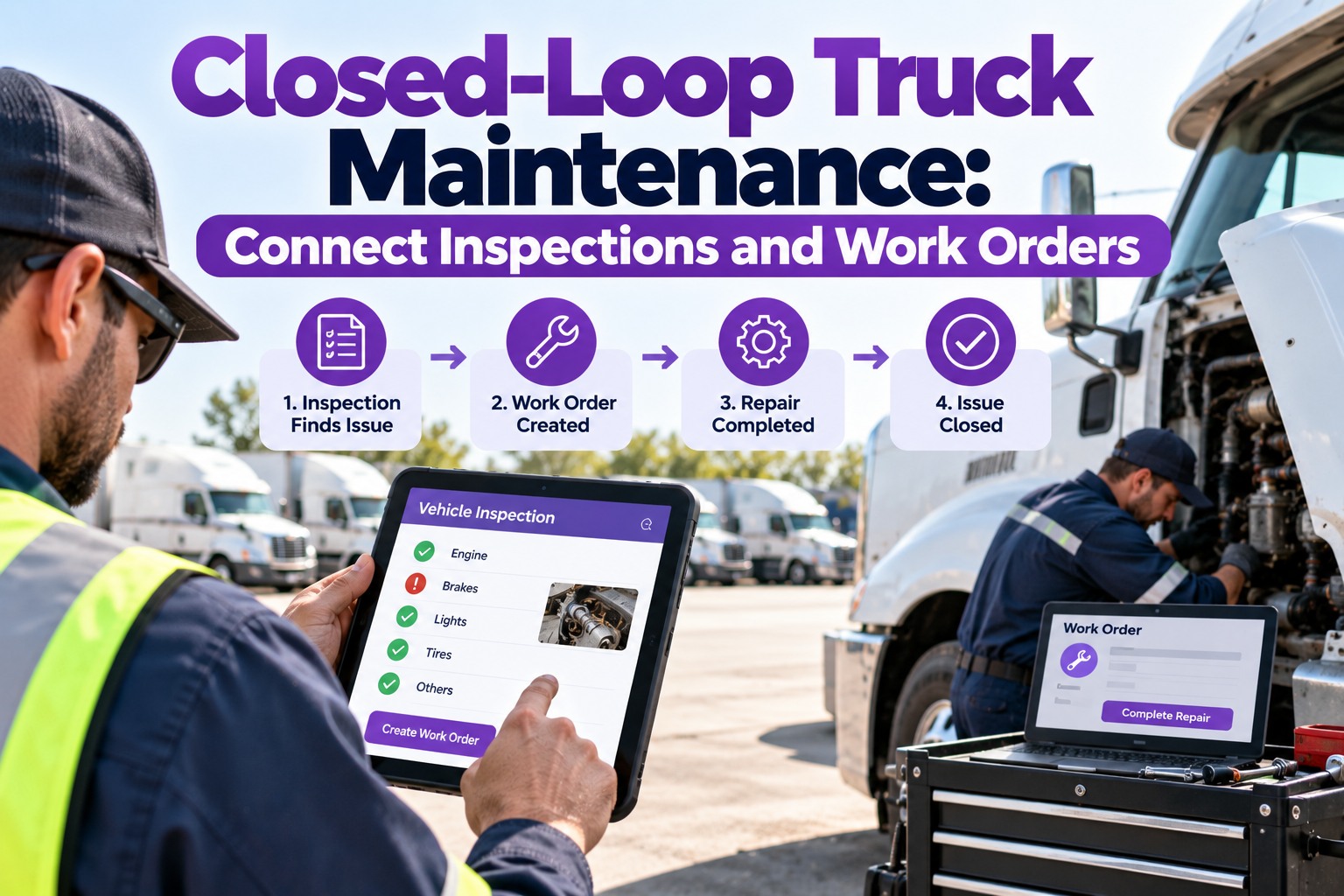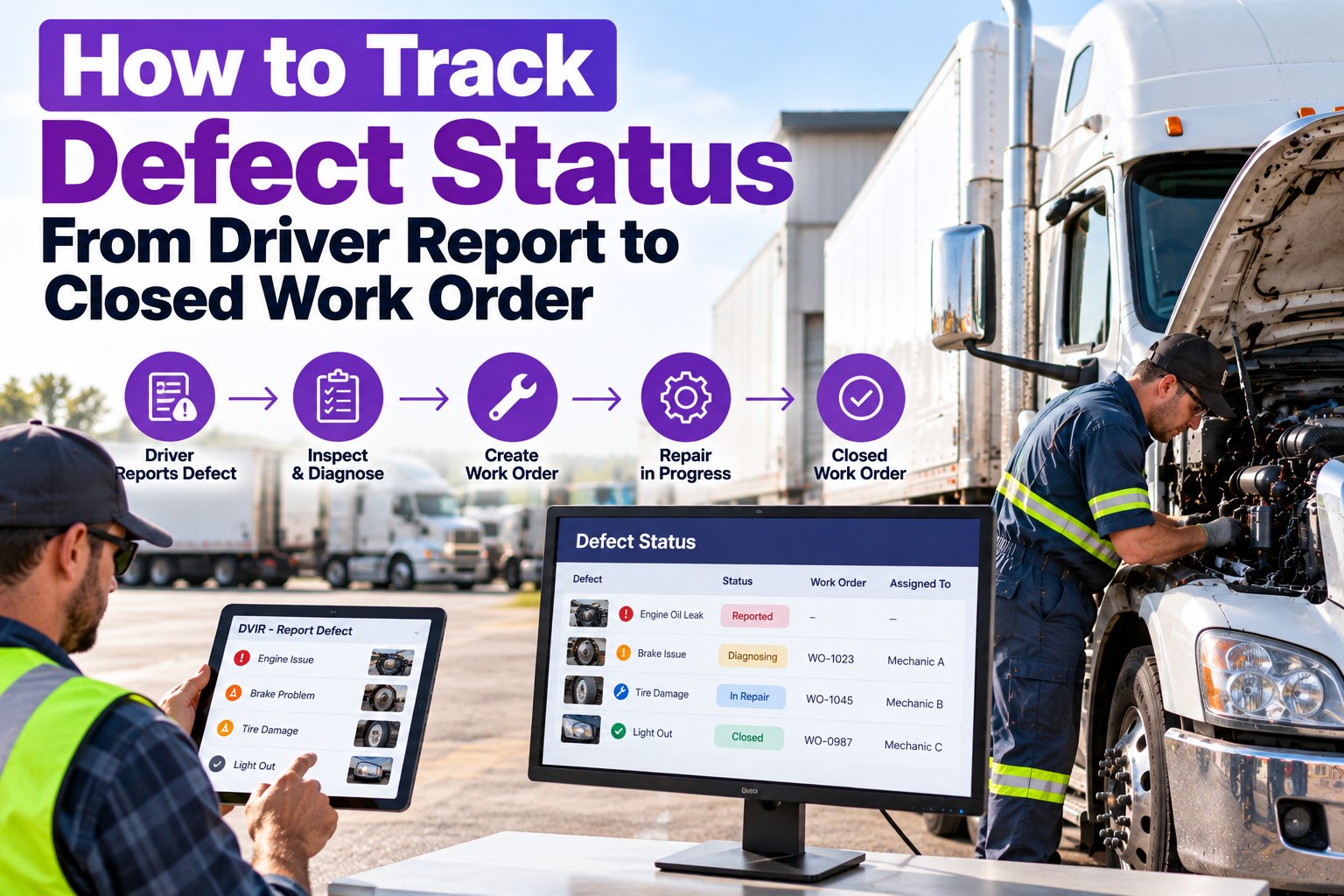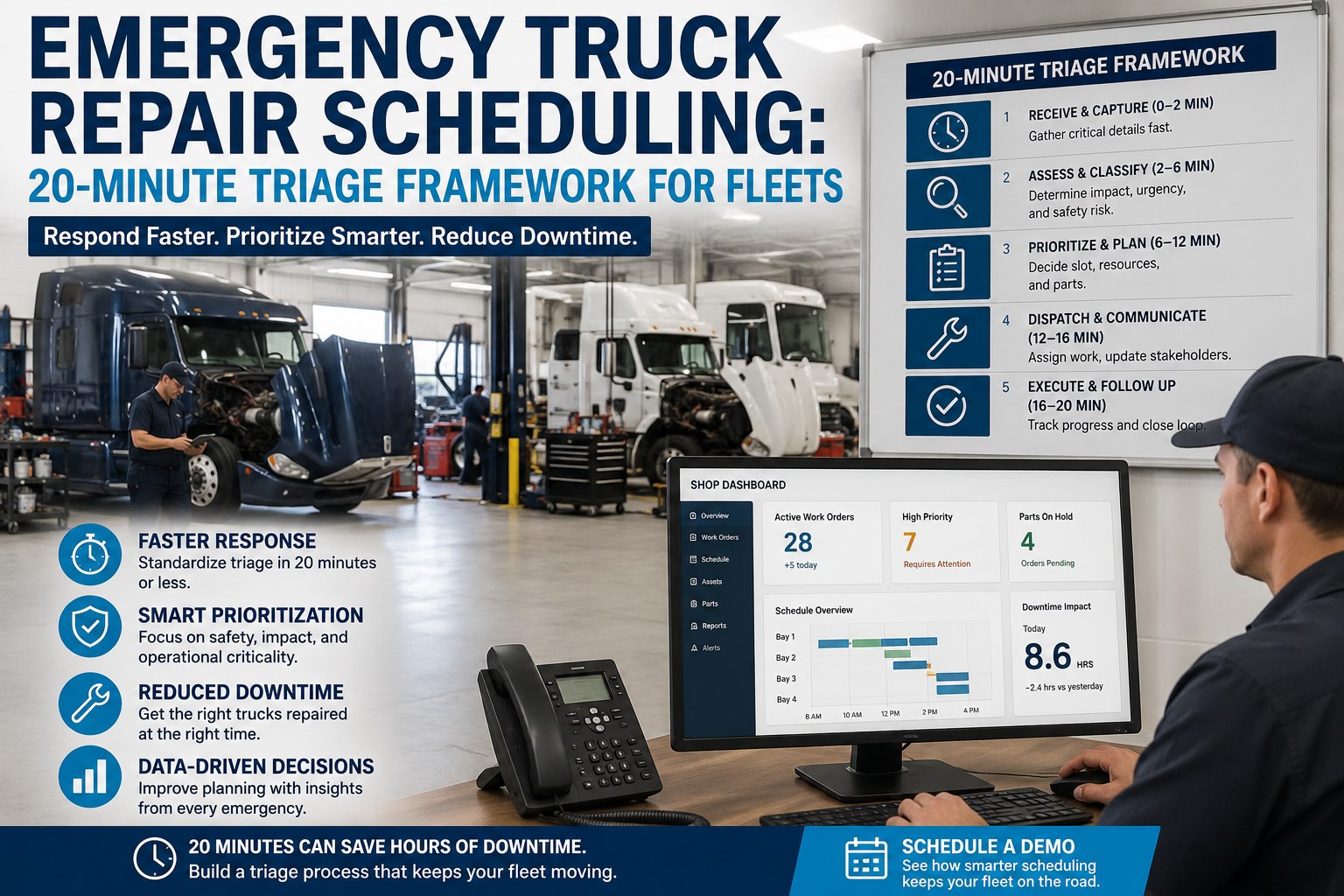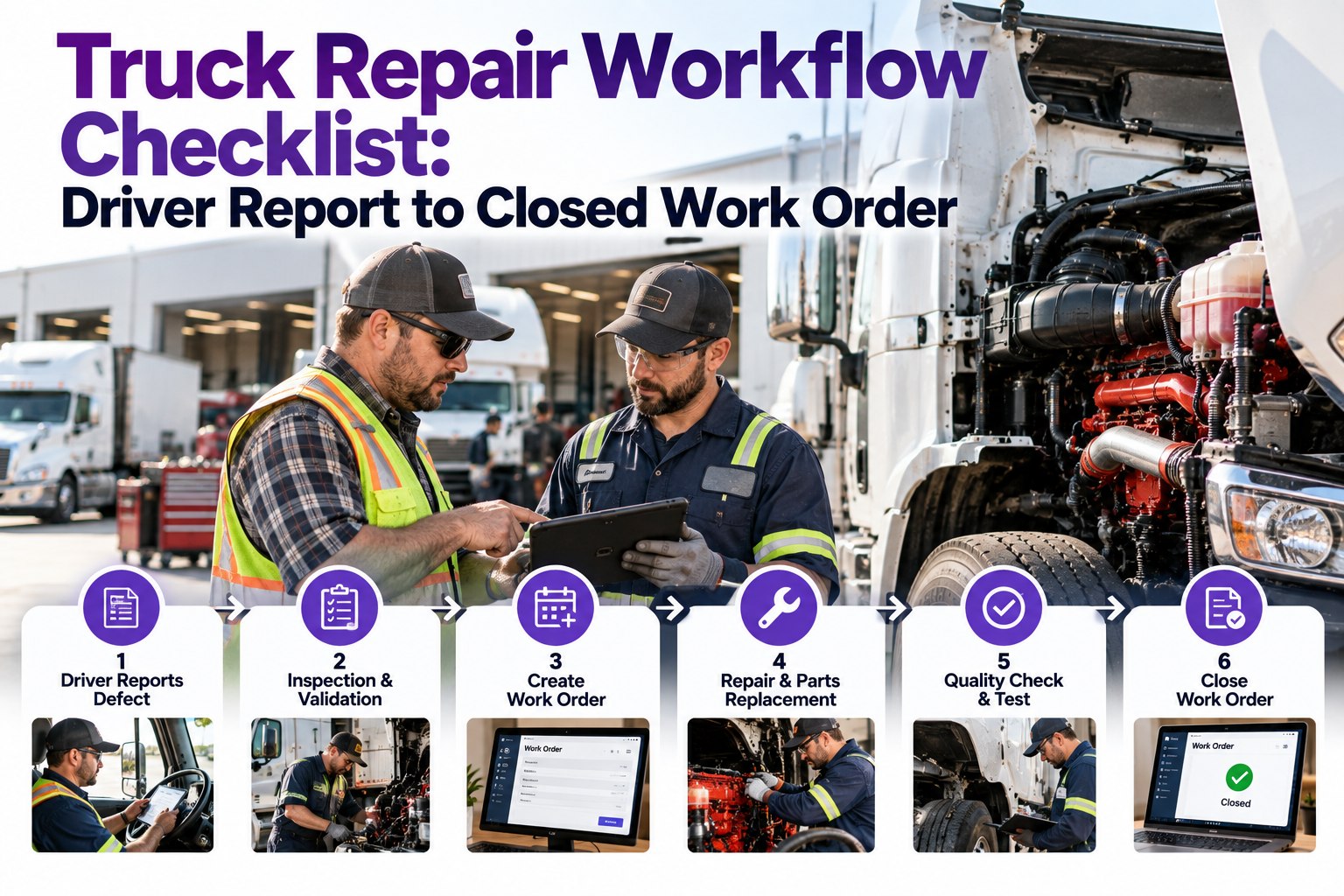
A driver flags a brake defect at 6 PM. On a paper fleet, the DVIR sits on a clipboard overnight, gets stacked with 30 other forms in the morning, transcribed into a work order at 8:30 AM, then queued behind whatever's already on the shop floor — 14 to 72 hours from defect flag to wrench on the truck. The actual wrench-time is often under 4 hours. What eats the clock is the process between those two moments. This checklist is the 7-stage repair workflow that closes the gap, and Truck Inspection & Maintenance Management Software runs each stage as an enforced step — defect intake to closed work order, chain of custody preserved end-to-end. Start free and run the 7-stage repair workflow in TIM.
7 Stages Between a Driver Report and a Closed Work Order — TIM Runs All Seven
Most repair delay isn't wrench-time — it's handoff time. The paper workflow loses hours at every stage boundary; the digital workflow closes each stage before the next opens. Truck Inspection & Maintenance Management Software runs the whole pipeline: DVIR defect routes to WO in seconds, parts staged before the truck arrives, tech assigned by history, closeout signature blocks dispatch until the 3-signature chain lands.
The 7-Stage Repair Workflow Checklist — Every Truck, Every Repair, Every Time
Below is the working repair pipeline TIM enforces on every unit. Each stage is either complete or open — no partial credit, no skipping ahead. Complete all seven per repair and the truck moves from defect back to revenue with a clean audit chain.
Driver logs the defect on the mobile app: unit ID auto-filled, GPS + timestamp auto-captured, photo required on OOS items. Signature closes the DVIR; the moment it lands, TIM routes it to the shop queue — under 10 seconds end to end.
TIM auto-assigns severity based on the defect category — safety-critical items (brakes, steering, coupling, lights) trigger an immediate dispatch hold; monitor-only items queue for the next PM. Shop foreman confirms the classification or overrides with a note.
TIM opens the WO automatically with defect description, DVIR photo, unit maintenance history, active DTC codes, and estimated labor pulled from the labor-time database. WO number tied to the original DVIR for chain-of-custody preservation.
TIM checks parts against on-hand inventory, allocates what's in stock, and generates a PO for anything short. The truck rolls into the bay with parts already staged — not waiting on a two-day parts delivery mid-repair. This is where 20% of MTTR gets recovered.
TIM routes the WO to the tech who has closed the same fault code most often on this unit's platform. Cummins X15 aftertreatment code goes to the aftertreatment specialist, not the general bay. First-time-fix rate climbs when assignment matches history.
Tech works from the WO on a tablet or bay terminal: clock time captured per operation, parts consumed logged against inventory, root cause noted for the failure history. Photos before/after on any warranty or safety-critical work.
Mechanic signs the repair-certification per §396.11 on the original DVIR. TIM closes the WO, updates the unit's maintenance history, and only clears the truck for dispatch after the next-driver review signature per §396.13 lands. Broken chain = no dispatch.
Paper Workflow vs Digital Workflow — Where the Hours Actually Disappear
The comparison table below is the working reference — same defect, same driver, same truck. The only variable is whether the report has an automatic path to the shop.
| Stage | Paper workflow time | Digital workflow (TIM) | Time recovered |
|---|---|---|---|
| 01 · Intake (DVIR → shop) | 2–14 hr | < 10 sec | ~99% |
| 02 · Triage (severity classified) | 1–4 hr | Instant · auto | ~99% |
| 03 · WO creation (transcribe + queue) | 30–60 min | Instant · auto | ~99% |
| 04 · Parts staging (check + order) | 1–48 hr | Parallel to bay slot | ~80% |
| 05 · Tech assignment | 10–30 min | Auto by fault-code history | ~90% |
| 06 · Repair (wrench time) | 2–6 hr | 2–6 hr | Same |
| 07 · Closeout (sign + release) | 30 min – 2 hr | < 15 min | ~85% |
| TOTAL defect-to-dispatch | 14–72 hr | 4–8 hr | ~80% cut |
Every row above represents a handoff that paper systems drop and digital systems don't. Contact our team to see the workflow live on your fleet.
The Severity-Triage Decision Split — What Routes Where at Stage 02
Stage 02 is where a repair either becomes an immediate hold or a queued job. TIM classifies severity automatically at DVIR intake based on the defect category — routing decisions don't wait for a clerk to prioritize.
- Brake defects (stroke, lining, air leak)
- Steering issues (play, tie-rod, binding)
- Coupling failures (fifth wheel, kingpin, chains)
- Lighting failures (headlight, brake, marker)
- Tire OOS (tread, sidewall, pressure)
- Active DPF / DEF fault codes (derate risk)
- Coolant temp warnings
- HVAC / cab comfort issues
- Non-safety electrical faults
- Minor air leaks
- Cosmetic wear (paint, decals, mirror crack)
- Minor cab equipment (radio, USB port)
- Interior wear
- Trailer graphics
- Warning lights without derate
7-Stage Pipeline · 3-Tier Triage · Chain of Custody · MTTR Under 4 Hr — All in TIM
Truck Inspection & Maintenance Management Software enforces the 7-stage repair workflow on every defect from every driver: severity auto-classified, WO opened in seconds, parts staged before the truck arrives, tech assigned by fault history, closeout signature blocking dispatch until the 3-signature chain lands. Repair cycles stop hiding hours between stages.
Frequently Asked Questions
Turn Every Repair Into a 7-Stage Sequence That Runs the Same Way, Every Time
TIM enforces the workflow from DVIR intake to closed WO — severity classified in seconds, WO opened automatically, parts staged before the truck arrives, tech assigned by history, closeout signature blocking dispatch. The repair pipeline stops losing hours between stages.