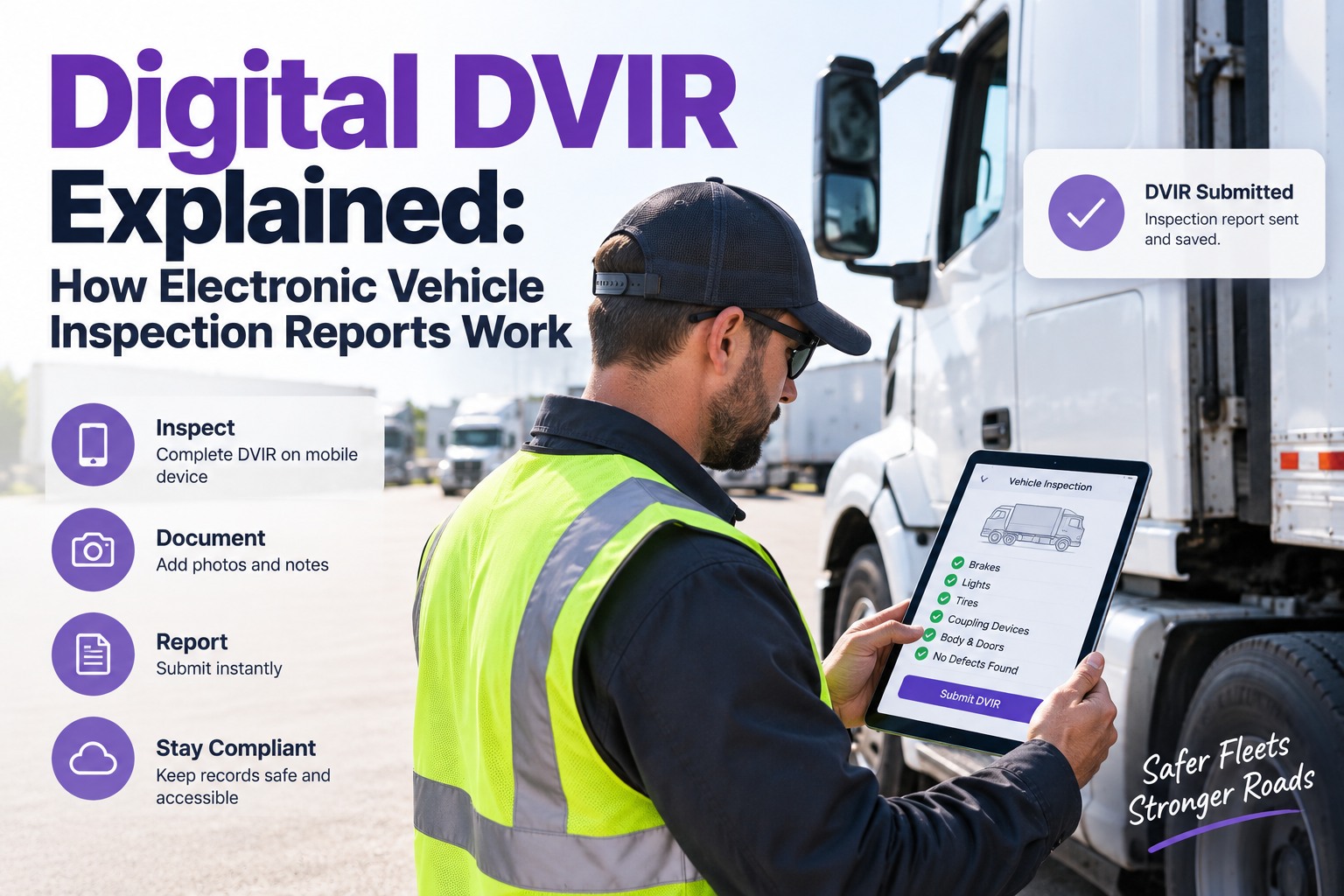
A paper DVIR is a form. A digital DVIR is a workflow. The form-vs-workflow difference is why fleets that switch usually don't go back — the same 30 checkpoints a driver used to fill out on a clipboard now trigger auto-graded defects, work-order creation, and dispatch alerts before the driver walks back to the office. The 2026 FMCSA eDVIR final rule (effective March 23, 2026) formally recognizes electronic reports as satisfying §396.11, and the industry has been moving that direction for years. This is how a digital DVIR actually works — from the moment the driver taps "Start" to the signed report that satisfies a DOT auditor two years later. Start free and see the digital DVIR workflow on your own trucks.
How an Electronic DVIR Actually Works — End to End
Not a scanned PDF, not a form on a screen — a live workflow that turns the driver's walkaround into a graded defect, a routed work order, and a signed audit trail without a single extra keystroke. Truck Inspection & Maintenance Management Software runs the full digital DVIR loop, 2026 eDVIR-compliant, on any driver's phone.
Paper DVIR vs. Digital DVIR — What Actually Changes
Both start with a driver walking around a truck. What happens next is entirely different. On paper, the DVIR is the end of a process; digital, it's the beginning of one.
The Digital DVIR Workflow, Step by Step
A digital DVIR isn't one moment — it's six steps that used to be separate systems, wired together into one. Here's what happens between the driver tapping "Start" and the report being retained in the compliance archive.
App loads the truck's inspection template — CDL-order 7-zone walkaround, or the trailer-scope template for a drop-and-hook. Truck's info pulls automatically: unit number, VIN, current mileage, last PM date. Nothing to type.
Driver walks the truck in order — approach, engine, driver-side, rear, coupling, trailer, cab. Each zone opens its checkpoint list; the driver can't skip ahead. Every "pass" is one tap; every defect opens the camera automatically.
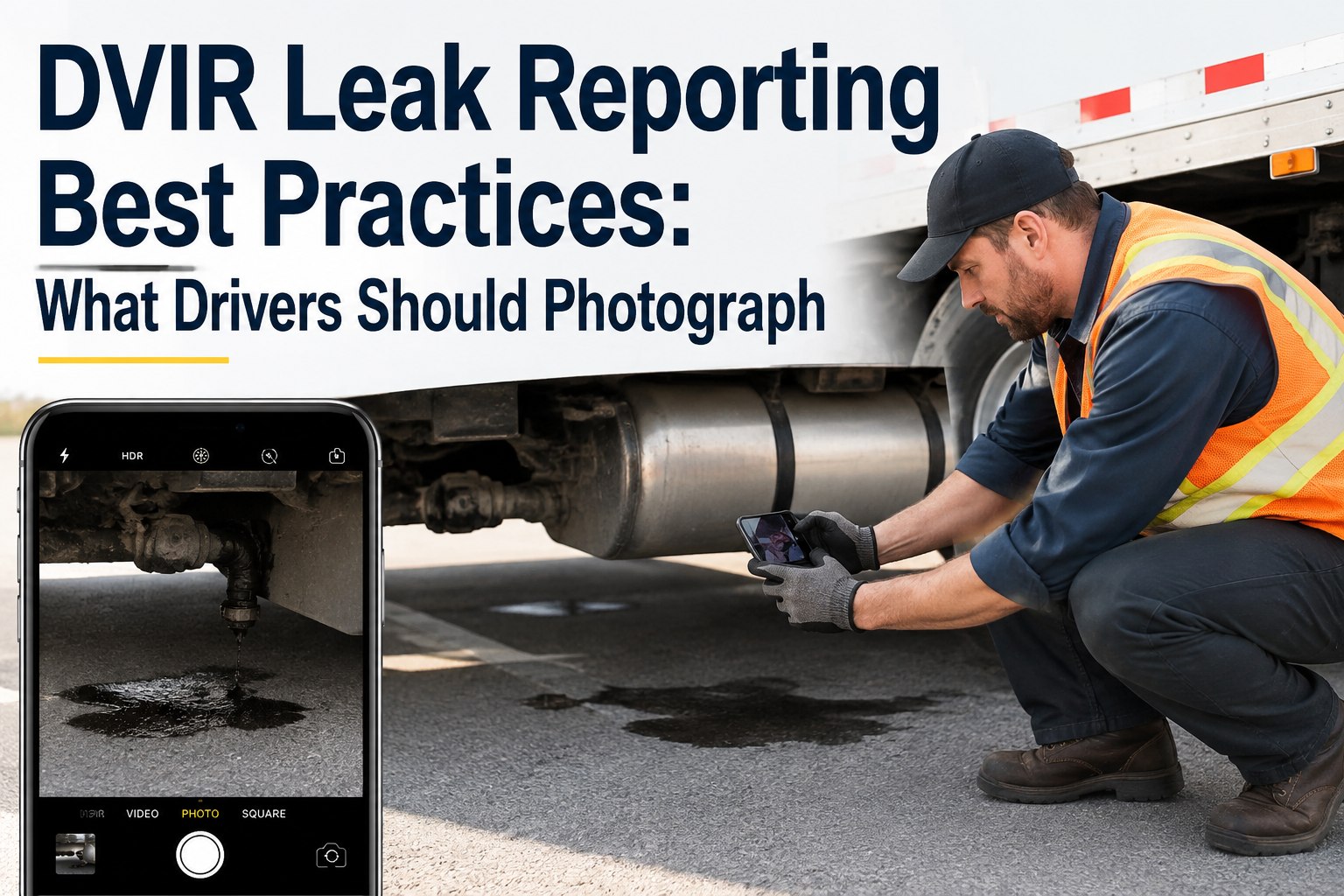
On any defect: camera opens at the failed checkpoint, photo attaches, timestamp locked. The software auto-classifies against FMCSA thresholds: fuel drip → OOS. Marker bulb → schedulable. No dispatcher judgment; the rule is the rule.
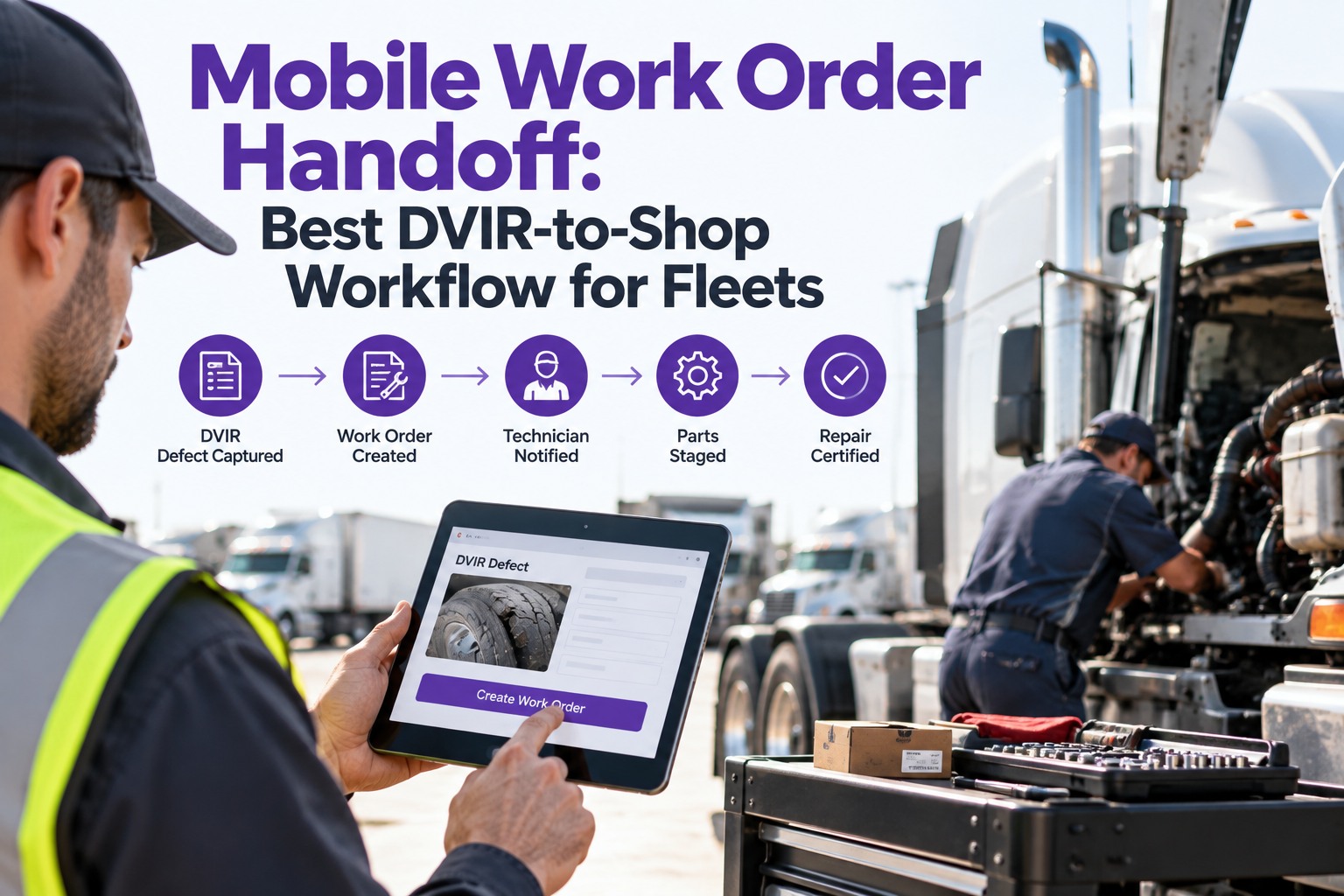
Every defect routes straight to the shop queue with the photo attached, graded, and assigned to the terminal's shop. The maintenance planner doesn't create it; the software does. The mechanic sees the ticket before the driver walks back inside.
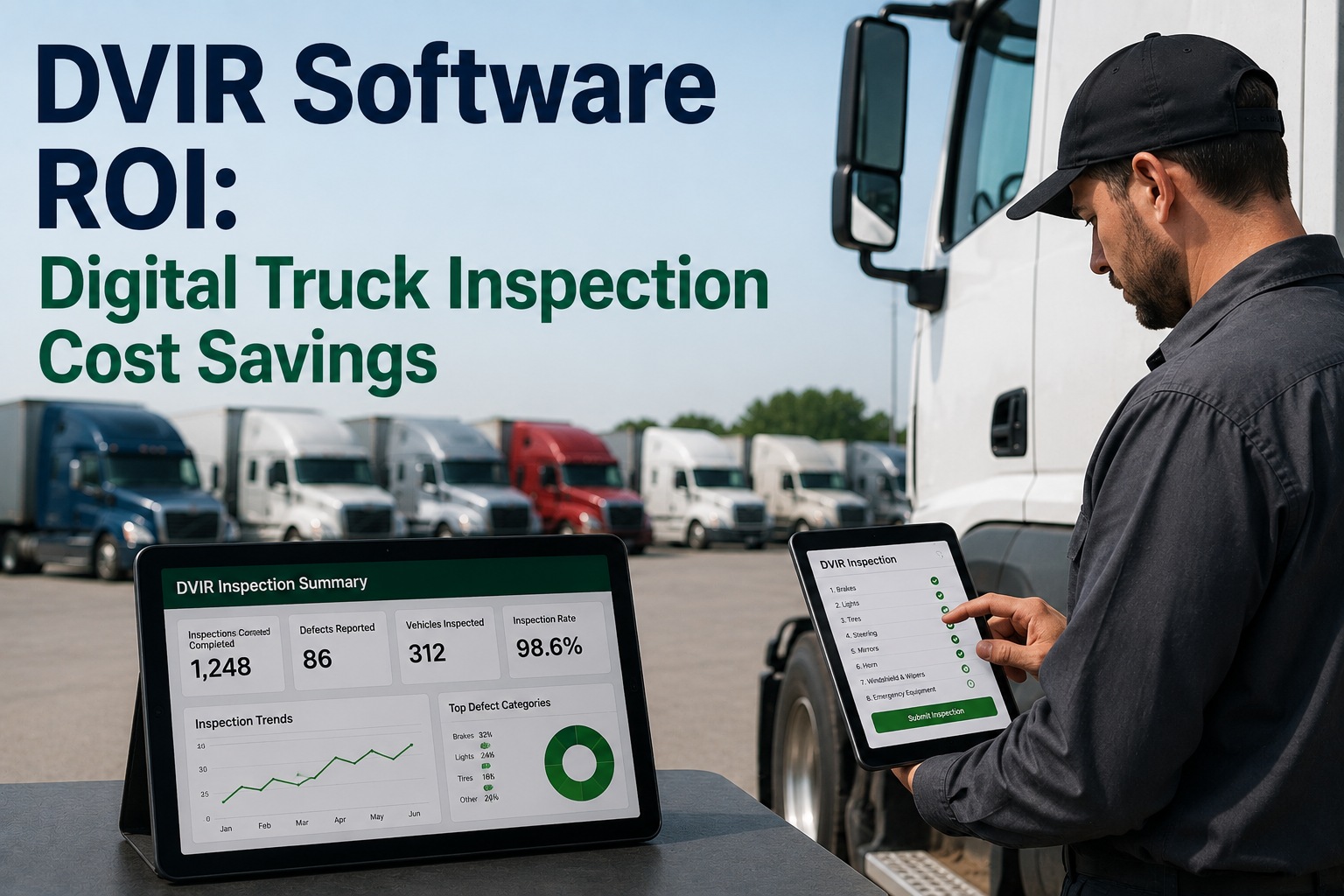
Truck's tile on the fleet condition dashboard turns green (ready), amber (defect schedulable), or red (OOS — dispatch blocked). Dispatch cannot assign a load to a red truck. The judgment call is out of the workflow.
Driver e-signs at submit. Carrier's certification of repair signature closes it when the mechanic signs off. Next driver acknowledges before the truck leaves the yard. All three signatures on one report — retained per §396.11, exportable on demand for DOT audit.
What Makes an eDVIR §396.11-Compliant
Not every digital form is a legally valid DVIR. The FMCSA's 2026 eDVIR final rule (91 FR 5842, effective March 23, 2026) formalized what "electronic report" actually means — and a scanned PDF of a paper form still isn't it. Four elements the regulation requires, and any digital DVIR platform has to deliver.
The Three-Signature Chain — Why It Matters
§396.13 requires three separate acknowledgements on every DVIR that shows a defect. On paper, the chain often breaks — the mechanic never signs, or the next driver doesn't acknowledge, and the record isn't defensible. On digital, the chain is enforced by the system.
The Whole DVIR Workflow, in One Platform
Truck Inspection & Maintenance Management Software delivers every step above — guided mobile walkaround, photo capture at defect, auto-graded classification, instant work-order routing, live dispatch visibility, three-signature enforcement, and 2026 eDVIR-compliant retention. Not a form on a screen — a workflow that actually closes.
What Fleets Actually Gain
The move to digital isn't about paperless as a virtue — it's about the specific things that get better once the DVIR is a workflow. Four gains show up on almost every fleet within 90 days.
Faster walkarounds
From 30–45 minutes on paper to under 10 on a guided app — same checkpoints, just no writing. Drivers finish inspections instead of shortcutting them.
No more pencil-whipping
Paper lets a rushed driver check every box in 90 seconds; a guided digital flow enforces the zone order and timestamps each step. Rushed inspections become visibly different from real ones.
Connected to maintenance
The defect isn't a note anymore — it's a live work order. Diagnosis time in the shop drops because the photo and grade are already attached.
Audit-ready by default
DOT reviewer asks for last quarter's DVIRs; you export a folder in three minutes instead of pulling boxes from storage. Signed, retained, tamper-evident.
Common Misconceptions About Digital DVIRs
The push to eDVIR has been slow enough that a lot of what fleets "know" about it isn't quite right. Four myths worth clearing up before you evaluate a platform.
Frequently Asked Questions
Retire the Clipboard, Not the Walkaround
Truck Inspection & Maintenance Management Software runs the entire digital DVIR workflow — guided mobile pre-trip, photo capture at defect, auto-graded classification, instant work-order routing, three-signature chain per §396.13, and tamper-evident retention that meets the 2026 eDVIR final rule. Fleets use it to shorten walkarounds, close the defect loop the same day, and stay audit-ready without a paper file cabinet.