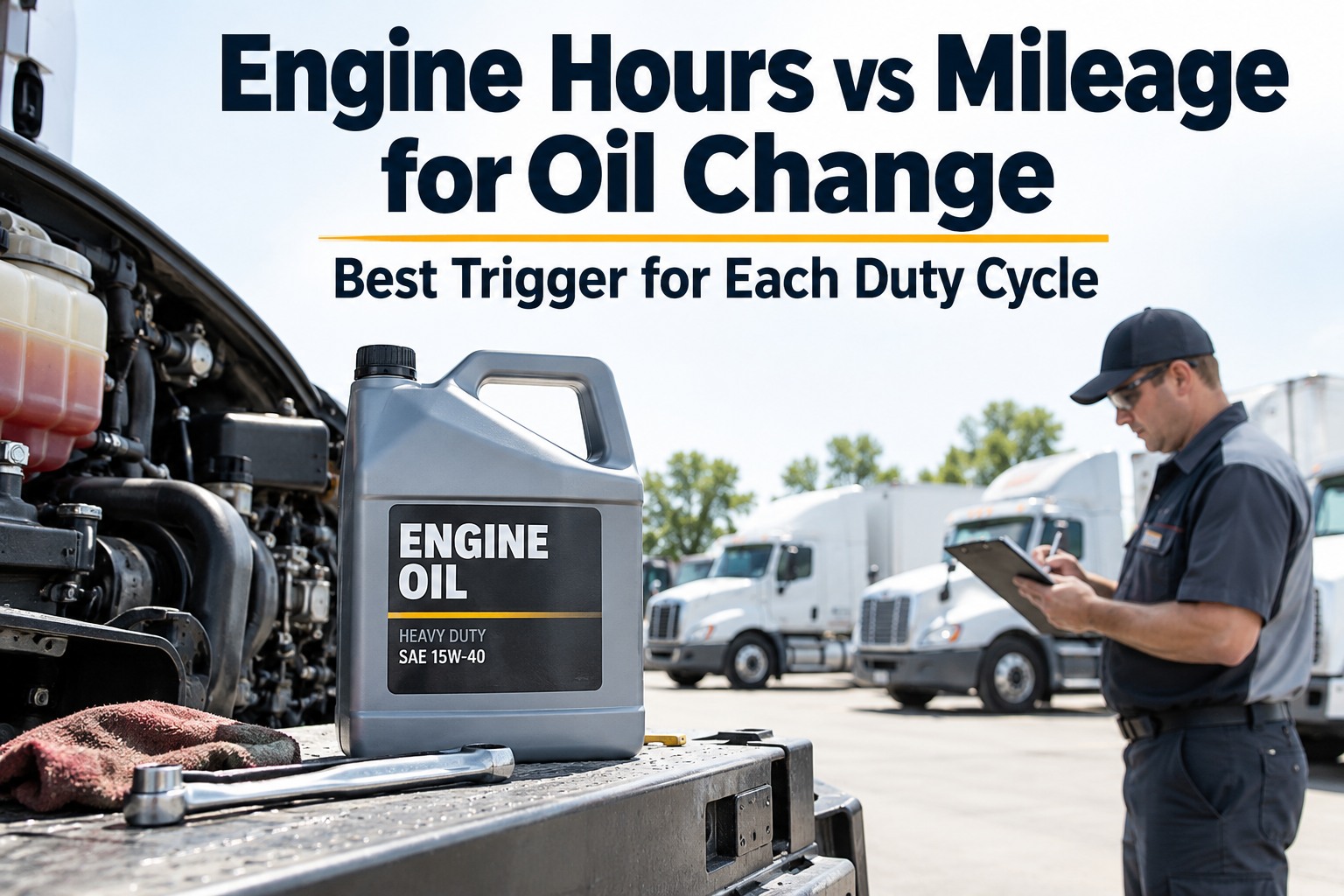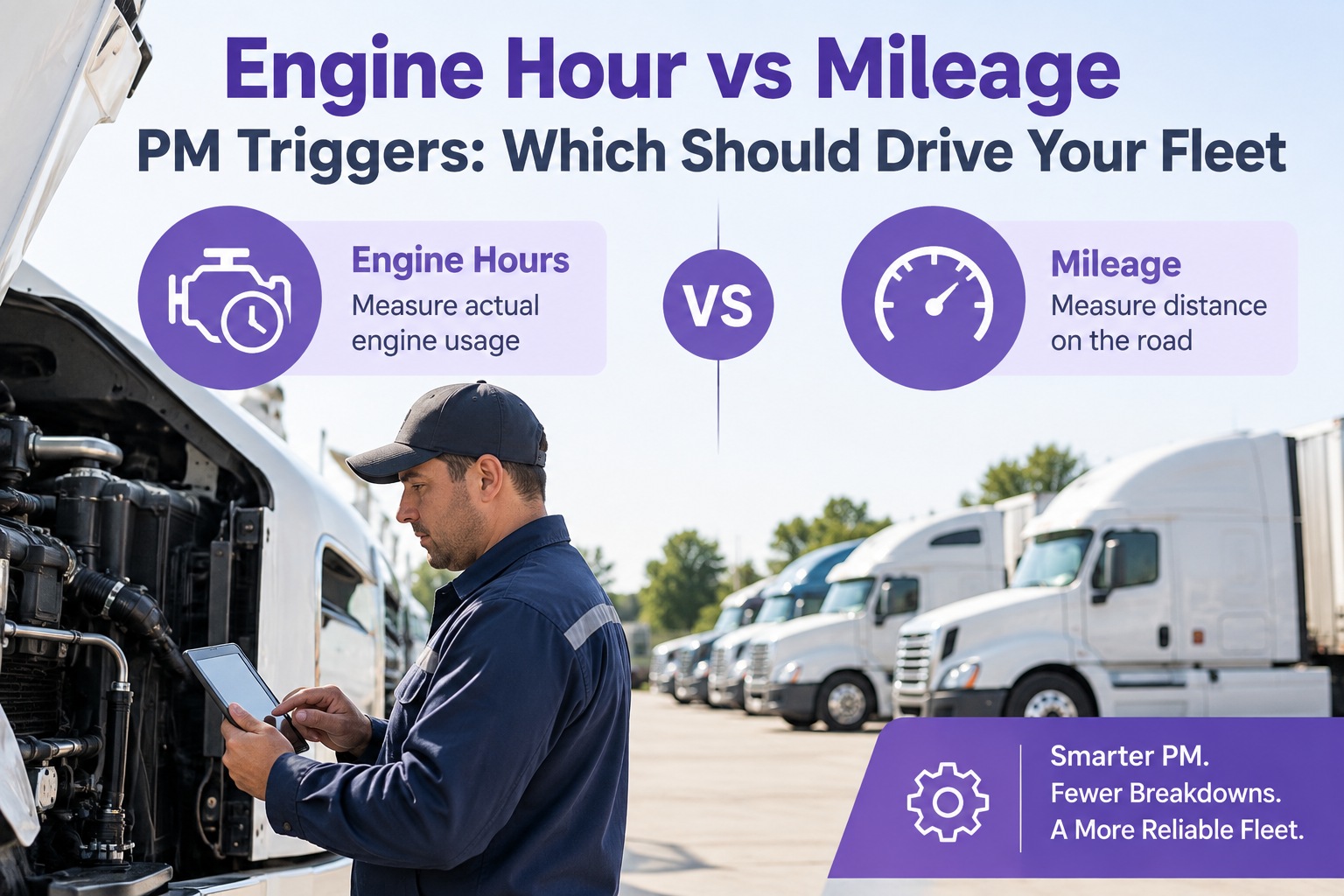
A linehaul tractor covering 400 miles a day and a yard tractor that idles 8 hours doing dock work wear on completely different clocks — and putting both on the same PM schedule is how one gets over-serviced while the other silently runs past its interval. The 2026 answer isn't picking between mileage and engine hours; it's using both, plus a calendar backstop, with the trigger that fits the wear mechanism of the specific service item, firing on whichever hits first. This guide is that trigger design — system by system, duty cycle by duty cycle, so every PM lands when the part actually needs it. Start free and put hybrid PM triggers on every truck in your fleet.
Same PM Schedule for Every Truck Is the Same Wrong Answer for Every Duty Cycle
A calendar alone over-services quiet trucks and under-services busy ones. Mileage alone misses idle wear on vocational units. Hours alone miss road-based wear on linehaul. Truck Inspection & Maintenance Management Software runs all three triggers per asset — the shop sees the earliest hit fire as the work order, and every unit gets serviced when its actual wear says so, not when a spreadsheet says it's Tuesday.
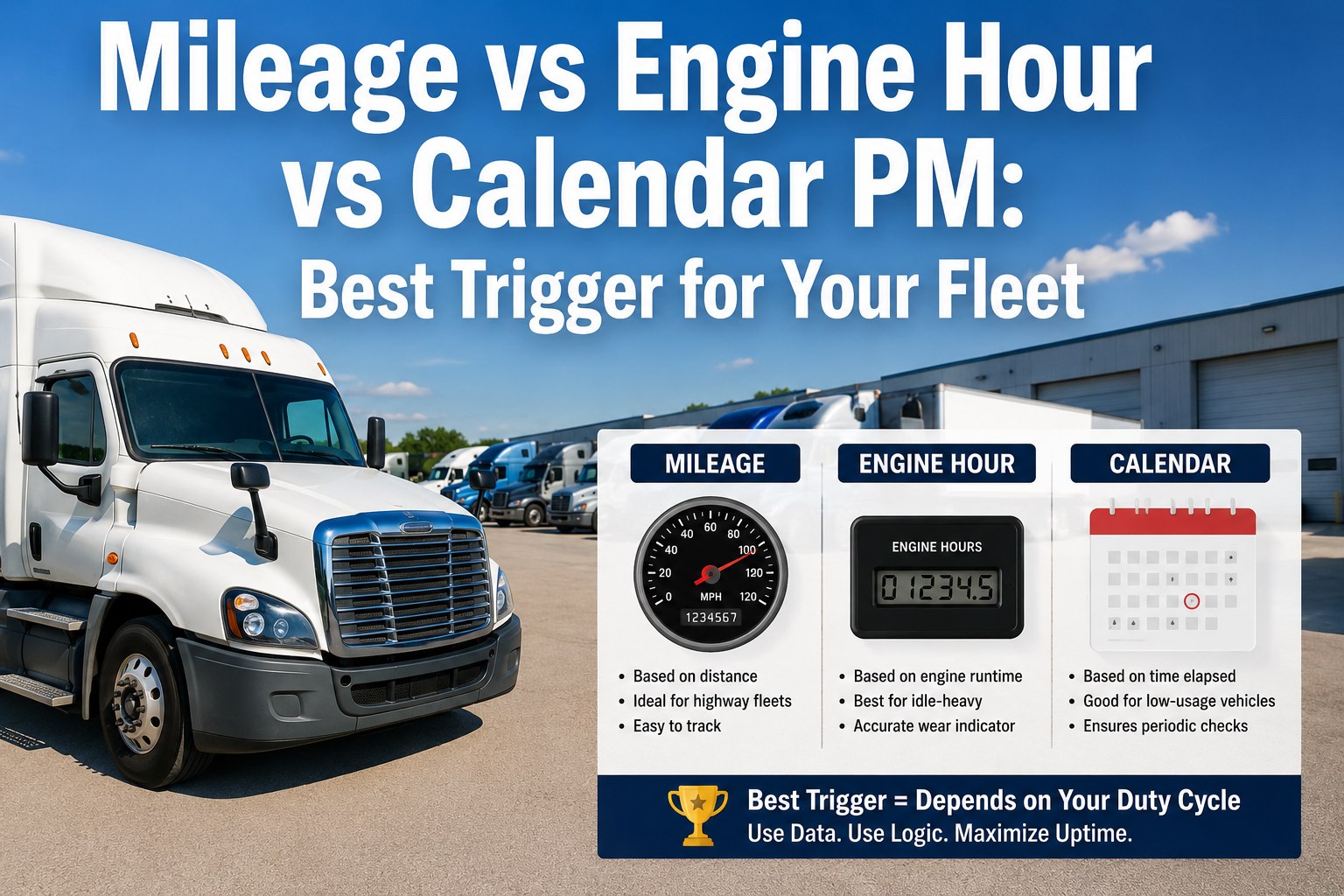
The Three Triggers — What Each One Actually Measures
Every commercial-fleet PM item lives under one of three wear mechanisms — distance, combustion time, or elapsed calendar. Get the trigger wrong and you either service too early (waste labor and parts) or too late (surprise breakdowns on a schedule that looked compliant on paper). The right way to think about it isn't "which trigger is best" but "which trigger best measures the wear of this specific item."
Road distance. Tracks tire wear, drivetrain revolutions, brake-friction cycles from stop-and-go, and highway aerodynamic hours.
Best for: linehaul tractors, delivery trucks with steady daily miles, drivetrain and tire items on any road truck.Combustion time. Every idle hour still burns fuel, cycles the engine, contaminates the oil, and loads the alternator — none of which the odometer sees.
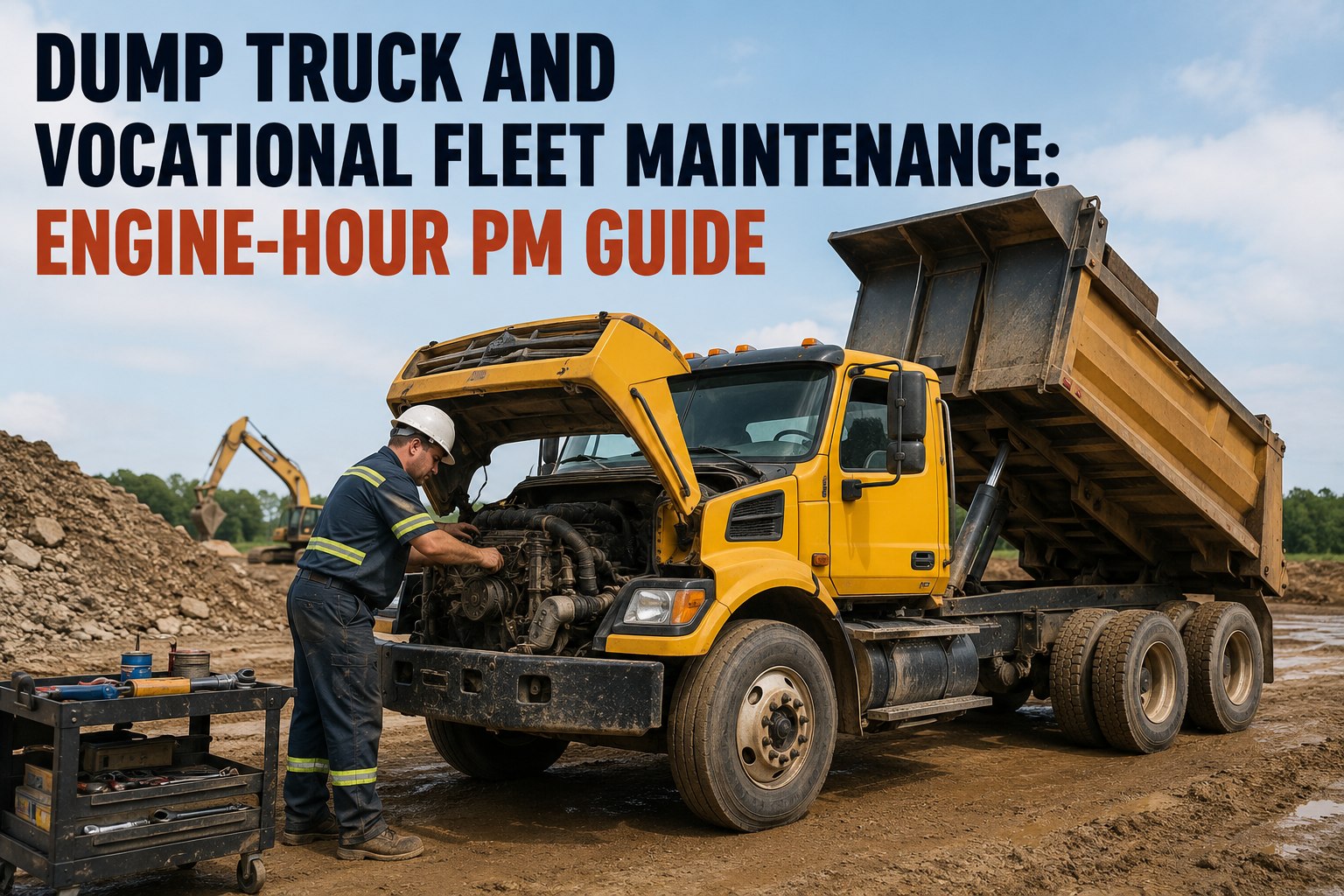
Best for: PTO-heavy units, refuse trucks, yard tractors, refrigerated units, construction equipment, anything that idles more than it moves.Elapsed time. Coolant chemistry drifts whether the truck moves or not. Brake fluid absorbs moisture. Battery capacity fades. Rubber ages. Tires oxidize.
Best for: low-mileage units, backup vehicles, any item where the failure mode is chemistry or degradation rather than mechanical wear.The Duty-Cycle Spectrum — Where Your Trucks Actually Sit
The single biggest scheduling mistake is treating "commercial fleet" as one thing. In practice trucks live on a spectrum from pure-mileage (highway linehaul) to pure-hours (stationary yard tractor), with most units somewhere in the middle. Below is the spectrum, with the recommended primary trigger for each band and the hybrid ratio that fits the wear profile.
The Trigger Matrix — Which Wear Clock Each Service Item Belongs On
The right approach isn't one trigger for the whole truck — it's the right trigger per service item. Oil on hours or miles depending on duty cycle. Tires on miles regardless. Coolant on calendar regardless. Below is the matrix that fits most Class 8 and medium-duty operations. Use it as a starting template and tighten per OEM manual and duty cycle.
| Service item | Primary trigger | Typical interval | Calendar backstop | Why this trigger |
|---|---|---|---|---|
| Engine oil & filter | Miles + Hours | 15k–25k mi OR 250–500 hr | 12 mo | Combustion contaminates oil; hours dominate on high-idle |
| Fuel filters | Miles + Hours | 25k mi OR 500 hr | 12 mo | Fuel throughput tracks both distance and idle burn |
| Air filter | Miles | 50k mi | 24 mo | Airflow accumulates with road exposure |
| DPF cleaning | Hours | 2,000–4,000 hr | 36 mo | Ash loads on combustion, not on distance |
| Transmission fluid | Miles + Hours | 100k mi OR 2,500 hr | 36 mo | Fluid heat cycles with runtime, wear with distance |
| Coolant flush | Calendar | 4–5 yr | — | Corrosion-inhibitor package degrades on time |
| Brake fluid | Calendar | 2 yr | — | Moisture absorption is time-based |
| Tires | Miles | Wear-based | 6 yr (age) | Tread wear = distance; rubber aging = calendar |
| Batteries | Calendar | 3–5 yr | — | Capacity fade on time, not use |
| Wheel bearings | Miles | 100k mi inspect / 250k service | — | Loading cycles come from road distance |
| Grease points | Miles + Hours | 7.5k mi OR 250 hr | 3 mo | Grease breakdown from load cycles + heat |
One PM Engine, Three Triggers Per Item, Zero Missed Intervals
Our software runs the trigger matrix per asset — every service item carries its own mileage, hour, and calendar setting, and whichever fires first opens the work order. Telematics feeds the odometer and hour meter automatically; the calendar clock runs regardless. The result is a PM schedule that reflects each truck's actual duty cycle instead of one theoretical average — and a compliance rate that rises above 92% because nothing slips through the "meant to schedule it" gap.
The Whichever-Comes-First Logic — Why It Works
The mechanics of hybrid triggering are simple, and they're what turns an average PM program into a compliance-ready one. Each service item carries all three trigger settings — a mileage number, an hour number, and a calendar date. The PM engine watches all three counters and opens the work order the moment any one crosses its threshold. The trigger that fired first drives the work; the other two reset with it. On the next cycle the same race starts over. Below is the four-stage cycle for a single service item.
Frequently Asked Questions
Stop Servicing Trucks by Averages — Service Each One by Its Real Wear
Three triggers per service item, on every asset. Whichever hits first fires the work order. Every truck serviced when it actually needs it — not too early, not too late.