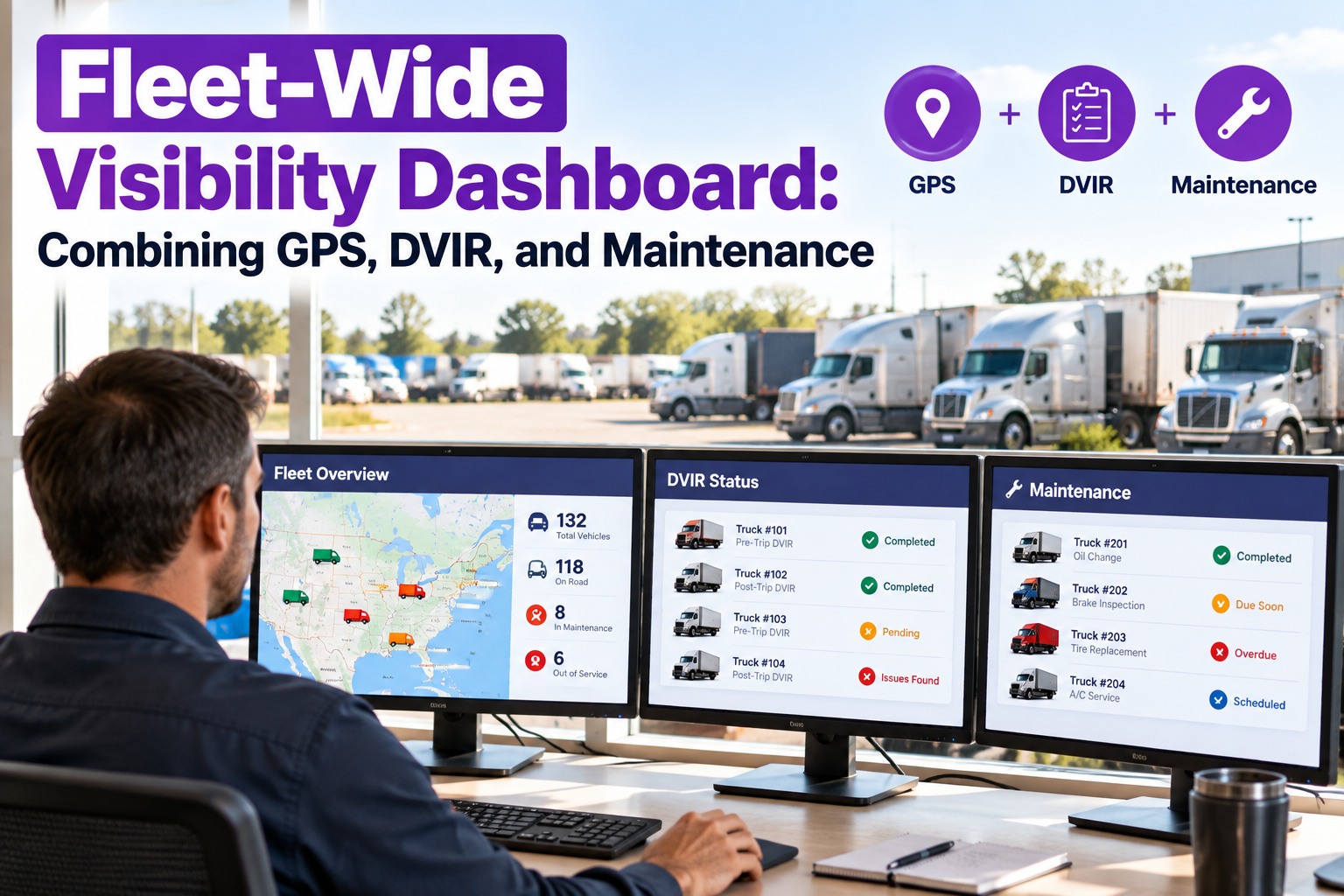
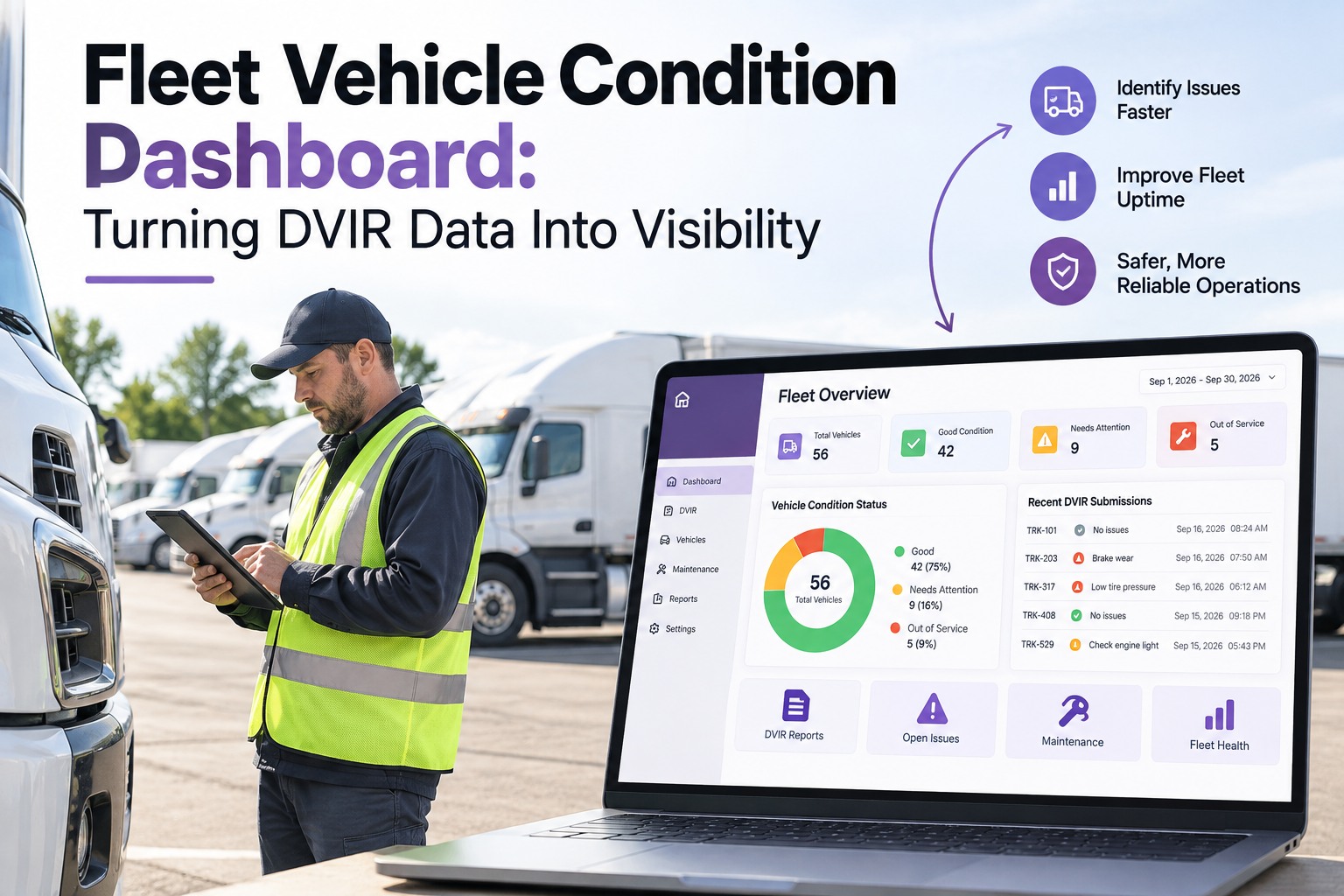
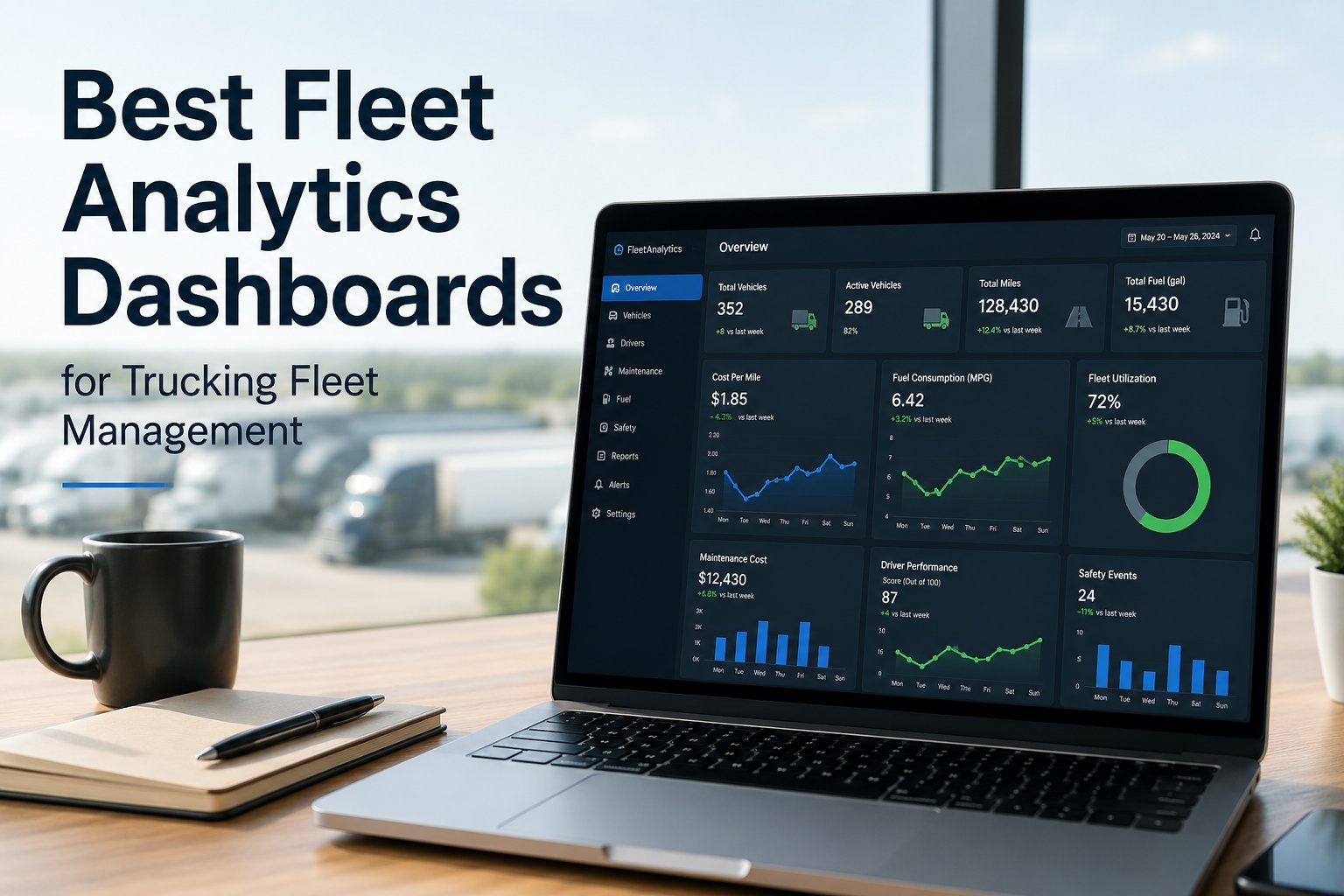
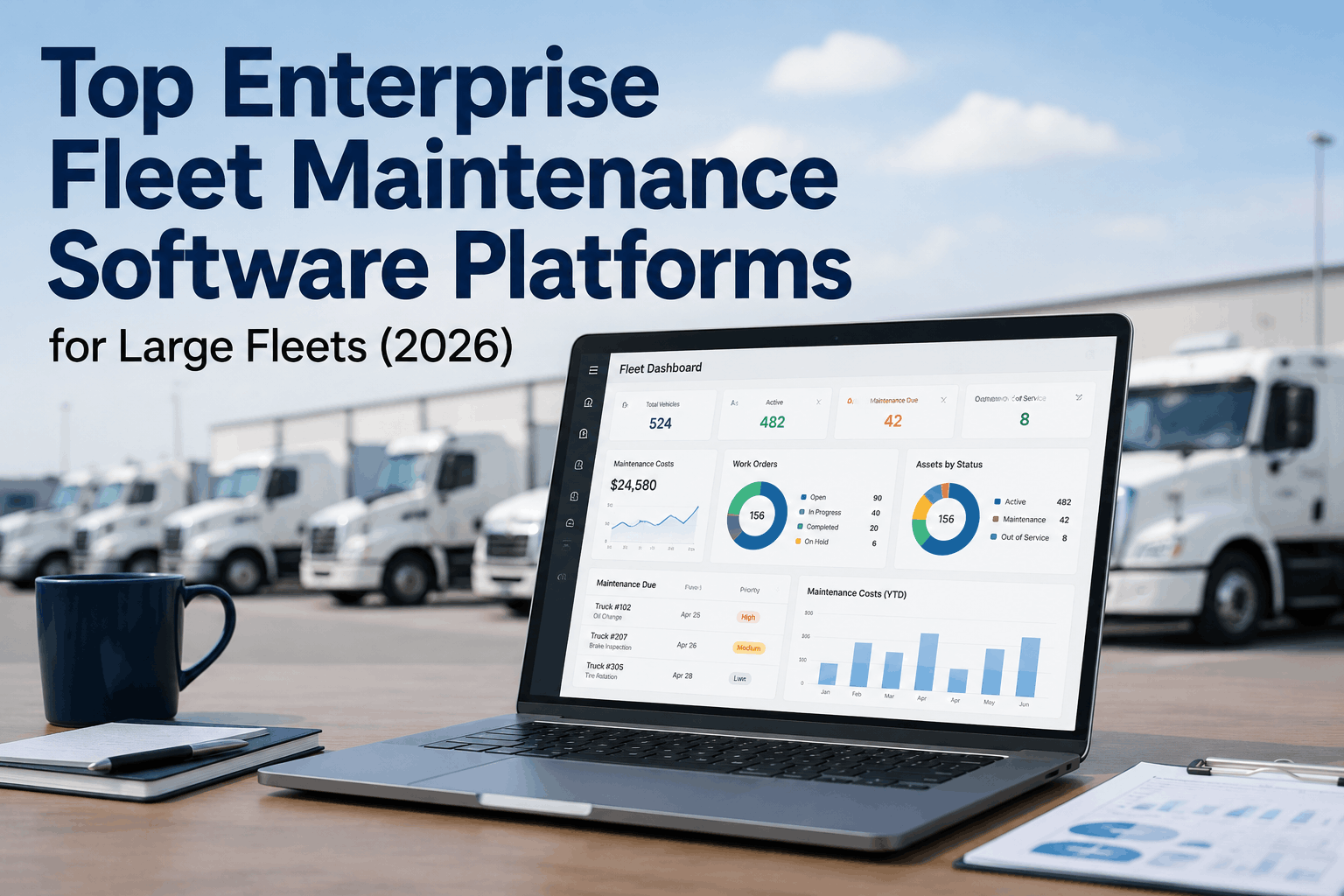
Right now, the location of every truck in your fleet lives in one system, the inspection each driver filed this morning lives in another, and the open repair on unit 214 lives in a third — and no single screen puts them together. So the dispatcher sends a truck that a mechanic already flagged, the maintenance lead never sees the defect a driver logged, and the manager finds out about a breakdown from a phone call instead of a dashboard. Fleet-wide visibility is the fix: one screen where a truck's location, its latest inspection, and its maintenance status sit side by side as a single record. This page covers what that dashboard actually combines, how to architect it, and the design principles that decide whether anyone acts on it. Start free and put your whole fleet on one screen with TIM.
TIM · Fleet-Wide Visibility
A Defect Logged at 6 AM Shouldn't Be Invisible by Noon
A driver flags a brake fault, the truck rolls anyway, and the maintenance lead hears about it after the breakdown — because the inspection, the defect, and the repair live in three places. Truck Inspection & Maintenance Management Software runs the whole loop on one record: a DVIR defect becomes a graded, assigned work order tied to that unit, sitting next to its location and PM status — so nothing a driver reports gets lost between systems.
Unit 214 · one record, three streams
◉GPSI-40, en route · 62 mph
⬢DVIRBrake defect flagged 6:12 AM
▦MaintenanceWork order open · unassigned
On the road with an open safety defect — visible in one glance, not three systems.
The Problem Isn't Missing Data — It's Scattered Data
Most fleets already collect everything they need. The trouble is where it lives. Fragmentation across separate tools is the norm, and different roles each end up looking at a different partial truth. When the three streams below never meet, the gaps between them are where breakdowns, missed defects, and wasted dispatches happen — and closing those gaps is exactly what Truck Inspection & Maintenance Management Software (TIM) is built to do.
◉
GPS / Location
Where every truck is, right now, plus route and movement history. Answers "where" — but says nothing about the truck's condition.
+
⬢
DVIR / Inspection
The driver's pre- and post-trip report: defects found, signed and dated. Answers "what did the driver see" — but sits in its own app.
+
▦
Maintenance
Open work orders, PM schedules, service history. Answers "what's being fixed" — but rarely knows a defect was just logged this morning.
⚠
What the gaps cost
A vehicle's location tells you nothing about its condition — and almost none of a fleet's daily reports say what state each truck is actually in. Industry analysis puts the average unplanned breakdown near $4,800 — roughly 4.8× the cost of the same repair done on schedule. The difference between those two numbers is usually just visibility: someone would have caught it, if the defect and the schedule had been on the same screen.
Joining the streams isn't a nice-to-have — it's the entire point of a fleet dashboard. Contact our team to connect your GPS, DVIR, and maintenance data in TIM.
The Architecture: How the Three Streams Become One Record
A dashboard that just puts three widgets on one page isn't visibility — it's three tabs stacked vertically. Real fleet-wide visibility means the streams are joined against the same unit, so a defect a driver logs this morning appears next to that truck's location and its open work order automatically. That join is the heart of how TIM is built — here's the architecture behind it.
◉ GPS feed
⬢ DVIR submissions
▦ Work orders & PM
↓ keyed to the same Unit ID ↓
Unified vehicle record
One row per truck — location, last inspection, open defects, PM due, all tied together
↓ filtered by who's looking ↓
Fleet map view
Exception queue
Role dashboards
The keystone is the Unit ID. Every stream has to write to the same vehicle identifier, or the "single view" is really three lists that happen to share a screen. This is the join most bolt-together setups skip — and the one TIM makes automatic, because inspection and maintenance are keyed to the same unit by design.
One Fleet, Different Jobs — Role-Based Views
A dispatcher, a maintenance lead, and an operations manager are all looking at the same fleet, but they need different things first. A strong dashboard delivers role-specific views rather than one crowded screen for everyone — the same underlying record, filtered to what each person acts on. TIM gives each role its own view off one shared record, so the cab, the shop, and the office work from the same truth.
DISPATCH
Where & is it safe to send?
Live map, which trucks are road-ready, which carry an open defect. Stops a truck being dispatched with a flagged fault.
MAINTENANCE
What needs fixing, in what order?
New DVIR defects, open work orders, PM coming due — ranked by severity so the critical fault jumps the queue.
OPERATIONS
How's the whole fleet doing?
Uptime, defect trends, compliance status across every unit — the strategic view, not the truck-by-truck one.
From "Log In" to "I Know What Needs Me" — In Seconds
The point of a unified dashboard isn't more data on screen — it's less time to the decision. The gap between a legacy interface and a modern one is the right data in the right hierarchy — so a manager goes from login to "these three trucks need me this morning" almost immediately. TIM builds that hierarchy in: exceptions surface first, everything healthy stays quiet.
Design Principles That Decide Whether Anyone Acts
Two dashboards can hold identical data and one gets used every morning while the other gets ignored by lunch. The difference is design. These are the principles that turn a screen full of numbers into a tool people actually make decisions from — and the ones TIM builds in out of the box.
01
Exceptions first, not everythingSurface what's wrong — the flagged defects, the overdue PM. A dashboard that shows all 200 trucks equally forces the manager to do the sorting, and that's how dashboard fatigue sets in.
02
Traffic-light statusGreen / amber / red that reads in a glance. Color does the triage before anyone reads a single label — the eye finds the red truck first.
03
One click to the detailEvery summary drills into the record behind it. See a red unit, click it, get the defect, the location, and the work order — without switching apps.
04
Built for the phoneMaintenance leads and drivers live on mobile. If the dashboard only works on a desk monitor, half the fleet never sees it.
05
Every mark earns its placeDecoration that carries no information is just clutter competing with the data. Restraint is what keeps the signal readable.
06
Live, not last-night's exportA dashboard people trust is one that's current. Stale data trains people to go ask someone instead — and then the screen is dead weight.
What "One Record" Looks Like in Practice
Take the unit from the top of this page. Apart, its three streams each look routine. Joined on one screen — the way TIM keeps them — they tell a story that changes what you do in the next five minutes.
◉ GPS alone
"Unit 214, moving, on route." — looks fine.
⬢ DVIR alone
"Brake defect logged 6:12 AM." — sits in the inspection app, unseen by dispatch.
▦ Maintenance alone
"Work order open, unassigned." — no one knows the truck is already rolling.
✔
All three, joined: a truck is on the highway carrying a reported brake defect with no one assigned to fix it. That's not three routine lines — it's one decision: pull it in. Visibility is what turns three quiet facts into that call, and putting all three on one record is what TIM does the moment a driver files a report.
How TIM Does It
The Dashboard Built Around the Joined Record
Truck Inspection & Maintenance Management Software isn't three tools bolted together — inspection and maintenance are joined on the same unit by design, so a defect becomes a work order and shows up against that truck the moment a driver files it.
Unit-keyed recordsEvery DVIR, defect, and work order writes to the same vehicle ID — the join that makes one screen honest.
DVIR → work order, automaticallyA flagged defect becomes an open, trackable repair without anyone re-typing it into a second system.
Severity-ranked queueCritical faults rise to the top; routine items batch into planned PM — the exceptions-first principle, built in.
Role-ready viewsDispatch, maintenance, and management each see the slice they act on, off the same underlying data.
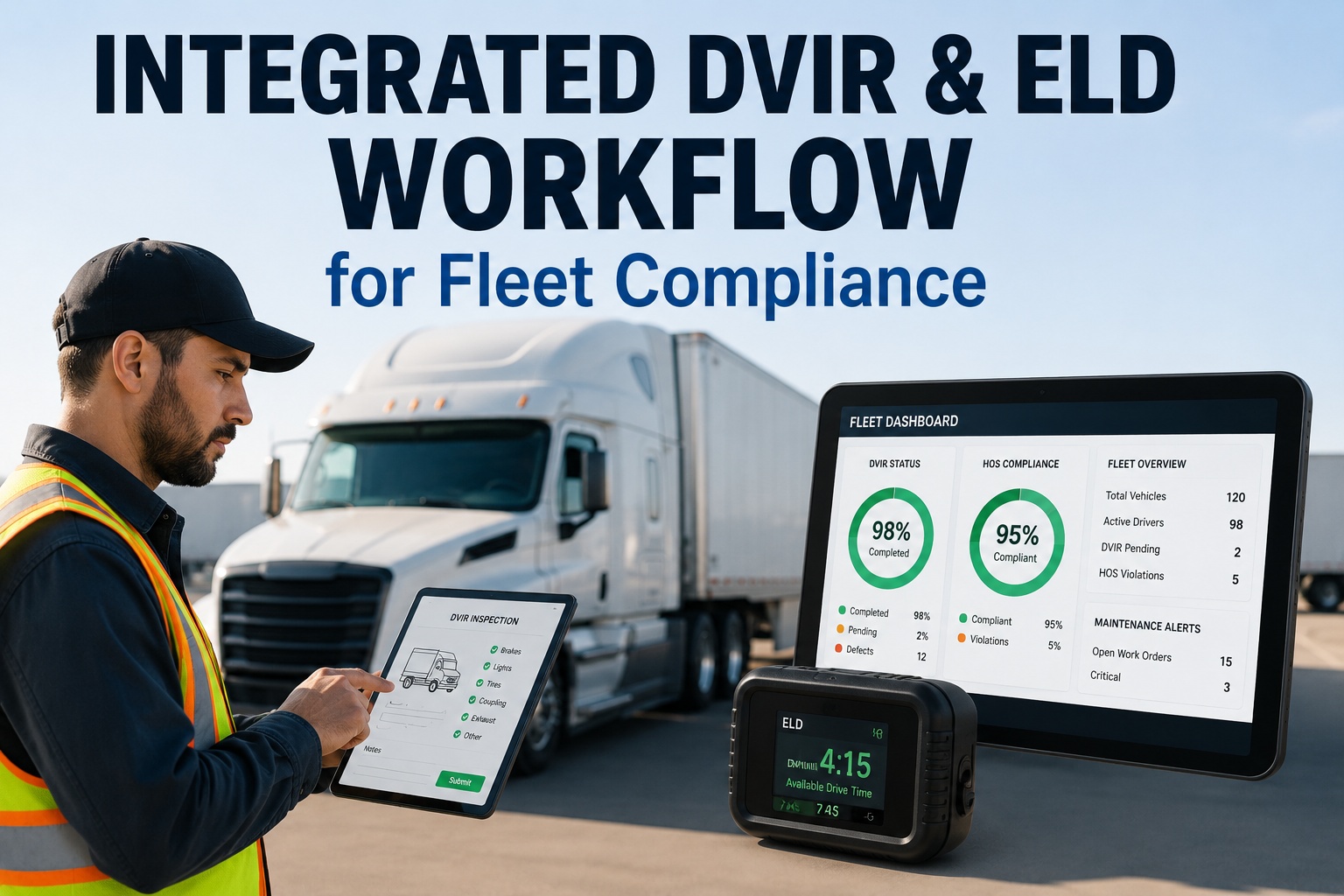
Audit-ready historyEvery inspection and repair kept as a dated record — the compliance trail assembles itself.
Mobile-firstThe whole fleet in a pocket, so the people closest to the trucks see the same picture as the office.
Frequently Asked Questions
What does "fleet-wide visibility" actually mean?
It means seeing every truck's location, its latest inspection, and its maintenance status together, on one screen, as a single record — instead of pulling each from a separate system and reconciling them yourself. The word "visibility" gets used loosely, but the working definition is simple: can one person, in one view, tell which trucks are healthy, which have an open defect, and which are due for service? If that takes three logins, you have three tools, not visibility.
Start free and get one honest view of every unit with TIM.
Why combine GPS, DVIR, and maintenance instead of keeping them separate?
Because the value is in the overlap, not the individual streams. GPS knows where a truck is but nothing about its condition; DVIR knows what a driver reported but sits in its own app; maintenance knows what's open but often doesn't hear about this morning's defect. Kept apart, each answers a third of the question — and the gaps between them are exactly where a flagged truck gets dispatched or a small fault becomes a roadside breakdown. Joining them is what lets one glance replace three.
Contact us to combine your fleet's three streams in TIM.
What makes a dashboard actually get used instead of ignored?
Design that respects the reader's time. The dashboards people abandon show everything with equal weight and force the user to hunt for what matters; the ones people rely on surface exceptions first, use color to triage at a glance, drill to detail in one click, work on a phone, and stay current in real time. The test is speed to decision — how fast someone goes from opening the screen to knowing exactly which trucks need them. More data doesn't help; the right data in the right hierarchy does.
Start free and see an exceptions-first dashboard with TIM.
Do different roles need different dashboards?
They need different views of the same data. A dispatcher looks first at location and road-readiness; a maintenance lead looks first at new defects and open work orders ranked by severity; an operations manager looks first at fleet-wide uptime and trends. Forcing all three onto one identical screen means everyone scrolls past two-thirds of it. Role-based views keep the underlying record single and shared, but present each person the slice they act on — which is why the same platform can serve the cab, the shop, and the office without three separate systems.
Contact our team to set up role-based views for your fleet.
We already have GPS tracking — isn't that fleet visibility?
GPS is one stream of three, and on its own it shows location without condition. Knowing exactly where a truck is doesn't tell you a driver flagged its brakes this morning or that its PM is three weeks overdue. That's the trap of location-only "visibility": the map looks complete while the two streams that predict breakdowns and compliance failures are invisible. True fleet-wide visibility adds inspection and maintenance to the location you already have, so the dashboard tells you not just where every truck is but what state it's in.
Start free and add condition to the location you already track.
One Unit · Three Streams · One Screen · One Decision
Stop Reconciling Three Systems in Your Head
Your fleet's location, its inspections, and its repairs are already being collected — they're just scattered across tools that don't talk. Fleet-wide visibility puts them on one screen, keyed to the same truck, ranked so the exceptions find you instead of the other way around. That's the difference between a dashboard you check and a dashboard you decide from. TIM makes the joined record the default on every unit you run.
No credit card required · Free for up to 3 trucks · GPS-ready, DVIR-to-work-order, and PM on one dashboard