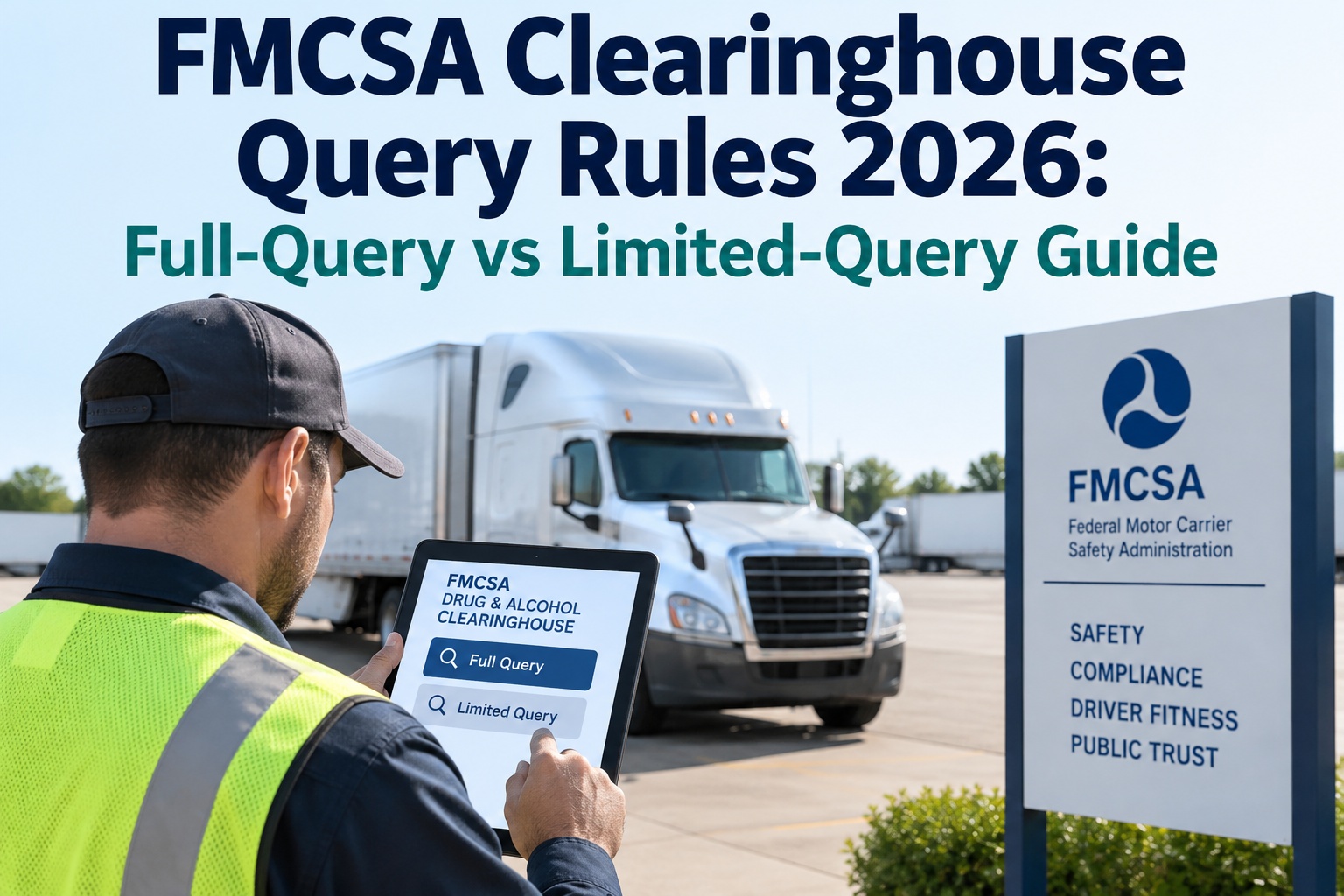
The FMCSA Clearinghouse runs on two query types that get constantly confused and getting them backwards is one of trucking's fastest-growing violations. A full query shows a driver's actual record and needs electronic consent inside the Clearinghouse; a limited query only says whether a record exists and runs on a written consent kept on file. Pre-employment takes the full query; annual monitoring uses the limited one — until it returns "yes," which triggers a full query within 24 hours. This guide lays out both side by side, the consent rule for each, and the escalation. Truck Inspection & Maintenance keeps every query date, consent form, and result in one audit-ready record — start a free trial or contact our team.
FMCSA Clearinghouse Query Rules 2026: Full-Query vs Limited-Query Guide
Two query types, two consent rules, one 24-hour escalation. Confuse them and it's a per-driver, per-cycle penalty. Here's the whole system, straight.
Why This Matters More in 2026
The Clearinghouse has grown consequential enough that a few numbers control most of the compliance risk:
Over 200,000 CDL drivers sat in prohibited status as of January 2026 — roughly 1 in 30 registered. Skipping a query doesn't just risk a fine; it risks putting a prohibited driver behind the wheel.
The 2026 civil penalty for a missed query — charged per driver, per cycle, separately. A handful of missed annual queries compounds into real money fast.
Query-related violations were among the fastest-growing driver-qualification categories FMCSA cited last year — the direct result of carriers getting query type or timing wrong.
Track every driver's query cycle so none slips past 12 months. Start a free trial and turn query dates into automatic reminders.
Full vs Limited — The Side-by-Side
Everything that differs between the two, in one view. The consent row is where most carriers trip:
The Consent Trap — General Written Consent Cannot Unlock a Full Query
This is the mistake FMCSA reviewers see most. A general written consent form — the one you keep in the driver-qualification file — authorizes limited queries only. It does not stand in for the specific electronic consent a full query requires, which the driver must grant by logging into their own Clearinghouse account for that exact request. So when a limited query comes back "yes," you can't just run the full query off the form on file — the driver has to be registered and grant electronic consent inside the portal. Carriers that don't build time for driver registration into their process get stuck: the clock is running on the 24-hour escalation, and the driver can't consent because they never registered. Get drivers registered early, before you ever need the full query. Start a free trial and track which drivers are registered and consent-ready.
The Escalation — When a Limited Query Says "Yes"
A "record exists" result starts a hard 24-hour clock. Here's exactly what has to happen:
A full query triggered by a limited-query hit carries no additional charge, and a completed follow-on query can reset that driver's rolling 12-month annual clock.
The Annual Cadence — Rolling, Not Calendar
The most common timing error is batching everyone once a year. The rule is per-driver and rolling:
Every query date, every consent form, every result — logged per driver so the 12-month clock and the 24-hour escalation never catch you out.
Automate the compliance recordkeeping alongside DVIRs, PM scheduling, and work orders in one mobile-first platform — with per-driver query reminders and an audit-ready trail of consent and results, so a DOT reviewer sees a clean file, not a scramble. Start a free trial or talk to our team.
Frequently Asked Questions
What's the difference between a full and limited query?
A full query shows the actual contents of a driver's Clearinghouse record and requires electronic consent inside the portal. A limited query only tells you whether a record exists (yes/no) and runs on a written general consent kept on file. Pre-employment must be a full query; annual monitoring typically uses the limited one.
Can I use a limited query for pre-employment?
No. Under 49 CFR 382.701(a), every pre-employment query must be a full query showing the driver has no prohibitions before they perform safety-sensitive functions. There is no limited-query option at hiring — the driver must be registered and grant electronic consent.
What consent does each query type need?
A full query needs the driver's specific electronic consent granted inside the Clearinghouse for that request. A limited query needs only general written consent, obtained outside the Clearinghouse and retained in the DQ file — it can cover multiple queries over a defined period and stays valid while the driver is employed.
What happens if a limited query comes back "yes"?
You must run a full query on that driver within 24 hours under 49 CFR 382.701(b)(3). If you don't complete it in that window, the driver must be pulled from safety-sensitive functions until it clears. The follow-on full query carries no extra charge.
Is the annual query due by calendar year or rolling?
Rolling, per driver. The query must be completed at least once every 12 months from each driver's last query date — not batched by calendar year. If you queried a driver on September 10, the next is due no later than September 10 the following year. Retain limited-query consent records for three years.
How does Truck Inspection & Maintenance help with Clearinghouse compliance?
It stores each driver's query dates, consent forms, and results in one audit-ready record and fires a reminder before the rolling 12-month deadline — alongside your DVIR, PM, and work-order records — so query type, timing, and consent are all documented and nothing lapses. Start a free trial or contact us.
Full for hiring, limited for monitoring, a full query within 24 hours when limited says "yes" — and never off a general consent form. That's the whole system.
Keep every query date, consent form, and result per driver in one audit-ready platform, with rolling 12-month reminders and registration tracking — so a Clearinghouse audit finds a clean, complete file instead of a gap.